
Creating the site:
First, to create my website I used WordPress which was hosted by Newcastle University, and the URL I needed to visit to begin https://blogs.ncl.ac.uk/. Here I clicked on the option to “Create personal blog”.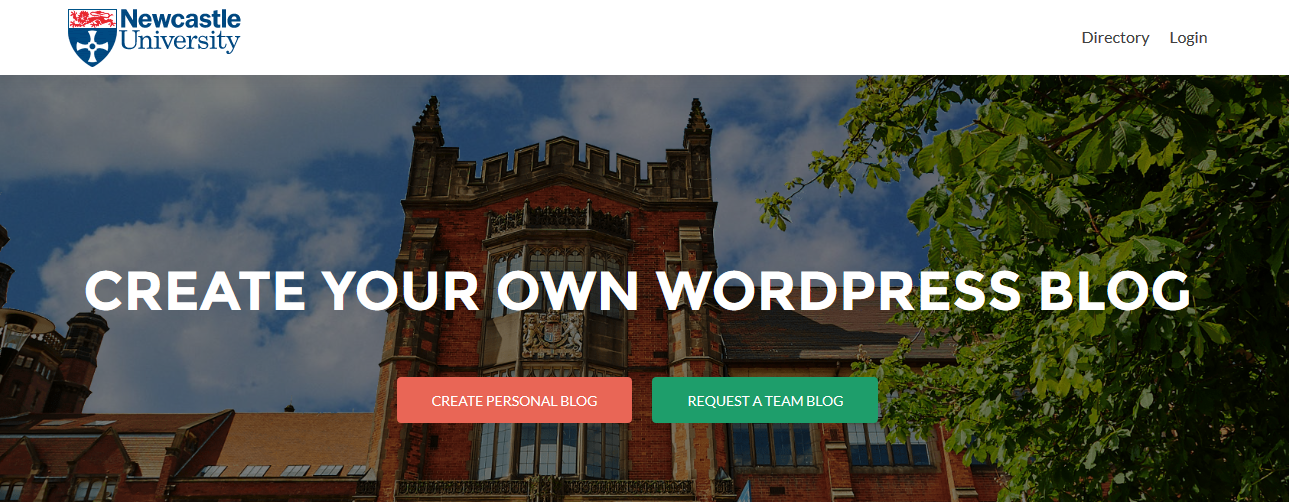
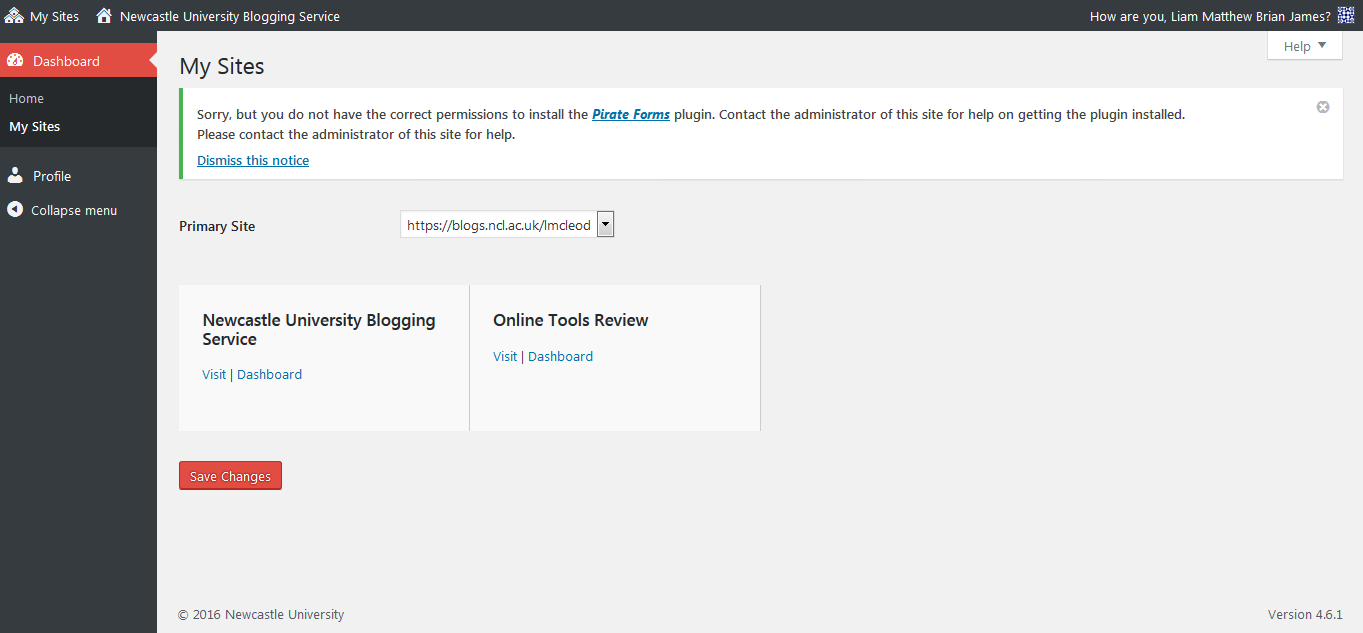
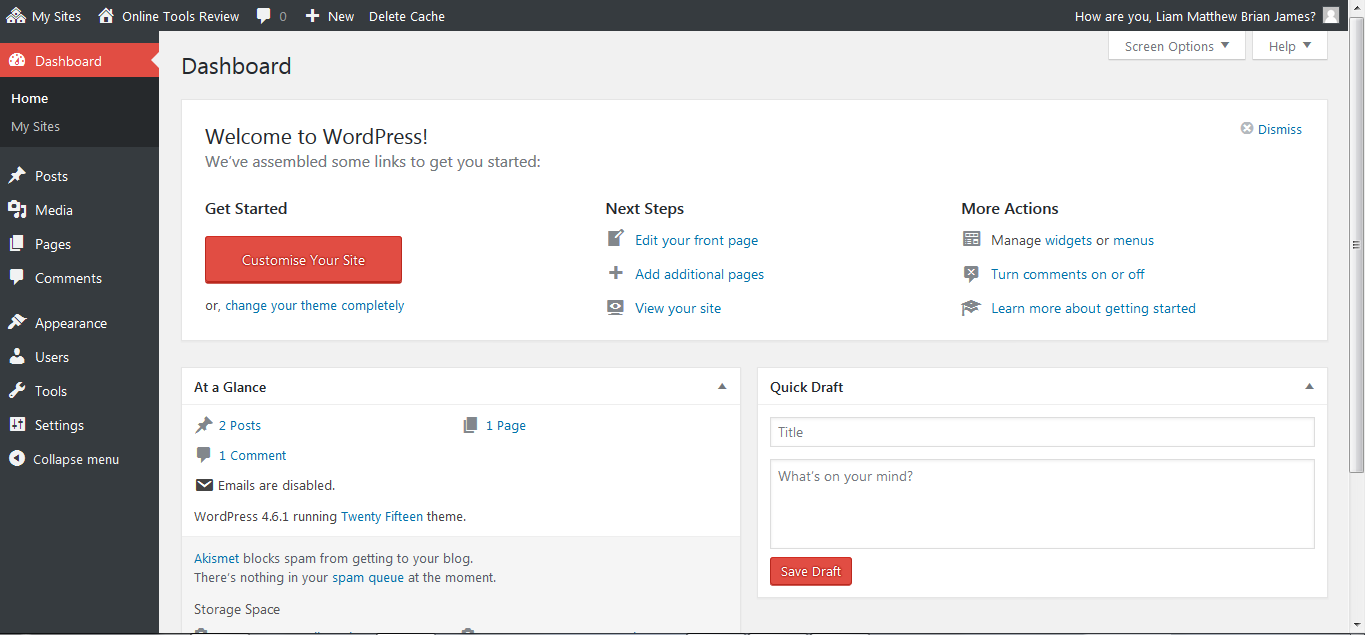
I was then taken to the WordPress “Dashboard” where I proceeded to start my site. Which then redirected me to the home page, which was a post page at the time consisting of multiple posts, so this needed changed.
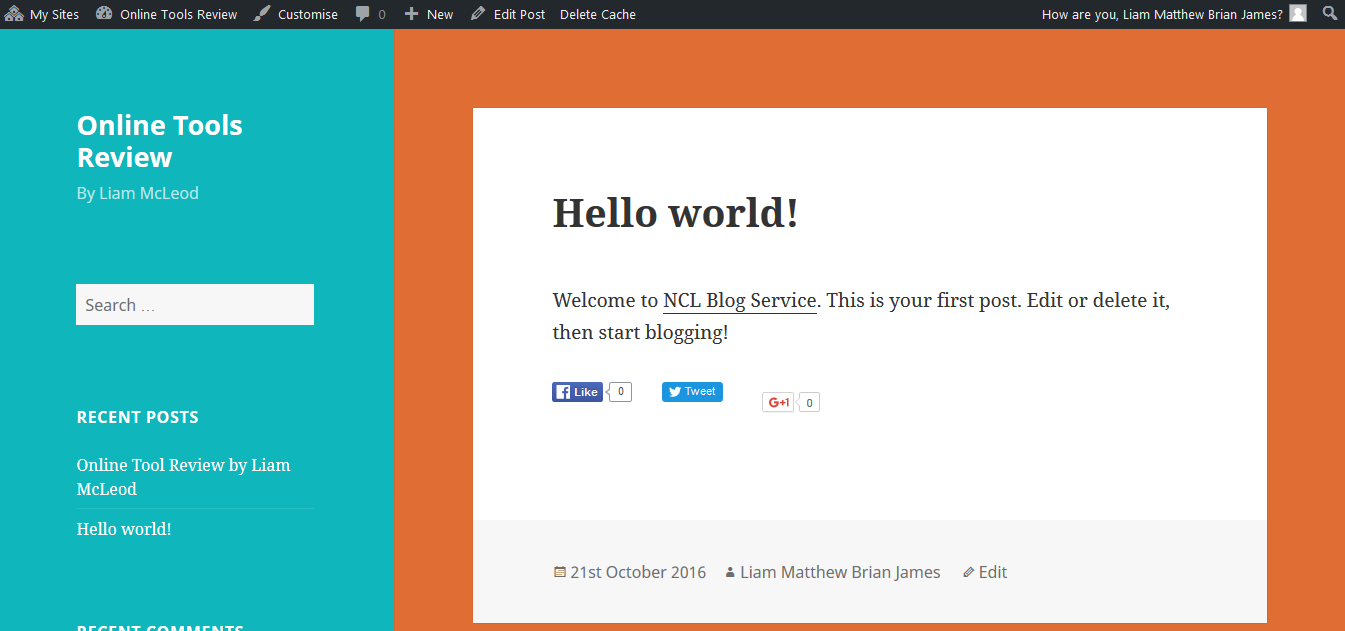
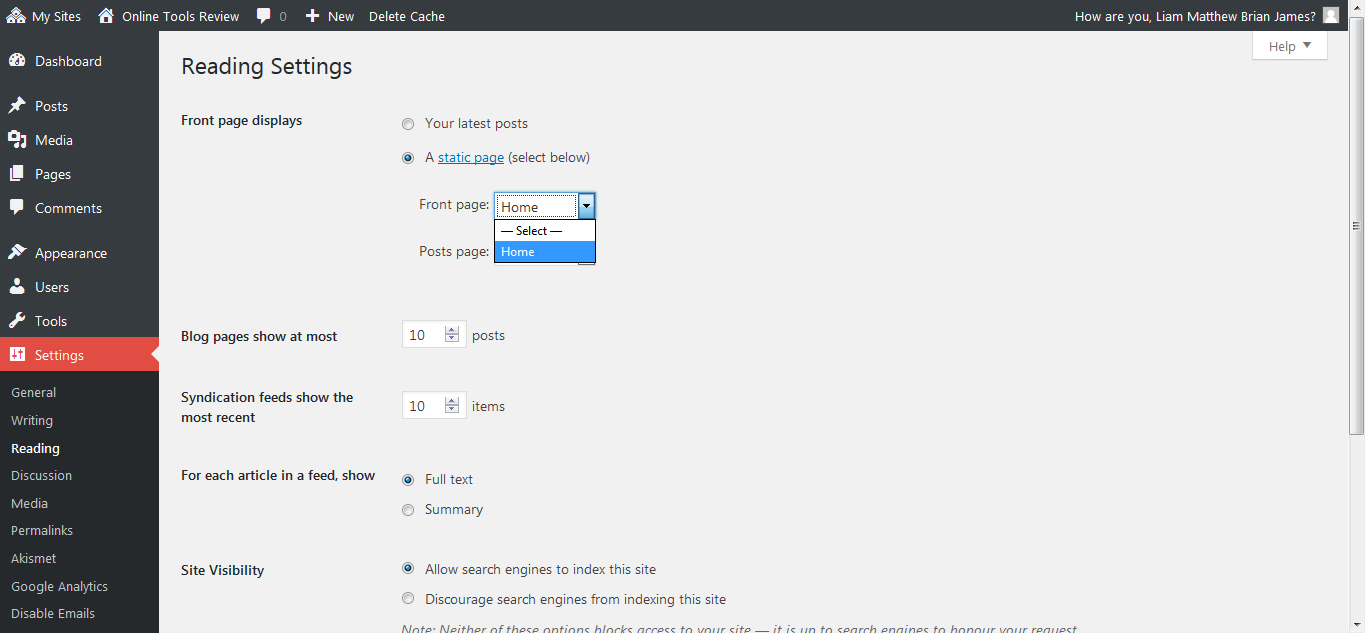
I went to the dashboard of the website and selected the settings tab on the left-hand menu. From here I changed the Front page displays to “static page” instead of “your latest posts”, then I toggled the drop-down menu next to the text saying “Front page:” and selected “static”. I then saved the changes and previewed my new home page.
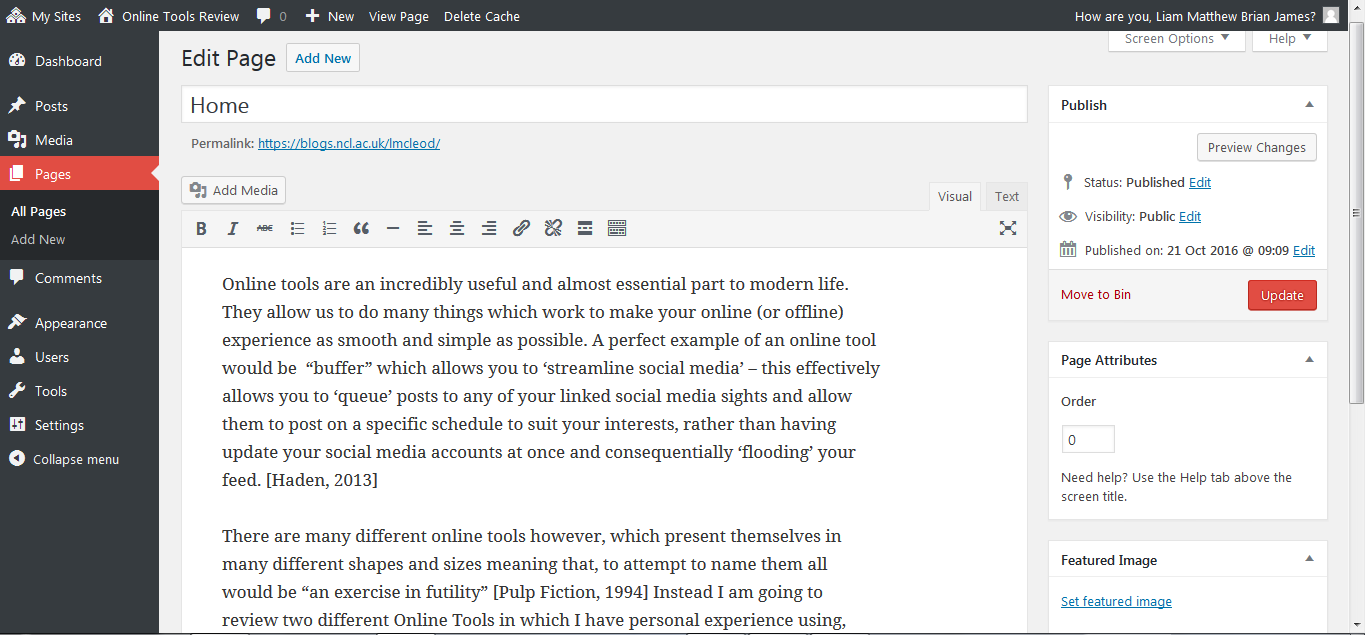
I added a post to my home page and Titled it “Home” and filled it with a brief body of text describing the purpose of the website. This included explaining what an online tool was, and explaining a bit about how the website is formatted.
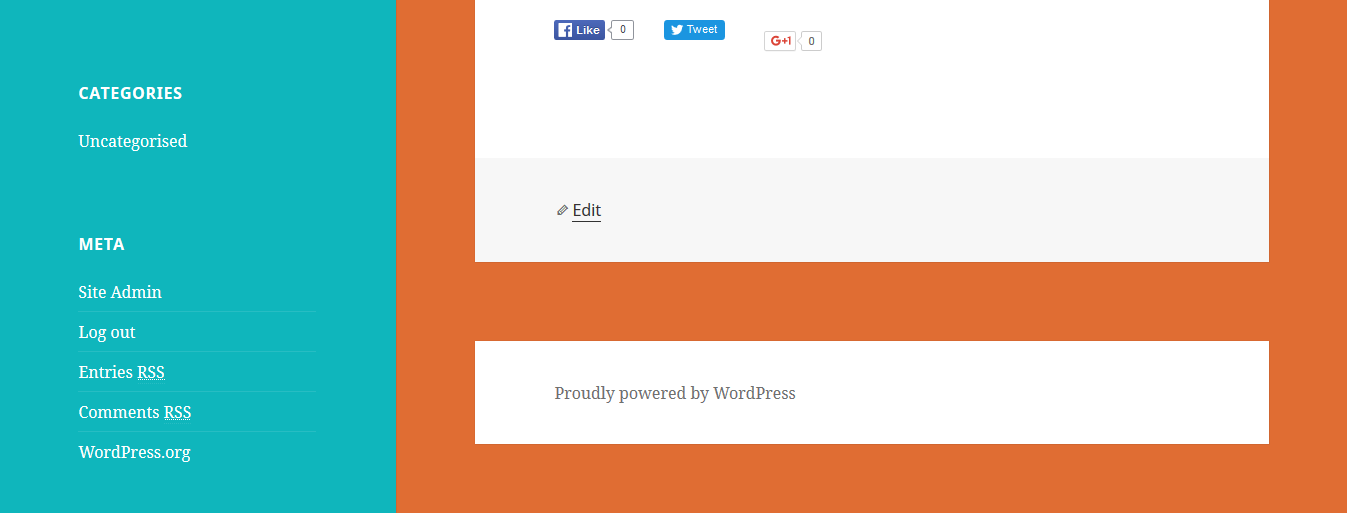
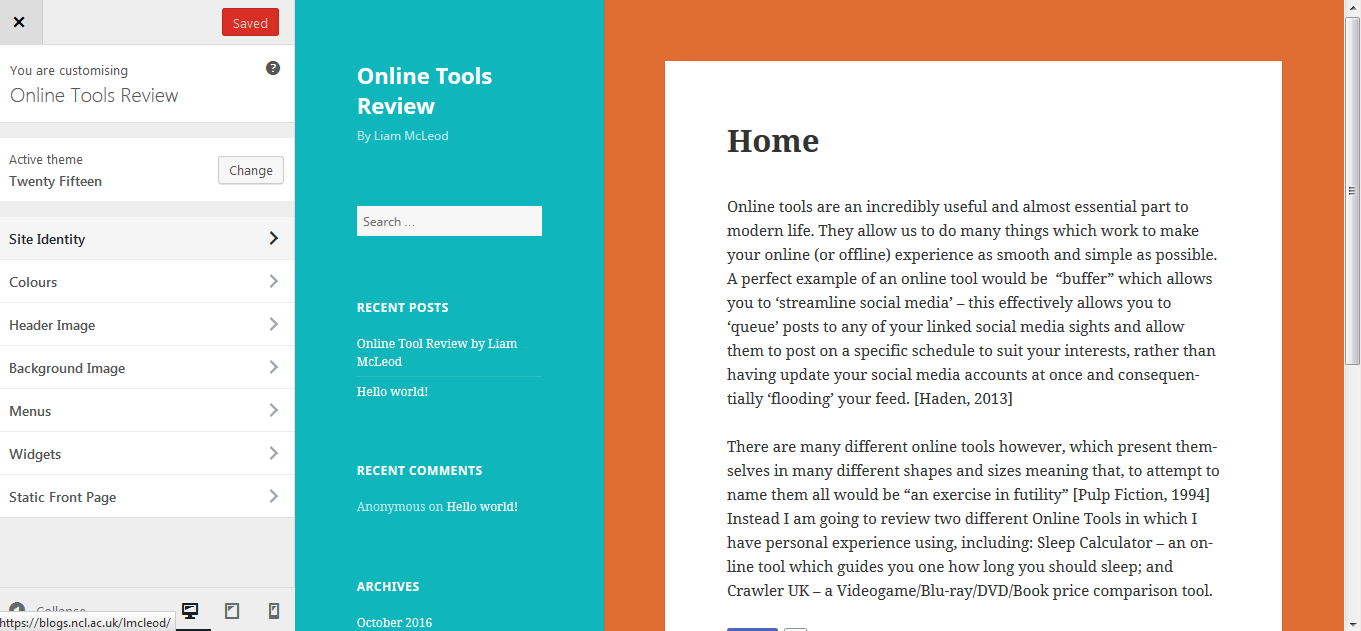
I then began to customise my front page by selecting the “customise” option on the header menu at the top of the page. A new side-menu opened with various aspects of the website which were customisable, so I began with the “Site identity” From here I added a title and a tagline. Then I started to customise the colour scheme to a one which I thought was pleasing to the eye and selected save and publish at the top of the page.

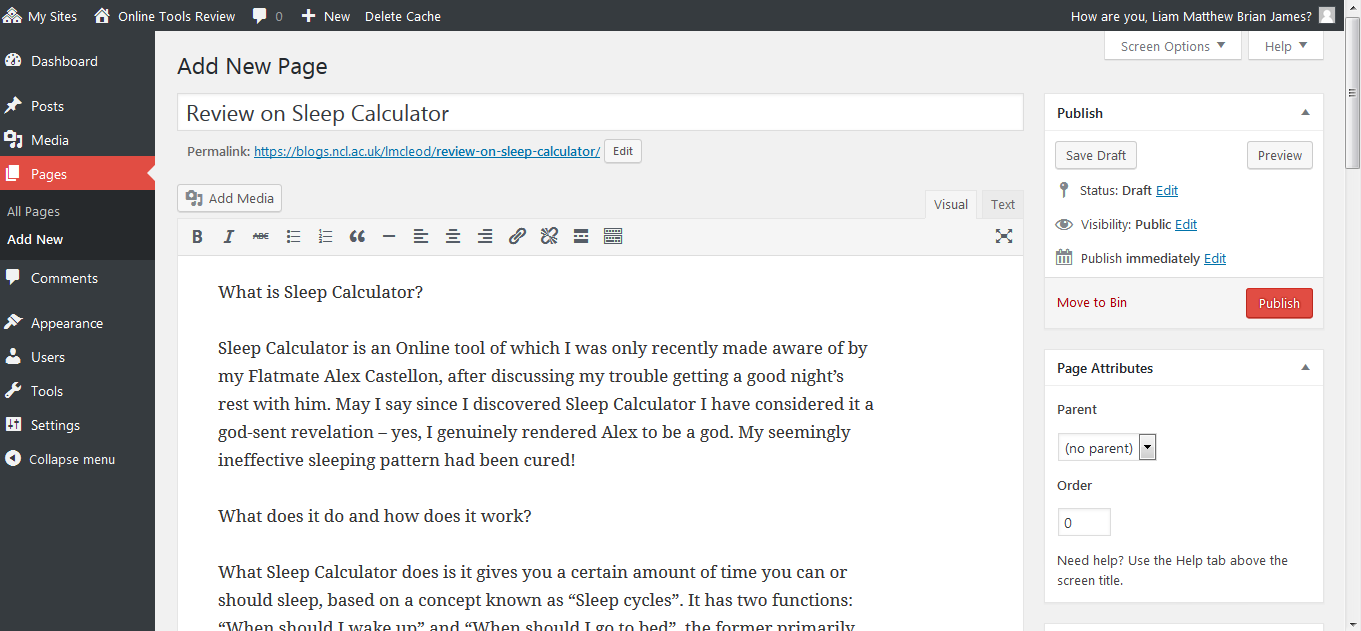
I then clicked on the “+ New” tab at the top of the page, and a drop-down menu appeared, I then clicked on the “page” option to add a new page. I named this new page “Review of Sleep Calculator” and continued to write my review, I then repeated this process again to create another page consisting of my review on Crawler UK.
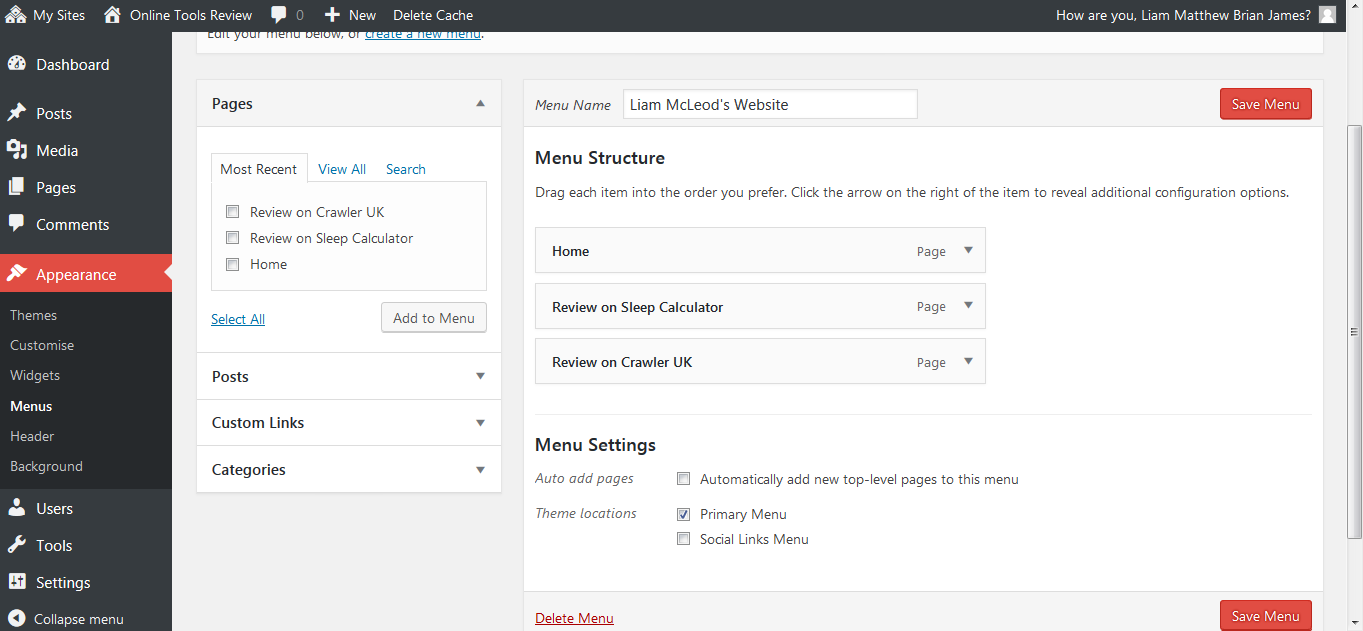
I then went back to the home page of my website and toggled over the “online tools review” option, which brought up another drop-down menu, and I clicked on the “menu” option. I then selected the tick boxes which were to indicate which pages were to be added to the menu. Arranges them in the order I wanted them to descend on the menu, and ticked the “Primary Menu” box under the “Theme locations” subheading.
I then created two more pages using the same technique, one consisting of this report, and another page titled “About” which is a page describing myself, including my hobbies and interests, current academic status and my prospects for the future.
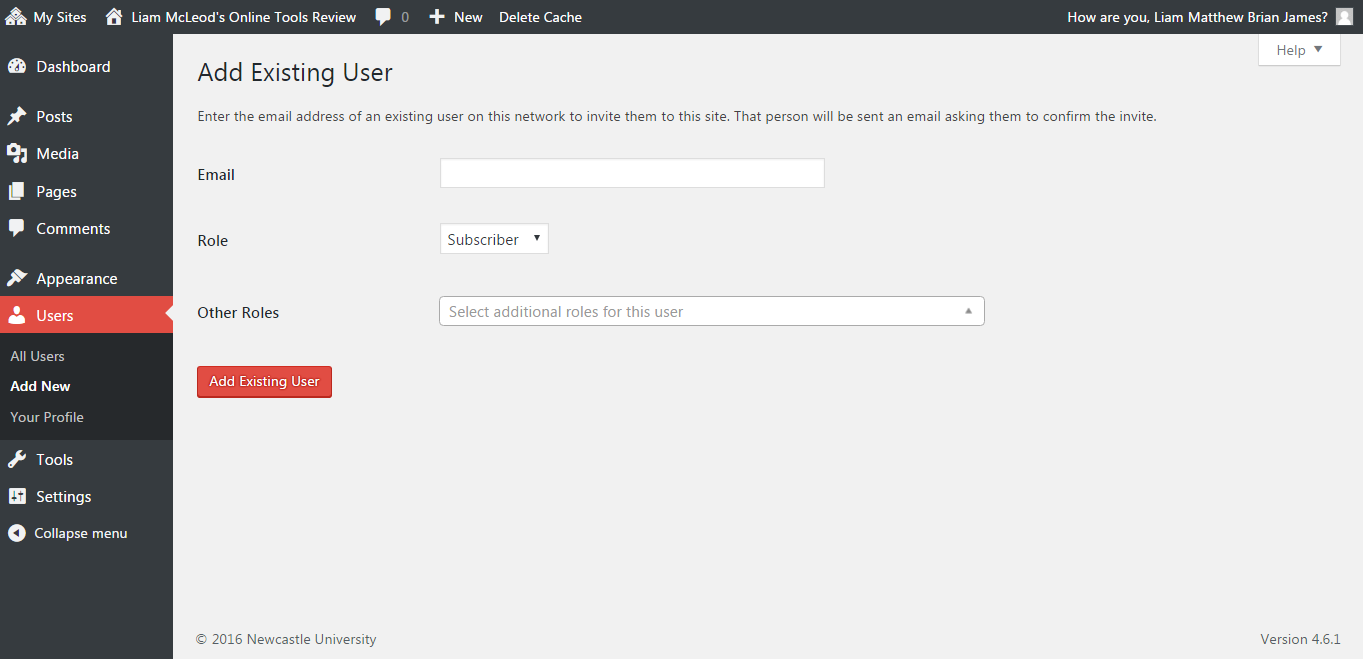
I then demonstrated key WordPress skills by adding my lecturer to my website as an editor. I done this by selecting “users” from the dashboard menu and selected “invite new”. I then added her by username, selected “editor” from the list of roles and sent the invite.
I then changed the theme to “Twenty Ten” and stripped it of its colour scheme which I changed to black and white as I found this looked far more professional.
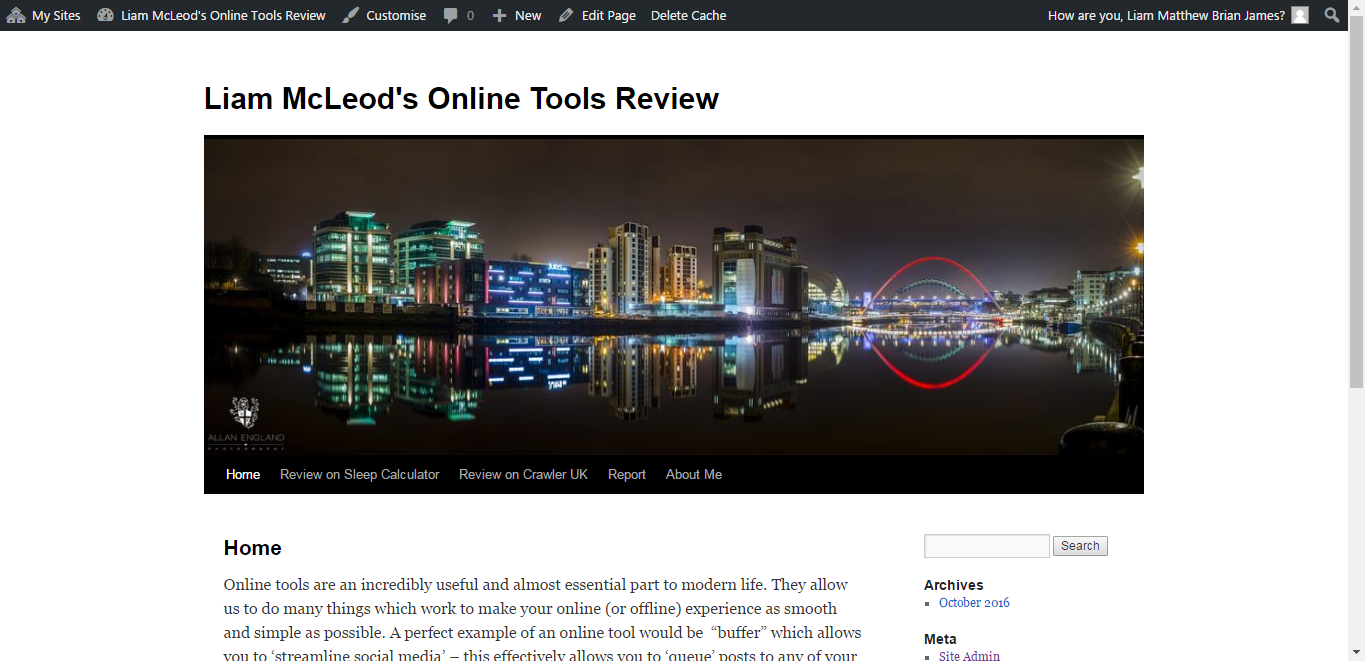
Finally, my website was complete and I spent the rest of my time proof reading the content, adding images, and editing fonts.
The easiest part of the assignment:
The easiest part of the assignment for me was the review on Crawler UK. That is because I didn’t have to get any information from sources other than the website itself which was very effective at saving me time. I also know a lot about this online tool so I had a lot which I could say about it. My experience with the online tool meant I could easily describe how to navigate it as well as how to manipulate screenshots effective to act as a visual aide to the readers on my blog. Th amount of content which I could write about was easily enough to exceed the minimum of 500 words which was set for my review, but not so much that it took me longer than necessary or was too much information for the reader to take in.
Difficulties:
The elements which gave me the most trouble were the referencing. In one circumstance, I was attempting to reference the film pulp fiction, but was struggling to find the information required to complete it, which I was made aware of by the website “Cite them right online”. I couldn’t identify the “place of distribution” or the “distribution company”. After digging around online I eventually found the information I was after on IMDb. I also had a huge problem with setting up a blog on WordPress. As I went to create a new blog, the option for me to do so would not appear. This caused me to have to write out my content in a word document and store it on that until the issue was rectified. To combat this I sent an email to my lecturer and notified her of this problem, I also brought it up in the practical session the next day, as I hadn’t read my emails that morning. After doing so, the issue was resolved and I began putting my content onto the website and working on the design, and interactive aspect of it. Nevertheless, this certainly caused and unwelcome delay in my assignment. Also, taking a lot of screenshots and editing them to make them as useful as possible was not particularly hard but incredibly tedious.