
Google Docs
What is Google Docs?
Google’s Docs, Sheets and Slides are 3 online applications that form Google’s office suite for its google drive service. Google Docs is a word processor, Google Sheets is a spreadsheet program and google slides is a presentation program. The main difference between Google’s office suite and Microsoft’s Office 365 and Apple’s I cloud apps is that Google docs only exists in your Web browser, as opposed to being desktop-based.
Collaboration
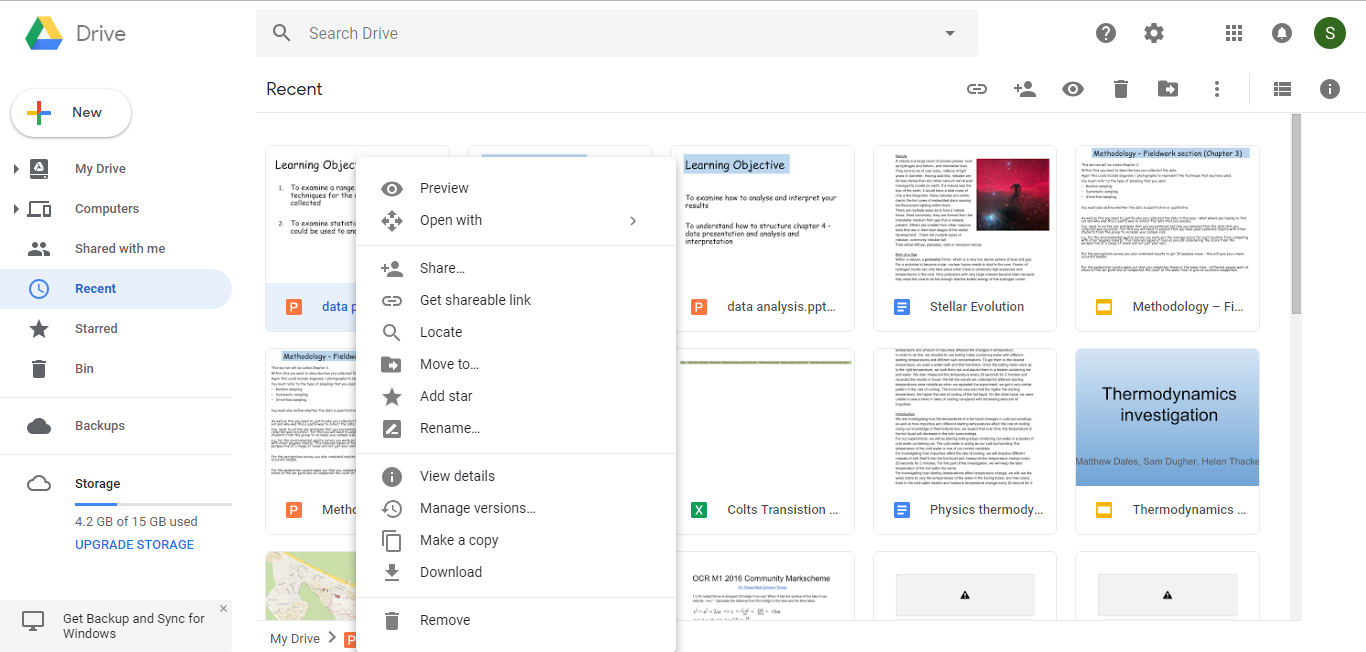
Some of Google Docs best features are revealed when you are working on a document with other people. The first time I used Google Docs was for a group project in Physics in which we had to produce a document on stellar evolution. Using Google Docs, we were all able to add to the document at the same time during our lesson, each working on a different part of the project. If you open the document and someone else has edited it, it alerts you to changes that they have made.
Compatibility with Microsoft Office
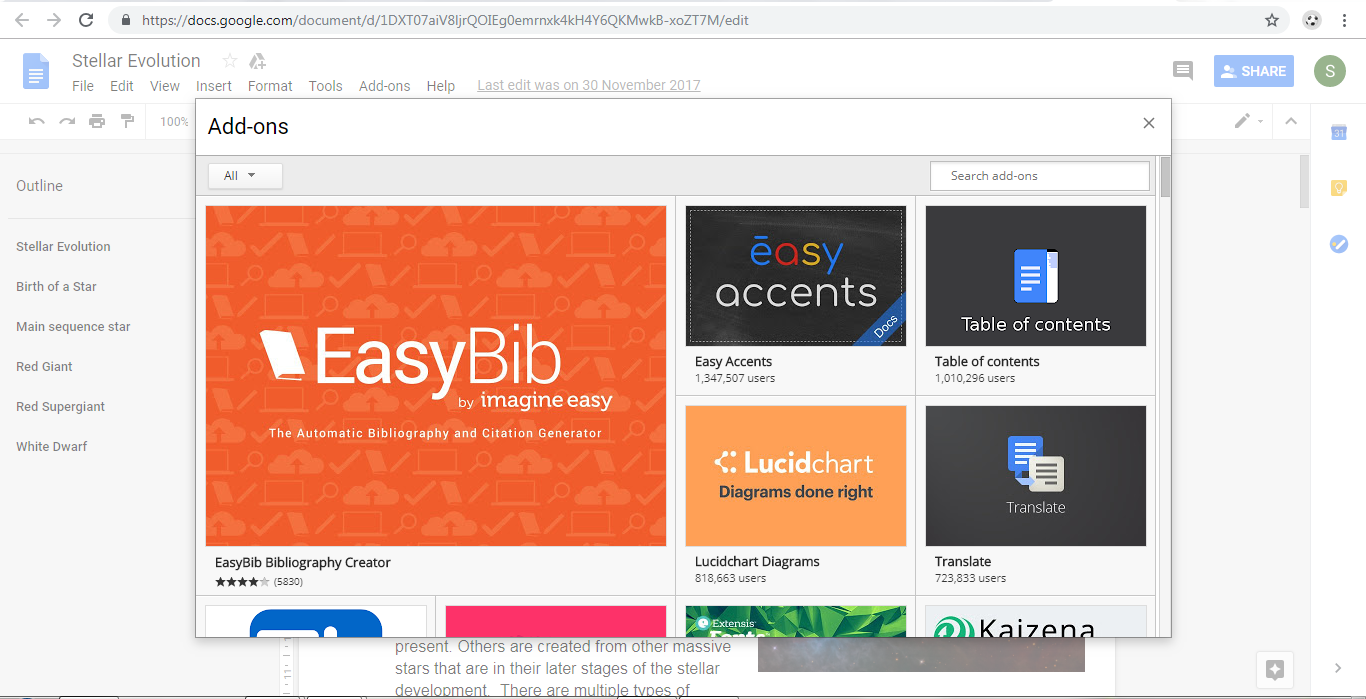
Another important attribute of Google Docs is how well it can import Microsoft office documents so that you can edit them without any trouble. What is also very important about Google Docs is the add-ons you can get that provide features that you you may want to use for your document. For example you can use google translate to change the language of your whole document .
Templates
There are vats array of templates available for Google docs and slides’ presentations that are very professional and stunning in their design.
Verdict
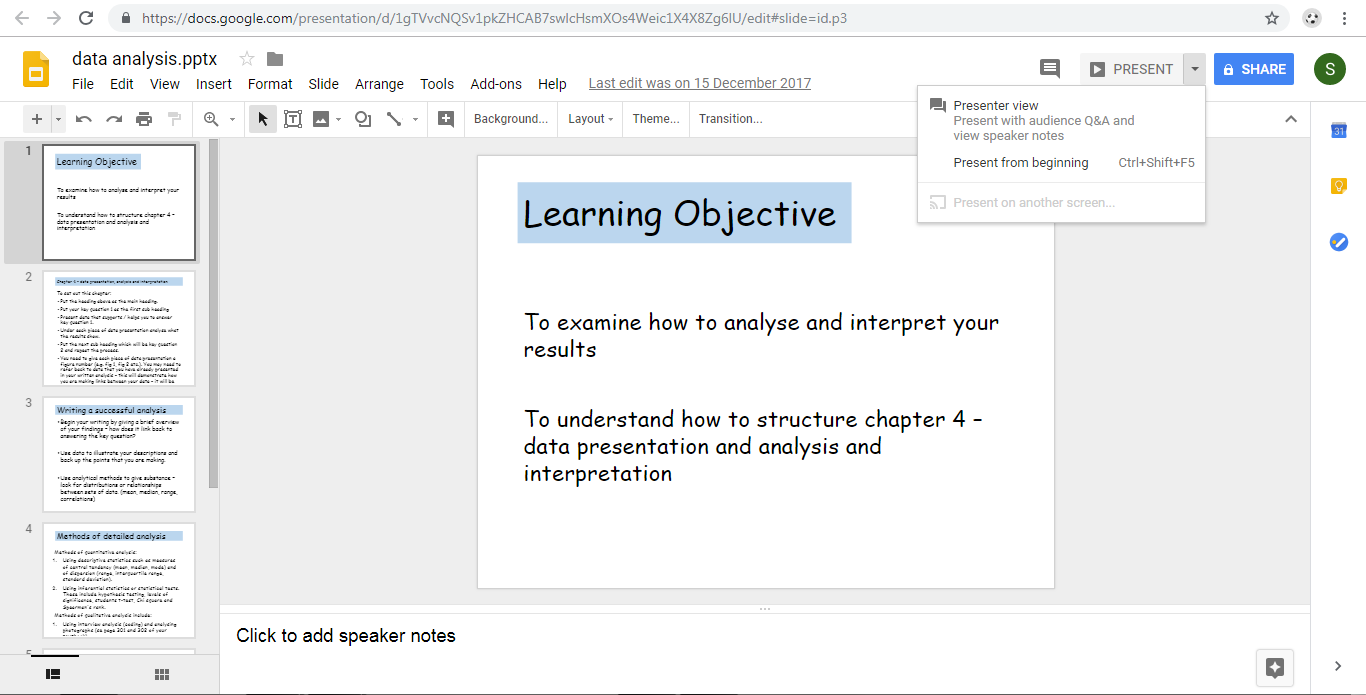
Anyone who wants to create a document which other people can work on and edit should consider using Google Docs, because its collaboration features are a step ahead of office suites available. However when comparing the features of google docs with office, it seems office provides more features and and more customization of your documents.
Advantages:
- Free
- Can be accessed from portable devices such as your mobile,
- You can export the files in multiple formats
Disadvantages:
- Requires you to install a browser plug in for Chrome in order to edit your work offline
- Not as powerful as desktop-based products such as office word and power point etc