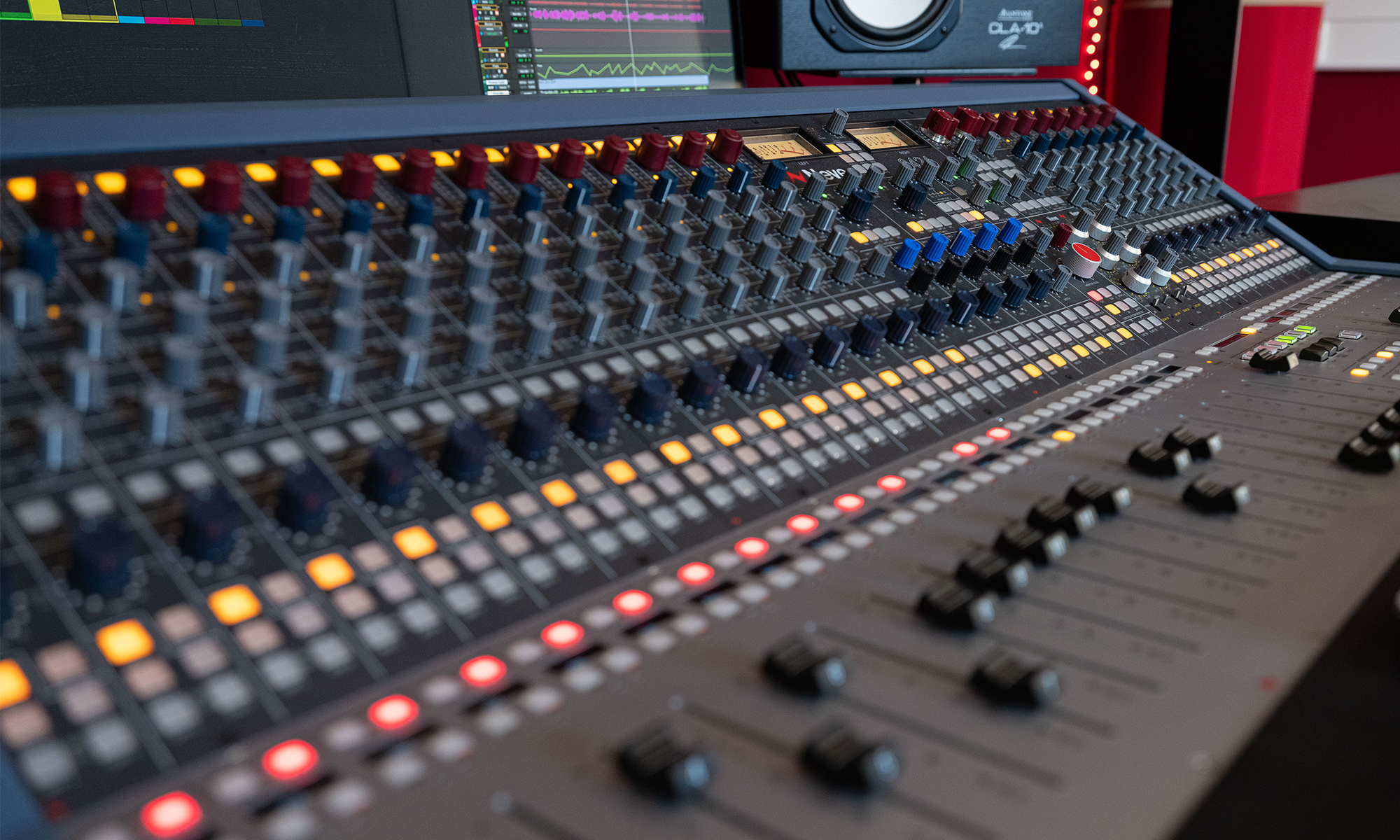

The Flexible Workspaces within the Music Studios are simple to use, as long as you turn the equipment on in the right order:
- Ensure that the power plug switches along the wall are turned on, and that the monitor speakers either side of the monitor are turned off. This ensures that the pops and crackles that may damage the speakers when everything else is turned on don’t occur.
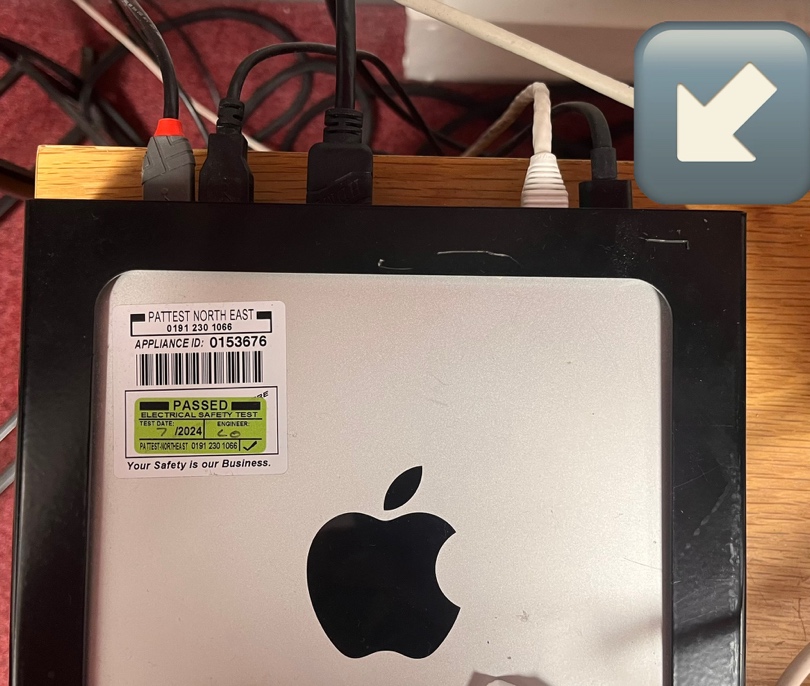
- The power switch for the Mac Mini is located at the rear of the unit, in the far right corner. You may turn this on now, followed by the power button for the monitor.
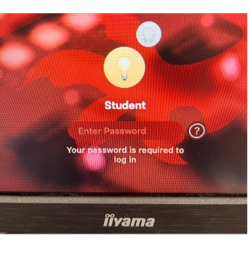
- The password to log into the student account is ‘student’, and can give you access to the software available on the system, such as Pro Tools, Sibelius, and others.
- The speakers can now be turned on.
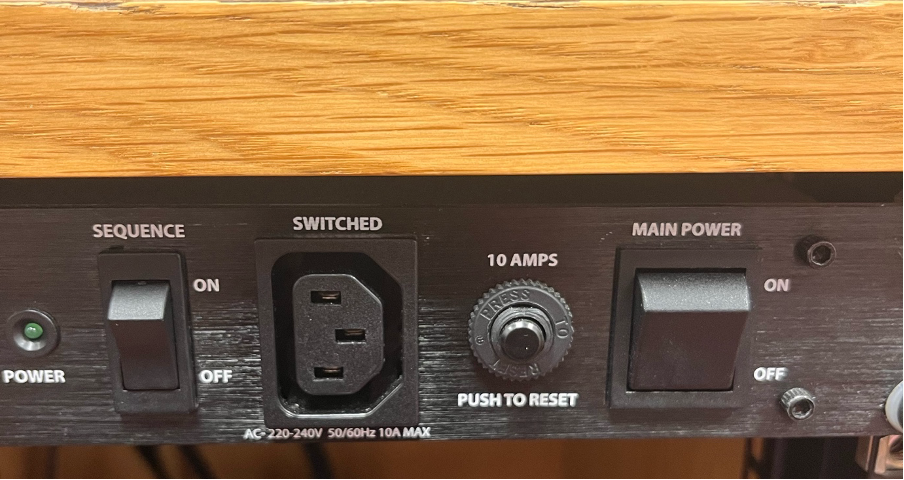
In some rooms, you will need to turn on the power conditioner first (MAIN POWER first, then SEQUENCE second). If there is no power conditioner in your room, you may turn the speakers on directly.
- Large ADAM speakers: Power switch on the front panel, top centre.
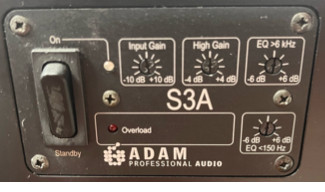
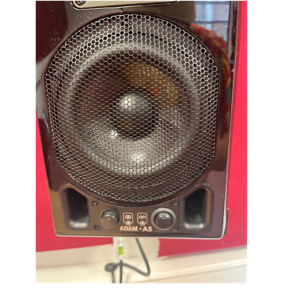
Small ADAM speakers:Power switch on the front, bottom right.
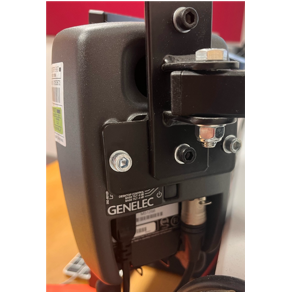
Small Genelec speakers: Power button on the rear of the speaker, next to the GENELEC logo.
- It is crucially important, when you have finished your work for the day, that you power everything off in reverse order. In particular, turn off the speakers in the room before anything else, again to avoid damage.