
University Education Devleopment Fund

lightbulb

There’s still time to apply to the  University Education Development Fund  which supports staff to undertake projects with real benefit to students’ education at Newcastle University.   

Two strands of funding are available:   

  • Up to £2,500 for projects focused within an individual academic unit, or across multiple areas through the Responsive strand.   
  • Up to £10,000 for projects with collaboration across academic units through the Strategic strand.   

Chaired by the PVC Education this fund support projects which further the aims and key themes of the Education Strategy and applications in the areas of UN Sustainable Development Goals and decolonising the curriculum agenda would be welcome.  

Application deadline for 2020-21:  Deadline extended to Wednesday 28 April, 17:00  

Attend an Education Development Fund workshop or a webinar to find out more:   Education Development Fund webinar Thursday 25 March 2020, 15:00-15:30   

Full information and guidance notes available online.   

Students: Have your say about digital exam software

Four students accessing electronic resources together

At Newcastle University we are choosing new software for students to take digital exams.  The exams will include auto-marked questions like multiple choice or fill in the blank, and written exams that you can take online.  Students will be able to use the software on their own laptops, or use university computers.  

The software we choose must be user friendly.  That’s why we’re inviting students to volunteer for usability testing.  Your input will be key in determining the software that students will use in the future at Newcastle. 

What’s usability testing and how can I get involved? 

  • Complete the testing online any time that suits you, between Monday 26 April 2021 and Friday 21 May 2021 
  • You need a computer connected to the internet 
  • You will be given login details, and a series of tasks to do in each system 
  • When you finish the tasks in each system, complete a survey about how user friendly it is  
  • You may need to install some software on your computer.  You can uninstall it when you’ve finished testing 
  • You will need to test up to 4 software systems.  Testing each one will take approximately 1 hour, and you can split the time up however you want, to fit your schedule 

Why take part? 

Sign up 

Complete this form by 12 noon on Wednesday 21 April 2021 to volunteer. 

You will receive further details when you sign up.  If you have any questions, please contact digital.exams@newcastle.ac.uk.   

Sharing video – ReCap or Stream?

In an earlier post we showed demonstrated how to host videos on ReCap and Stream and then add them to Canvas.  But how do they compare?

Let’s take a student perspective what are the differences between these two as a consumer?  If you are making notes from video you’ll value things like variable playback speed, the ability to view full screen and the option of viewing or searching the caption/transcript — all of these are easy to find whether video is hosted on Stream or ReCap.

ReCap

ReCap has a handy rewind facility – if you miss something you can go back 10 seconds with one click. It also lets you make private timestamped notes on the video – so you can mark places you want to go back to.  If the video is long you can help students find their way around by adding Content items.

Stream

Stream videos can be added to a watchlist, they can be liked and, if you permit it, students can add comments to the videos.  These will be visible by anyone with permissions to view the video.  Stream helps you find your way around content by converting any timestamps you put in comments or the video description into clickable links.

There are good reasons to turn comments for particular circumstsances – eg are providing feedback, pointing out helpful sections or taking part in peer review.

Permissions

Stream videos are only available to people with @newcastle.ac.uk email addresses, so you’ll need to sign in to view the content above. ReCap videos are normally shared with those on a particular course, but you can make them public as we have done with the first video here.

Student Competition: Design a logo

Prize for winning design: Headphones (up to the value of £100)

Newcastle University Technology Enhanced Learning Advocates (NUTELA) are a group of academic and professional services staff who are passionate about promoting technology in teaching. 

We are inviting students to help us design a new logo! Something simple yet eye-catching that we can include on our website and in presentations, social media, and other printed materials. 

You can find out more about NUTELA and some of the events we run at go.ncl.ac.uk/nutela  

What you need to know? 

  • This competition is open to registered students across all Newcastle University campuses 
  • The logo must be 100% original and clearly feature the name NUTELA 
  • The logo must look good in colour and when printed in black and white 
  • The logo can’t contain licenced or copyright material (other than those owned by Newcastle University) 
  • The logo must be easily reproducible and scalable for large and small formatting 
    The logo should indicate the group is part of Newcastle University 

How to submit

You should submit your design to nutelaops@ncl.ac.uk  by 30 April 2021

All submitted designs will be judged by a panel of members from our steering group. Please send any questions to nutelaops@ncl.ac.uk 

Good luck! 

Who are NUTELA?

Newcastle University Technology Enhanced Learning Advocates

NUTELA are a a group of individuals who support good practice using technology in education.

NUTELA logo

We are a group of academics, professional service staff and technicians, who care about improving learning and teaching at Newcastle University.

We have termly 3Ps  sessions which are hands-on sessions learning about and trying technologies that you can use in your teaching.

Microsoft Team

Join the NUTELA Team to continue the conversation about using technology in your teaching.  The Team includes resources, upcoming events and the chance to connect with colleagues across the University. NUTELA advocates are also on hand to answer any NUTELA related questions you might have.

All are welcome to join us.

Mailing list

For information about upcoming events and other related news join the NUTELA mailing list.

Share your ideas

Have you got an idea for a session, or something you’d like to share? Contact us at nutelaops@newcastle.ac.uk

Small grants fund

There is a NUTELA  small grants fund to enable colleagues to explore and embed technology-enhanced practices into their learning and teaching.

Perhaps you have an idea for your teaching that uses technology, but need some funding to support it or maybe you know of interesting technology enhanced learning at another institution and would like to be able to visit to explore it further.

Applications are invited for a wide range of activities which enable you to explore, disseminate or import ideas and practices, and share these with colleagues at Newcastle through the NUTELA network.

Applications for up to £500 are welcomed, and applications will be on a rolling basis, rather than at set points in the academic year.

For more information about the fund, what it can be used for and to apply, please see the NUTELA Small Grant Fund Application and Guidance Notes.  

Alternatively submit your application online here

Any queries should be sent to nutelaops@newcastle.ac.uk

New Learning and Teaching Website

Colleague typing on a laptop

The new Learning and Teaching Development Service Website is now live. 

Visit the new site to find out more about: 

  • Professional development 
  • Governance  
  • Effective practice 
  • Student voice 
  • Funding opportunities 
  • The latest case studies, events and blogs 

For help and guides to get the most out of digital technologies for teaching, learning and assessment you can visit the Digital Learning Microsite

We’d love to hear any feedback you have. Look out for the feedback button on the site or get in touch at LTDS@ncl.ac.uk 

NUTELA Small Grants Fund

NUTELA logo
The 20/21 Small Grants Fund is now open for applications.
Apply for up to £500  to explore and embed technology-enhanced practices into  your teaching.

Perhaps you have an idea for your teaching that uses technology, but need some funding to support it or maybe you know of interesting technology enhanced learning at another institution and would like to be able to explore it further.

Applications are invited for a wide range of activities which enable you to explore and disseminate  ideas and practices, and share these with colleagues at Newcastle through the NUTELA network.

Applications for up to £500 are welcomed, and applications will be on a rolling basis, rather than at set points in the academic year so you can apply whenever you are ready.

For more information about the fund, what it can be used for and to apply, please see the NUTELA Small Grant Fund Application and Guidance Notes. 

Alternatively submit your application online here

Any queries should be sent to nutelaops@newcastle.ac.uk

Learning and Teaching Conference 2021

Conference logo hands in the air

Join us at this year’s learning and teaching conference for a fantastic series of online events. Hear from colleagues, students and external speakers, collaborate in workshops and watch some of the lightning talk videos during the conference week, 1-5 March 2021.   

Everyone involved in learning and teaching at all Newcastle University campuses – students, academic colleagues, professional services colleagues technicians and external collaborators are all invited to attend.

Keynote speakers

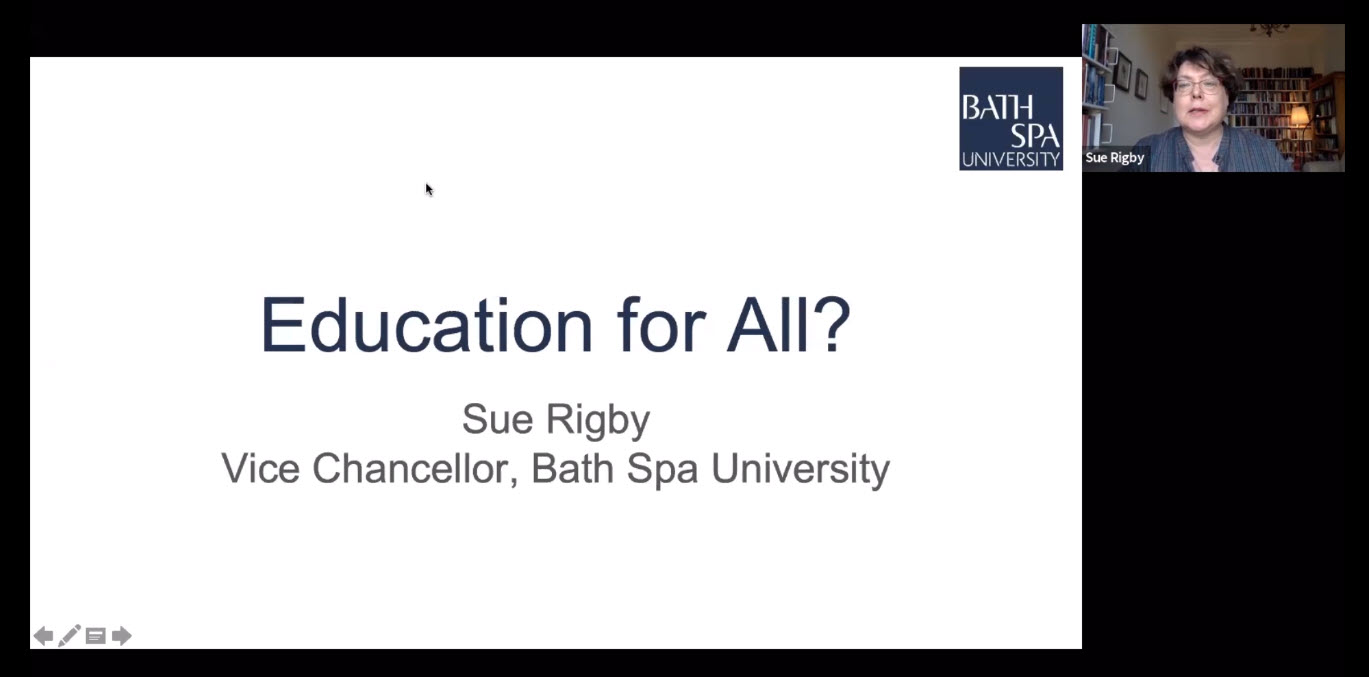
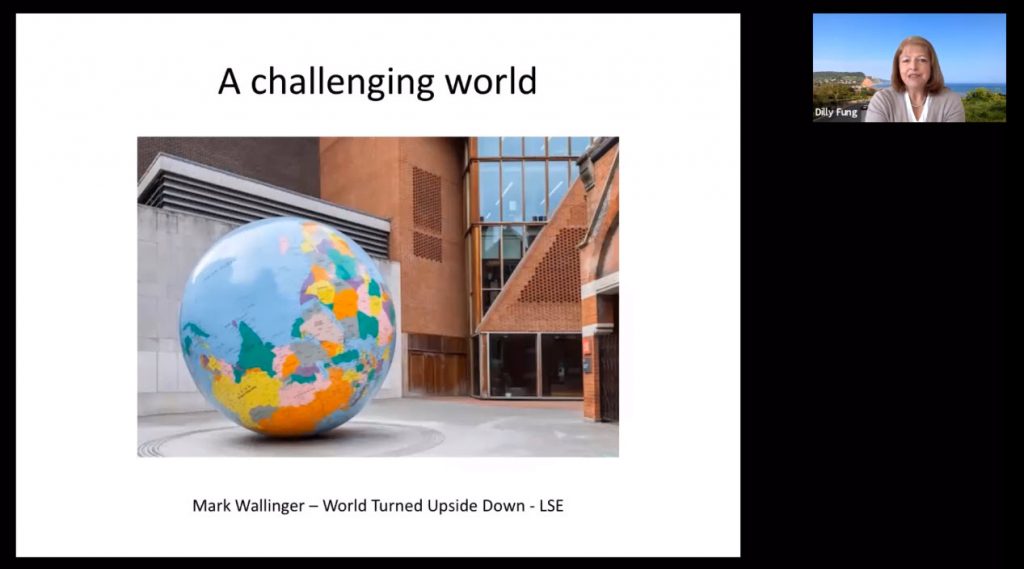
We are delighted to be welcoming two keynote speakers, Prof Sue Rigby, Bath Spa University and Prof Dilly Fung, LSE to this year’s online event.  Find out more about the keynote addresses and sign up using the links below.

  • Education for all? – Professor Sue Rigby, Vice-Chancellor, Bath Spa University, Monday 1 March 2021 12:00-13:15 
  • Powerful Learning for a Challenging World – Professor Dilly Fung, Pro-Director for Education, The London School of Economics and Political Science (LSE), Friday 5 March 2021 12:00-13:15 

Full programme and registration

View the full programme and registration details here. 

Any questions

Get in touch with the conference team NULTConf1@newcastle.ac.uk.

Aspiring NTF Event

The Committee for the Association of National Teaching Fellows (CANTF) shall be hosting another NTFS Roadshow, on Thursday 25th February from 13:00pm to 14:00pm.

Aspiring NTF Event: “New Year, New Network” – enhance your networking to promote your public profile

Facilitated by Professor Debbie Holley (NTF 2014) on behalf of AdvanceHE and The Association of National Teaching Fellows (ANTF)

This workshop is for those considering applying for the National Teaching Fellowship Scheme (NTFS) in 2022 or beyond, and will offer information that will help potential nominees consider future applications. In addition to this, the roadshow will offer insights and thoughts from an interdisciplinary panel about using existing networks. CANTF ran a session about successful networking for impact at the Association of National Teaching Fellows symposium last year and will build upon this work.

The three roadshows toward the end of last year were a great success, and very popular, and we expect this next one to be too. Please share the details of this event widely with colleagues.

Details of how to book can be found here under the “NTFS Roadshow” section.

Digital Residence

The blog post was written by Dr Lucy Hatt, Senior Lecturer in Leadership at Newcastle University Business School.

Have you ever wondered how many places you can be at once?  Before Covid19 lockdown homeworking, the most places we could manage to be at once was two.   Unless we happened to be a Time Lord, most of us could only be in one place physically, and perhaps another place mentally, at the same time. 

However, online learning requires us to inhabit a third space – the digital space.  As well as the incongruence and mental stress that’s created by being physically at home and mentally at work, we need to be present on-line in the digital space too.  And, in order for our students to engage fully in on-line learning, we need to support and encourage every student to establish a digital residence as well as a physical residence.

Dave White, Head of Digital Learning at the University of Arts, London, researches the phenomenon of digital residency and came up with a framework to describe and analyse people’s approach to online spaces.  In this framework, we can choose to be present professionally and personally online across a continuum that ranges from visitor to resident.

Digital residency quadrants

Take Gemma, a fictional student of a post-graduate executive education programme.  In her professional role as marketing manager, Gemma is a visitor of the digital space, seeing it as a collection of tools she can use to gather information useful to get a particular job done.   However, in her personal life, she has created a digital residence in the form of her Facebook and Twitter posts and in Zoom calls with her friends and family.  In her personal life, Gemma sees the web as a series of spaces or places where she chooses to be present with other people.

When we are in the digital space in “visitor mode”, we leave no deliberate social trace of ourselves.  We might be searching for information on Google, reading product reviews, watching videos, shopping, or “lurking” on social media reading the posts of other people.   When we are in the digital space “in resident mode” we are living out a portion of our lives online.  We leave a social trace, which remains when we go offline.  To be a digital resident requires a digital identity, which we create and develop by making social media posts, participating in discussion boards, making comments, giving reviews and feedback and responding quickly to direct messages.

In order for our students to engage fully in the learning experience, as educators we need to engage with them in all four quadrants of the framework.   In order to encourage digital visitors, our digital learning platforms need to be aesthetically pleasing and easy to navigate, so our visitors can easily gather the information they need.   In the past, we have contented ourselves with students who are digital visitors, because we have been able to engage more fully with them when we have shared the physical space of the classroom. 

However, now Covid19 has restricted that possibility at least in the short to medium term, we need understand how to encourage and support our students to be digital residents too.  If our students only “visit” online learning spaces rather than residing in them, we are failing to engage them fully. Learning is likely to be more superficial and less transformational – and altogether less satisfactory.  We need to find ways to allow and encourage our learners to develop a digital identity in which they feel safe to integrate their “shoes-off” self and establish digital residency.

We can do this by such behaviours as acknowledging, sharing and relating to domestic intrusions, encouraging “off grid” student WhatsApp groups, having regular check-ins at the start and end of synchronous teaching sessions, using music and ambient sounds, integrating wellbeing activities, incorporating playful tasks and maintaining a sense of humour.  In order for professional learners to integrate their work identities, its important to design activities that require the integration of theory and practice, perhaps reflecting on how theory has informed practice encouraging students to identify opportunities to use practice to develop their theoretical understanding.

As with many of the ways that Covid19 has forced us to change our educational practices; being aware of the various ways our learners engage with the digital space will benefits that will last long after we get back into the classroom.  Recognising and valuing the “reality” of the digital space will enable us all to establish our own digital residence more consciously, and in doing so, we will encourage more learner engagement and become better educators.  

Read our Case Study to find out how we applied the Digital Residency Framework to the design and development of the online spaces for learners on the Executive Education Programmes.

Acknowledgements

Thanks to Dr Helen Webster, Head of the Writing Development Centre, Newcastle University, whose presentation in the HaSS Education Community Room, introduced us to the work of Dave White on Digital Residence, and to Rosalind Beaumont and Dr Tracy Scurry who lead the HaSS Education Community Room.