
The Research Reserve and Desktop Delivery Service (DDS)

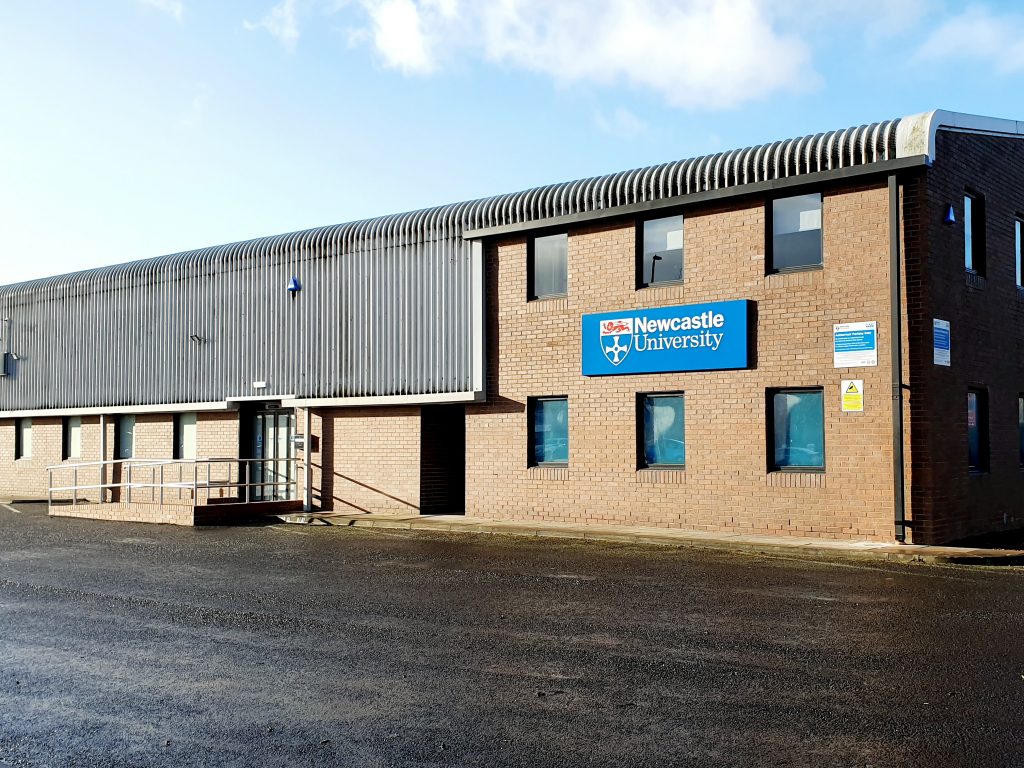
The exterior of the Research Reserve facility in the Team Valley.

The eagle-eyed amongst you may have noticed a curious thing on Library Search. Where normally you would expect to see the name of one of the libraries next to an item’s shelfmark, occasionally you’ll see “Research Reserve”.

If you’ve ever wondered just what exactly the Research Reserve is, this is the blog for you, discover here exactly what the Research Reserve can offer you and your studies.
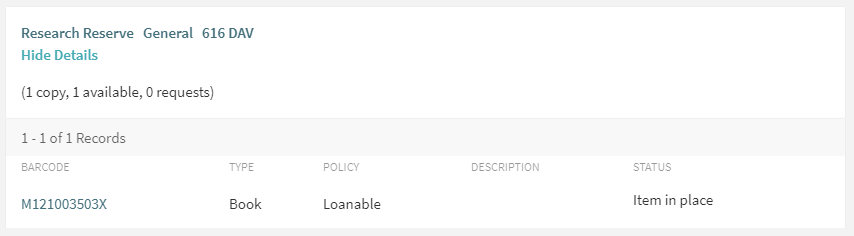
Before an item’s shelfmark is its location. This book is held off-site at the Research Reserve facility in the Team Valley.

The Research Reserve is the Library’s stores, located throughout campus and including a state-of-the-art storage facility in the Team Valley. These facilities allow the Library to keep less-used material for much longer than other academic libraries. These combined storage facilities provide over 29 kilometres of storage space, which is used to house old editions of journals and books which are consulted infrequently.
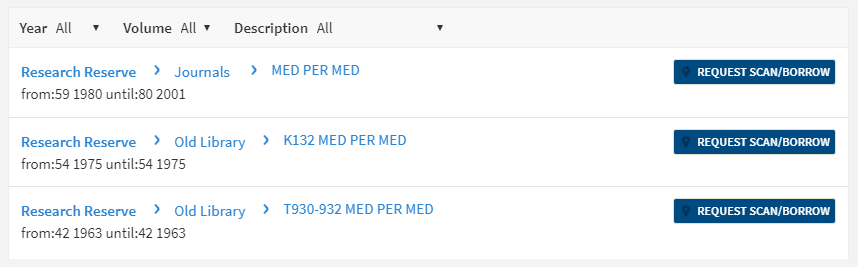
If you’d like to request items from the Research Reserve facilities, click the “Request Scan/Borrow” button once you’ve located the item on Library Search.

You can loan a variety of materials from the Research Reserve, including: books, theses and journal volumes. These can be requested from Library Search. Simply log in using your campus ID, find the item you are looking for and then click the blue “Request Scan/Borrow” button. You’ll get a choice of pickup locations (either the Walton or Philip Robinson libraries).

There are request forms to complete if you’d like to borrow a thesis or an entire volume of a journal.

Requests can be viewed by going to “My Account” in Library Search and clicking on “My Requests” from the drop down menu. If you’d like to cancel your request, simply click the blue cancel hyperlink (as seen below). You’ll receive an email confirming your cancellation shortly afterwards.
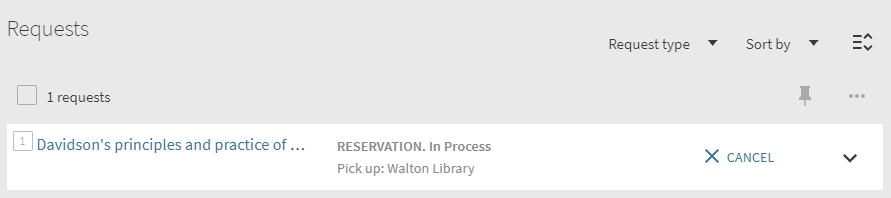
You can cancel requests for Research Reserve items by clicking the blue ‘Cancel’ hyperlink, as shown above.

There is a collection service that runs between the Research Reserve and the various libraries (weekdays only, not on bank holidays) and your request will be generally be fulfilled within 24 hours. Anything requested on a Friday or over the weekend will be delivered on the following Monday afternoon.

Once your item has arrived at your chosen library, you’ll receive an email letting you know it’s available to loan. The item will be kept on the reservations shelves for five days before being returned to the Team Valley, or passed on to the next person in the reservation queue. Items from the Research Reserve are issued in the same way as standard long loan items, either using the self-issue machines or at the service desk. Once you’ve finished with the item, simply return it as normal.

The Desktop Delivery Service (DDS)
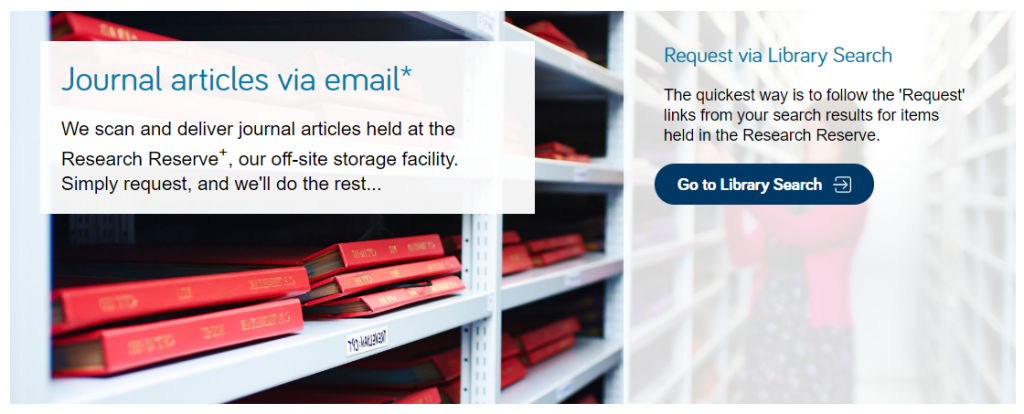
The Desktop Delivery Service can also be reached at: http://dds.ncl.ac.uk

The Desktop Delivery Service (DDS) allows you request a scanned article from a journal held in one of the Library’s stores. Articles can be requested via Library Search (same as a book) or by filling out the relevant request form. Please try and include as much detail as possible on your request form. This helps Library staff locate your article and fulfil your request quicker.

You are only able to request one scanned article per journal issue. The scanned article will be delivered to your University email address, where it can be downloaded and printed off. Requests are generally fulfilled within 24 hours, although this may take longer over the weekends or on bank holidays. You have 30 days to download your article before it is ‘archived’ and no longer available.  

We do not scan items that are available electronically or can be borrowed.

If you have any other queries about the Desktop Delivery Service, read the FAQs.
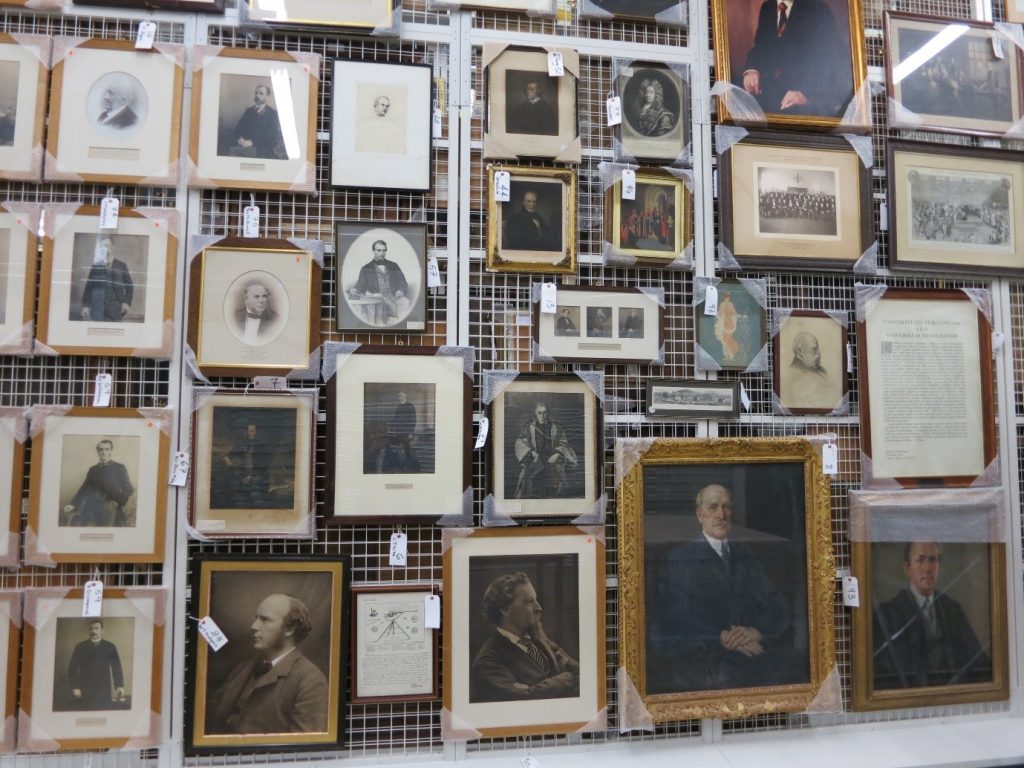
Just some of the amazing treasures held at the Research Reserve facility in the Team Valley.

You can also visit the off-campus Research Reserve facility in the Team Valley. Daily access is available by appointment only with the Research Reserve team, weekdays between 10AM and 4PM. Access outside of these hours can be organised given sufficient notice. There is a large car park available at the facility and buses stop nearby.

Full contact information, directions and opening hours for the Team Valley facility are available via the Library website.
Resource in focus: Literary Print Culture

Love books? We hope so. Do you want to know more? Take a journey into the history of the book with Literary Print Culture.

Literary Print Culture: the Stationers’ Company Archive, 1554-2007 is a resource which will show you the primary source documents from the City of London archives. Covering the history of the book, publishing history, the history of copyright and the workings of the early London Livery Company, explore the variety of documents to uncover the story of the role the Stationers’ Company played in the history of the book trade.

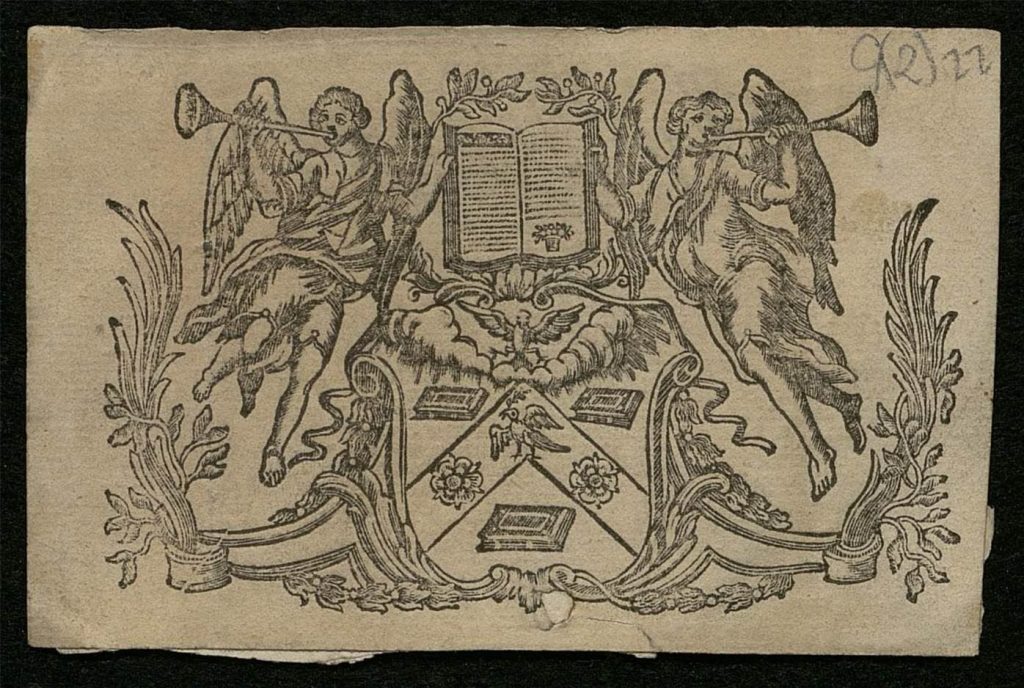
An image of the Arms of The Worshipful Company of Stationers and Newspaper Makers.
Arms of the company [1], c.1700-1900, © The Worshipful Company of Stationers and Newspaper Makers

This archive contains a huge range of primary sources, showcasing a diverse range of material from the archive of the Stationers’ Company archive including:

  • Constitutional Records
  • Court Records
  • Membership Records 
  • Financial Records
  • Trade Records
  • General Administrative Records
  • Charities and Property Records 

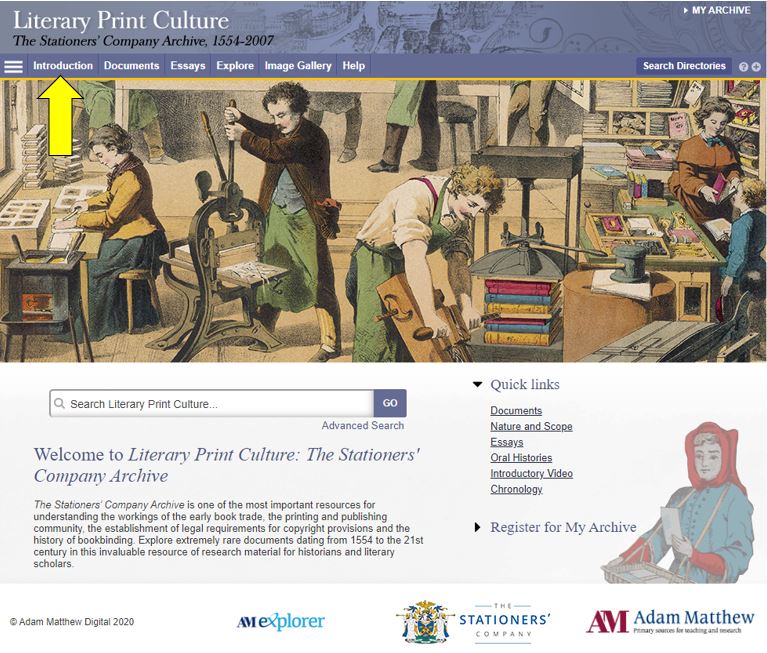
Before you begin, we’d recommend clicking Introduction, in which you can learn more about its scope and features.

An image of the Literary Print Culture resource homepage.

The primary sources are supplemented by contextual essays and other commentary to give you ideas for interpreting and exploiting the archive.

You can browse or search the archive contents by clicking Documents (to browse) or one of the two Search buttons. You can filter your search in various ways, e.g. by document type, year or theme.

For some of the documents in the archive, you can now use handwritten text recognition to enable you to search the handwritten items effectively. Split-screen viewing enables you to view a document and its index simultaneously.

Have you used Literary Print Culture? Please feel free to post your comments and experiences by clicking Leave a comment below.

Referencing – getting the right ingredients

Referencing

Academic work builds upon the shared ideas, words and findings of other people. However, whenever you use other people’s work you must acknowledge it. This includes sources from books, journal articles, newspapers, video or other sources. You need to make it clear to the readers of your work where you got the information from and who produced it.

Find out more about how to reference and managing your references using our electronic guides.

Remember if you are directly quoting an author you need to put the text in quotation marks and give the page number, e.g. “Referencing is the best” (1 p. 3)

Referencing Styles

There are a number of different referencing styles which enable you to present your references in a particular format. Harvard at Newcastle is a modified author/date style and the most commonly used. However some people prefer a numbered style e.g. Vancouver or Vancouver superscript

Using EndNote to display the style

The Harvard at Newcastle style has been added to EndNote X9.  For more information on using EndNote to manage your references see our EndNote Guide.

Remember when you cite you must be consistent and cite each type of references correctly for your chosen style. For more help with citing references use the online resource Cite them right.