

Vevox have made a series updates to their features in their June product update.
Find out more about the new features available and improvements to existing features, including:
- User interface updates
- Word cloud analysis
- Leaderboard flexibility
- Correct answer update/amendment ability
- Word cloud questions answer restriction ability
- Rich text editor improvements.
User interface updates
The ‘Polls’ area of the dashboard has now been renamed ‘Presentation’ and the ‘Surveys’ area of the dashboard to ‘Self-paced’.
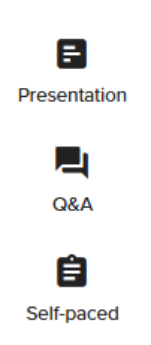
Under the presentation area, you will still see a list of all the content in your session, but there will be more emphasis on previewing what that content looks like. This makes it easier to manage your presentation and stay focused on what your audience will see.
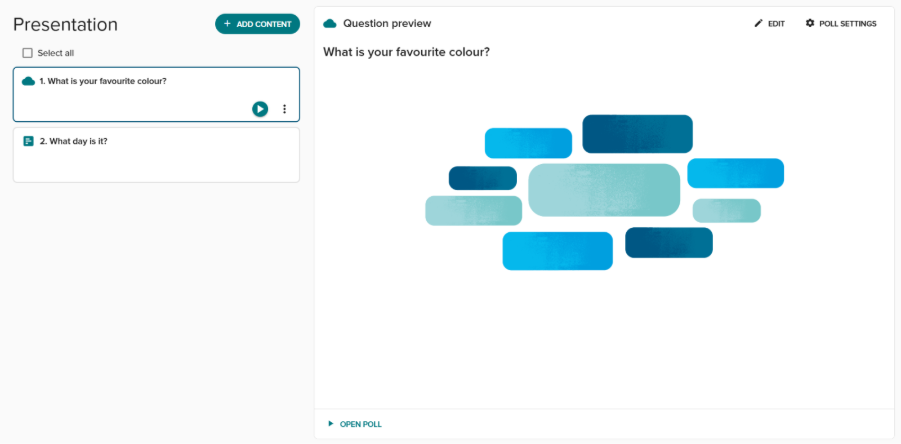
Word cloud analysis
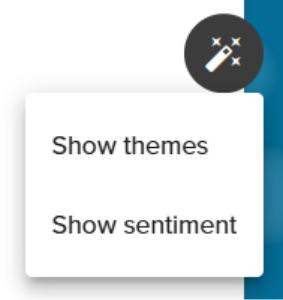
In present view, a word cloud result can be summarised by grouping responses into themes. It can also be analysed to show the sentiment of the responses. Users can select the ‘AI analysis option’ which has a magic wand icon to enable this for their word clouds. This option is only available in ‘present view’ and cannot be used in PowerPoint Add-In.
Presentation content items re-ordering
Drag and drop (including keyboard controls) reordering of presentation content items is now possible. This gives some greater flexibility when designing your presentation content polls.
Leaderboard flexibility
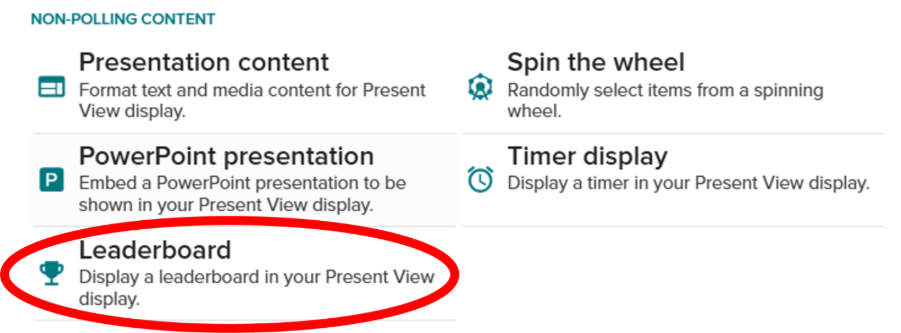
Leaderboard items can now be added in advance at any place within your session between other pieces of content. Leaderboards can still be brought up on screen at any time in an ad-hoc manner from Present view.
Correct answer update ability
Correct answers can now be added or amended after a poll contains results. Once a poll with correct answers has been delivered, it is possible for you to go into the edit area of the question and either add or amend correct answer explanations, giving you greater flexibility for supporting your participants.

Word cloud questions answer restriction ability
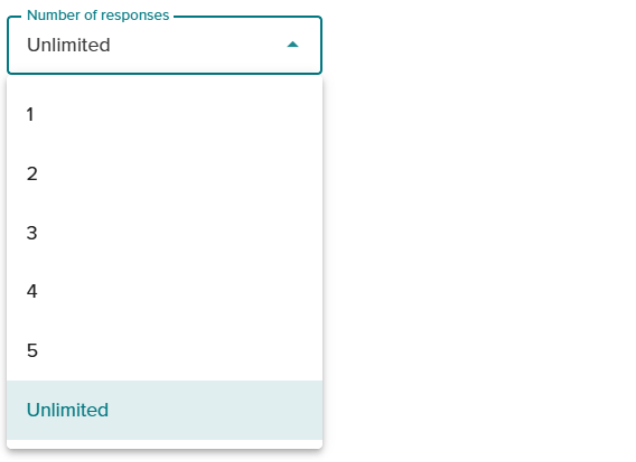
It is now possible to restrict the number of responses a participant can submit on word cloud options. The responses will be set to ‘unlimited’ by default when creating your question, but you now have the option of setting a specific number of responses between 1 and 5.
Q&A Functionality
When the Q&A is disabled on a session, the standard ‘Welcome’ message in present view has been removed. You can still share your own custom messages, which can be added with the announcements feature under the Q&A area.
Rich text editor improvements
The following improvements have been made to the rich text editor.
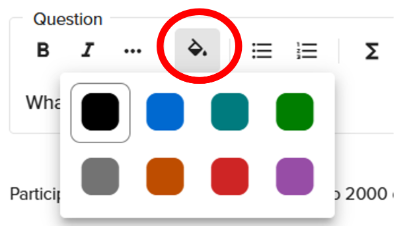
You can now use additional text colours in both question titles and correct answer explanations. A text colour option is now available in the rich text editor space.
Superscript and subscript text can be used in question titles and correct answer explanations.
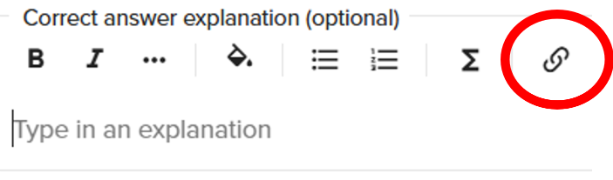
There is also ability to add hyperlinks to correct answer explanations.
Further support
You can find out more about Vevox as an Audience Interaction System (AIS) via our Vevox Learning and Teaching webpage.
User guides for all Vevox functionality are available on the Vevox Helpsite.
From July through to October Vevox will be running weekly training sessions for our users. They have two sessions running ‘Vevox for Educators: Getting Started with Vevox’ & ‘Vevox for Educators: Beyond the Basics’. The sessions are being hosted across a range of different days and times. You can register for these training sessions via the Vevox website.
If you have any questions, please contact LTDS@newcastle.ac.uk.