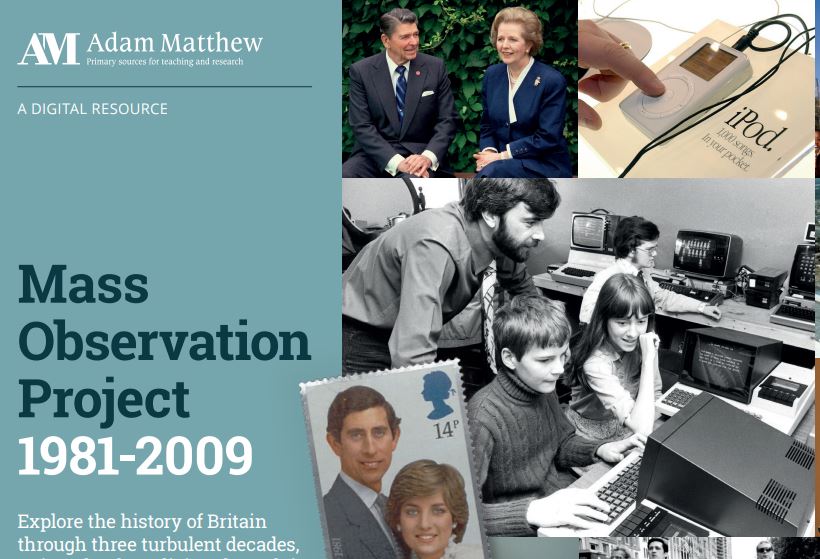
We’re delighted to announce that the Library has now bought the latest instalment of the Mass Observation Online collection, covering the 1980s and 1990s.
About Mass Observation
Mass Observation is a pioneering project which documents the social history of Britain by recruiting volunteers (‘observers’) to write about their lives, experiences and opinions. Still growing, it is one of the most important sources available for qualitative social data in the UK. This latest instalment is a great resource for anyone researching aspects of late twentieth century Britain. It complements our existing access to the original Mass Observation project archive, which covers 1937-1967.
1981-1999 collection
The 1980s and 1990s modules include hundreds of directive (survey) responses from observers on a wide range of issues, covering major political and social themes of the period from Thatcher to Blair, as well as everyday life. There are also photographs, leaflets, and other ephemeral materials, as well as contextual essays and timelines to help you interpret the collection.
Searching and browsing
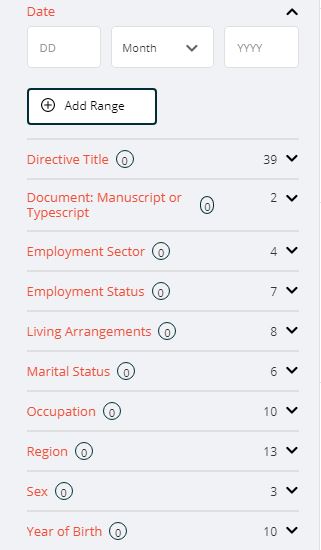
Filtering options
You can browse or search Mass Observation in various ways.
Browse by directive: browse the different directives (surveys), which are arranged chronologically and by topic.
Browse all documents: browse all the individual documents, and then further filter your search as required.
You can also use the Advanced search box at the top of the screen to search for specific topics.
Help
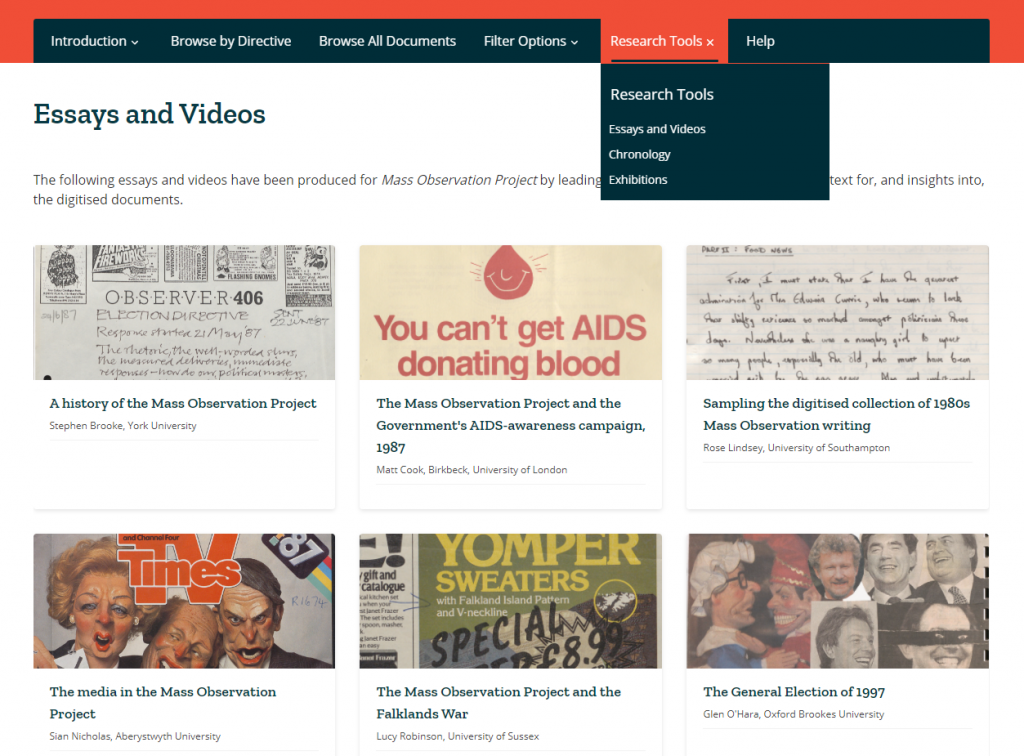
Research tools
We’d recommend you start by reading through the Introduction (top menu) which explains more about the project and the different document types. If you’re looking for ideas about how to make use of it, take a look at the Research Tools, which includes essays, videos, exhibitions and chronological timelines.
Note that as over half the materials in these collections are handwritten, the database enables Handwritten Text Recognition (HTR) to help you search. We would recommend you read about how HTR works, to help you get the best out of the database, in the Introduction section.
We are pleased to announce that the Library has bought access to Bloomsbury Popular Music (soon to be renamed Bloomsbury Music and Sound), following a well-received trial. This wide-ranging resource comprises:
All twelve volumes of the landmark reference work, Bloomsbury Encyclopedia of Popular Music of the World.
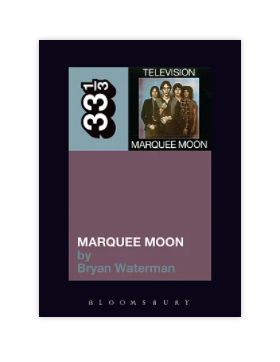
All 170 short books in the 33 1/3 series, focusing on significant LPs from a wide range of genres and eras.
A selection of over 100 scholarly ebooks on popular music published by Bloomsbury, including biographies and historical overviews.
Interactive features, including a pop music timeline back to 1900 and world map.
Biographies of hundreds of artists.
Personalisation features to help you cite, share, search and collaborate.
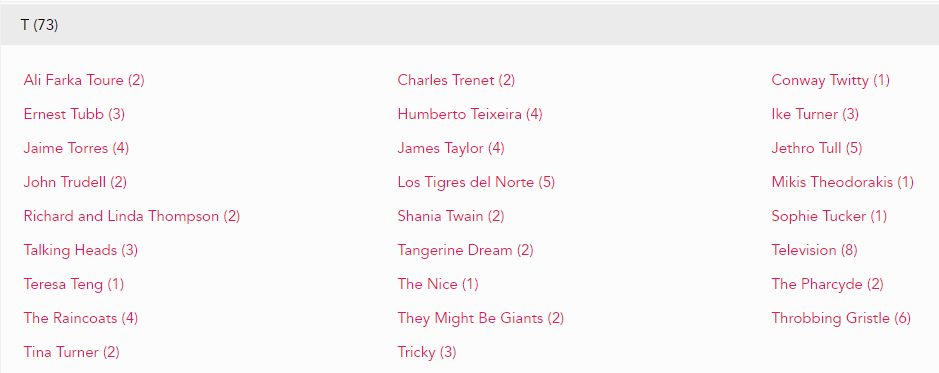
You can search or browse it in various ways, such as by artist, genre or location. All books included in Bloomsbury Popular Music are also individually catalogued on Library Search, and new content is added twice a year.
Watch the short trailer for an overview, and enjoy exploring, from Cab Calloway to Cabaret Voltaire and beyond!
The Listener was a weekly magazine established by the BBC in 1929 under its director-general, Lord Reith. It was initially developed as the medium for reproducing broadcast talks on the radio, but in later years, television as well, and was the intellectual counterpart to the BBC listings magazine, Radio Times. It is one of the few records and means of accessing the content of many early broadcasts, and also regularly reviewed new books.
The Listener developed a reputation for outstanding writing, with contributions from the major writers, artists, commentators and thinkers of the twentieth century, including E.M. Forster, George Orwell and Virginia Woolf. It’s an invaluable resource for those researching the critical reception of culture in the twentieth century, and the response of the public.
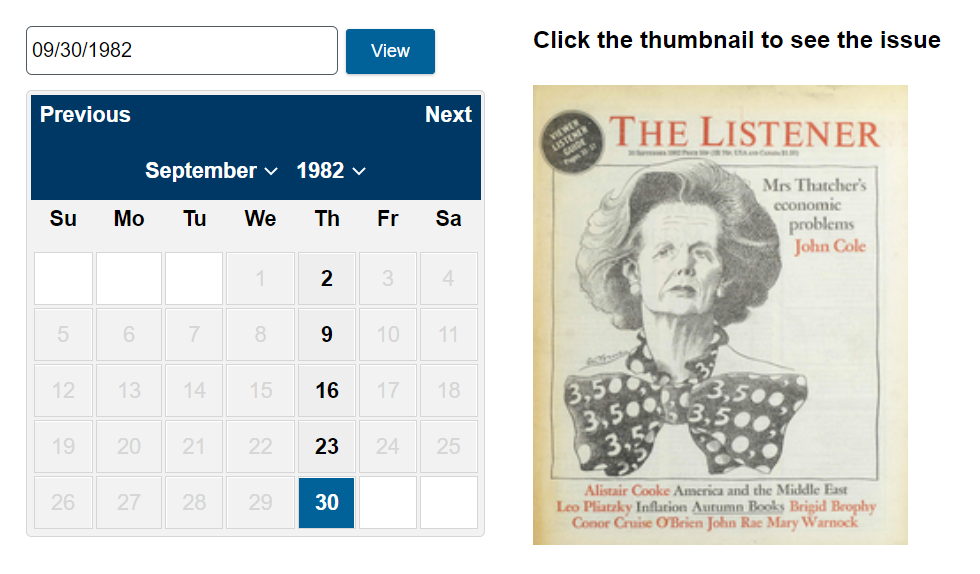
You can browse The Listener by date to find a specific issue, or search in various ways (choose Advanced Search to see all options, including searching by section of the magazine, author or date.)
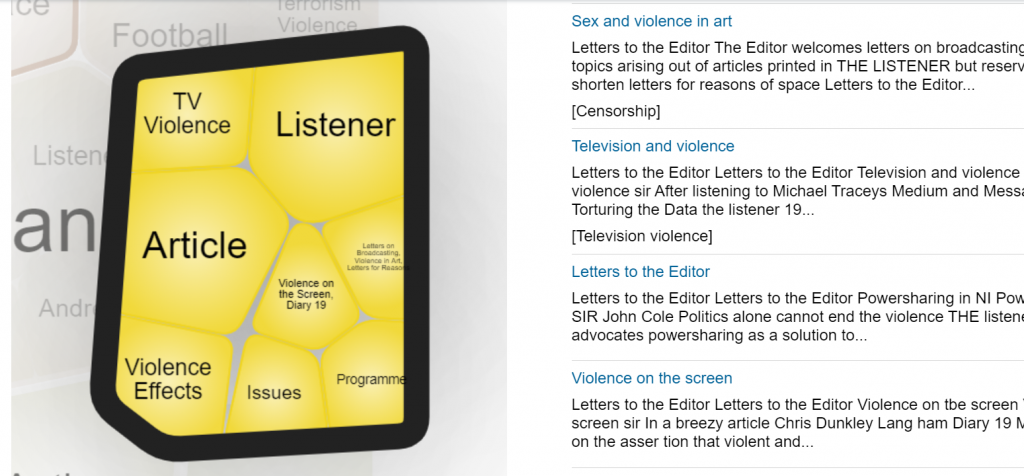
Additional search features on the home page include Term Frequency, to trace how often a word, phrase or person has featured in The Listener over the years, and Topic Finder, to explore and visualise connections between topics.
As the Listener archive is published by the company Gale, you can cross-search it with any of the other Gale archives to which we have access, via Gale Primary Sources.
The Library has access to the entire digitised archive of Punch from 1841-1992.
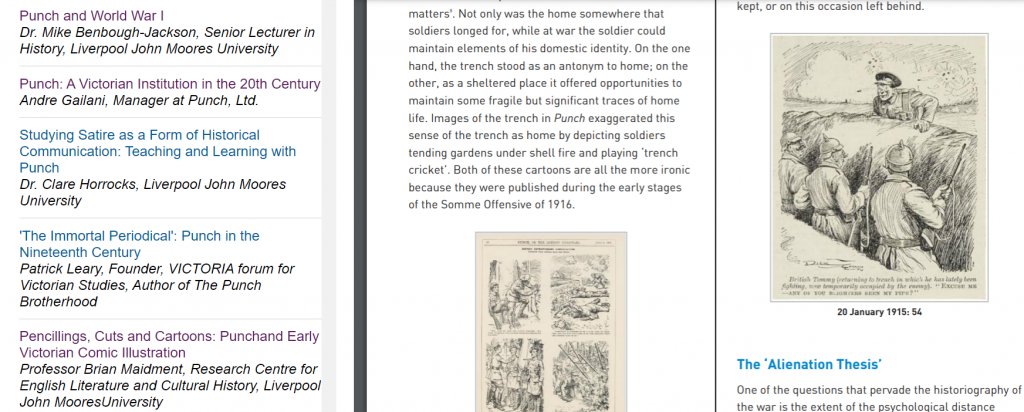
Punch was a famous satirical magazine which played a central role in the formation of British identity, and how the rest of the world saw Britain. This archive covers all volumes of Punch between 1841-1992, including special numbers, prefaces, epilogues, indexes, images and other specially produced material from the bound volumes. It’s an excellent resource for researching nineteenth and twentieth century political and social history, through provocative and entertaining satirical commentary.
To find out more about Punch, click Research Tools to read a selection of essays about different periods of its history.
You can browse Punch by date to find a specific issue, or search in various ways (choose Advanced Search to see all options, including searching by section of the magazine, illustration type or date.)
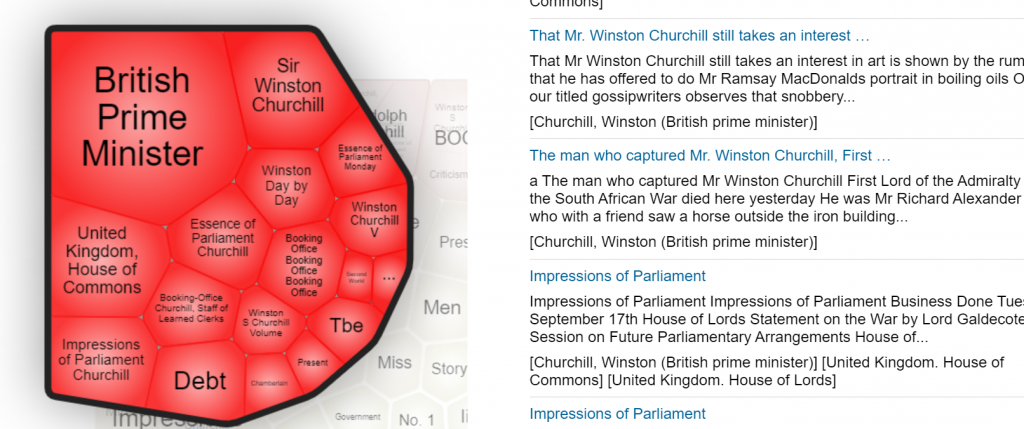
Additional search features on the home page include Term Frequency, to trace how often a word, phrase or person has featured in Punch over the years, and Topic Finder, to explore and visualise connections between topics.
As the Punch archive is published by the company Gale, you can cross-search it with any of the other Gale archives to which we have access, via Gale Primary Sources.
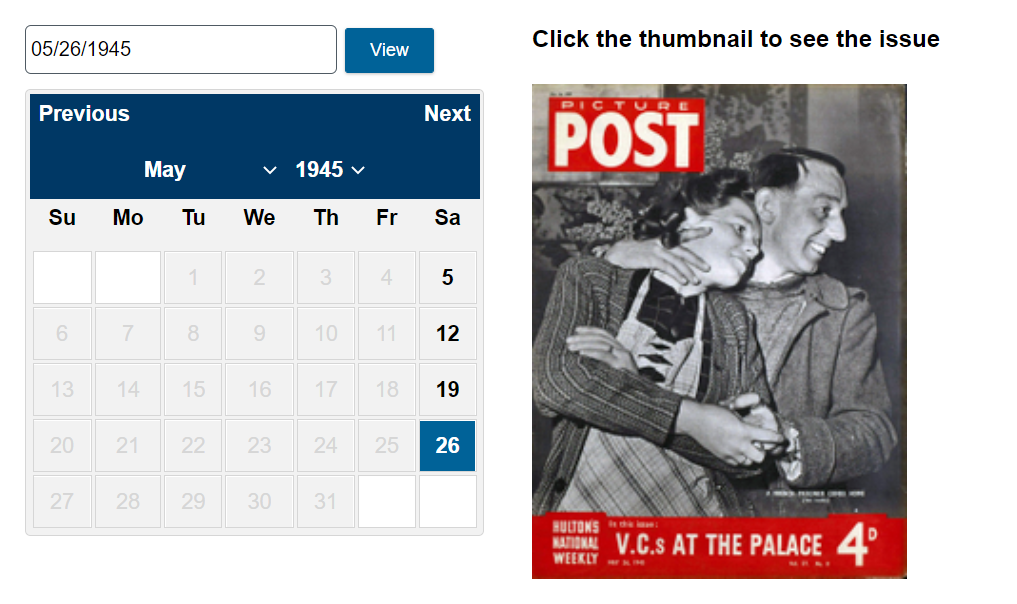
We have access to the complete digitised archive of Picture Postfrom 1938-1957. Picture Post was a British magazine (seen as the British equivalent of Life magazine) which was renowned for its use of photojournalism, in an era before television. It covered social and political issues, as well as providing a visual record of everyday life in Britain during and after World War Two.
You can browse the full colour archive by date to find a specific issue, or search in various ways (choose Advanced Search to see all options, including searching by section of the magazine, illustration type, or by date.)
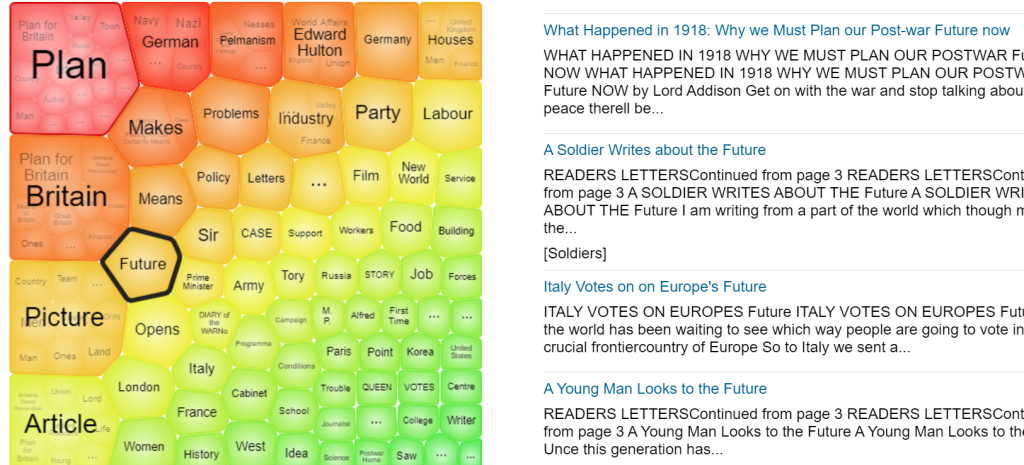
Additional search features on the home page include Term Frequency, to trace how often a word, phrase or person featured in Picture Post over the years, and Topic Finder, to explore and visualise connections between topics.
As the Picture Post archive is published by the company Gale, you can cross-search it with any of the other Gale archives to which we have access, via Gale Primary Sources.
We’re delighted to welcome a guest blog post from Leanna Thomson. Leanna is a second year undergraduate English Literature student, and a blogger for the School of English Literature, Language and Linguistics.
Leanna Thomson
“This semester, I studied the module ‘Independent Research Project Preparation’, which included a guest lecture from the Library all about their resources. I found the information about databases so useful that I wanted to share it with students outside of the module, because I think it could really revolutionise their remote learning! I hope you find these resources as useful as I did.”
Our top eight sites for finding secondary and specialist sources
The search for relevant, high quality secondary sources to reference in your assignment can seem like a challenge, especially during remote learning. Sometimes your online search can yield so many texts that you don’t know where to start; other times you struggle to find anything at all. However, our top online database picks will help you find the perfect text in no time! All you have to do is use Library Search or your library subject guide to access the databases.
1. Library Search
A search on the University library catalogue, Library Search, not only fetches up results from the Library’s huge range of books, articles, newspapers, audiovisual content and more, many of which you can either access online or order for click and collect or home delivery. It will also find papers from the hundreds of journals and databases that the Library subscribes to, including both interdisciplinary and SELLL specific titles. Library Search also has advanced search setting and filters, which can help you find exactly what you need. You can also access specialised guides about finding secondary sources for your subject.
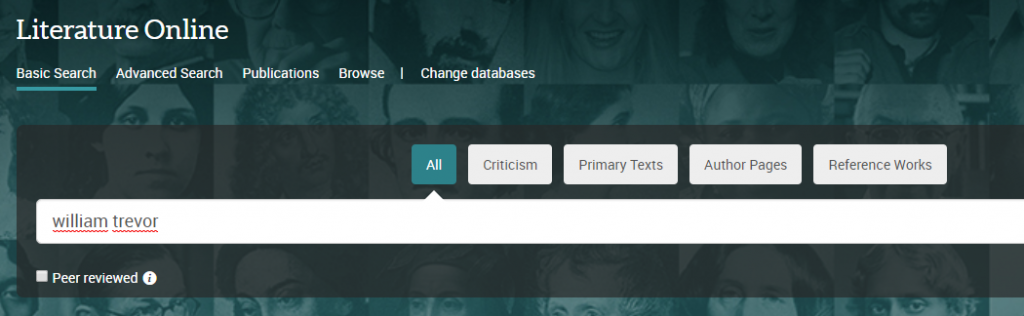
2. Literature Online (LION)
LION is a literature-specific database, perfect for seeking content such as literary criticism, works of literature to use as comparisons to your primary texts or enforcements of your argument, reviews, periodicals and audiovisual content, to name but a few of its elements. Its advanced search engine can be modified so that it only finds what you are looking for, and it is a perfect database to turn to when you can’t find quite enough literary-focused content on your topic.
3. JSTOR
JSTOR offers full text online access to scholarly journals, books and book chapters across all subject areas. It has basic and advanced search options that allow you to search by topic keyword, author, subject area, title or publisher.
You can also download JSTOR texts as pdf files, meaning you can store them on your computer or print them off.
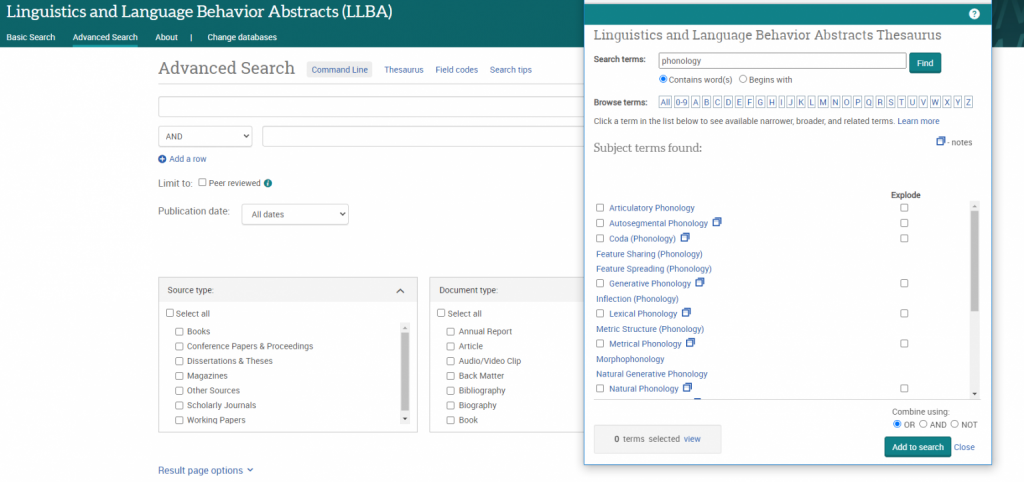
4. Linguistics and Language Behavior Abstracts (LLBA)
LLBAfocuses on academic resources for the study of language: including phonetics, phonology, morphology, syntax and semantics, and descriptive, historical, comparative, theoretical and geographical linguistics.
LLBA thesaurus
It also features a specialised linguistics thesaurus, which you can use in advanced search to refine and focus your search. The thesaurus provides a searchable list of all the subject terms used in the database, and highlights links between broader, narrower and related terms, helping you to select all of the keywords relevant to your topic.
5. Scopus
Scopus is a large, interdisciplinary database of peer-reviewed literature, including articles, book chapters and conference papers. It includes a range of smart tools that can help you track the research in your area. You can search for documents, sources, authors and institutions, and compare and contrast them using a variety of different tools.
It includes full reference lists for articles, as well as lists of texts which have cited a particular article. This allows you to uncover all the information relevant to your research. You can also set up citation alerts, so you can be informed of new, relevant material automatically.
6. MLA International Bibliography
The MLA international bibliography is produced by the Modern Language Association, an organisation dedicated to the study and teaching of language and literature. It indexes books and articles published about modern languages, literature, folklore, and linguistics. It contains many links to full texts, and as its title suggests, it includes texts from all over the world. The electronic version of the bibliography dates back to 1925 and contains over 2.2 million citations from more than 4,400 periodicals (including peer-reviewed e-journals) and 1,000 book publishers. It’s an ideal database for any SELLL student!
7. Google Scholar
A search on Google Scholar is just as simple and fruitful as an ordinary Google search, but the results will be peer-reviewed, academic sources, so it’s a much more reliable search engine for your university work. It will also bring up references from a range of different information sources, including Google Books, online journals, downloadable pdf files and even many of the databases discussed on this post!
What’s more, there are lots of useful filters: you can search by relevance and by time period, which is really useful for when you are looking for sources from a particular moment in time. There are also “cited by” lists, so you can track research forwards in time, and suggestions of similar texts for each source.
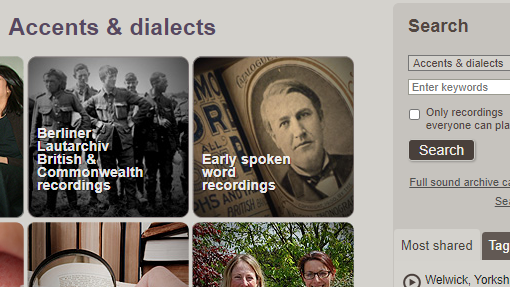
8. Accents and Dialects
Accents and Dialects is a searchable database of English accent recordings from the British Library Sound Archive.
Recordings include early spoken word snippets from the 1890s onwards, Opie’s collection of children’s songs and games, an evolving English word bank, and a survey of English dialects. Each recording includes a detailed description, with some containing linguistic information too, and most can be downloaded for academic use. You can browse the database by project, county, or date: the search box on the top right of the page can be used to look for specific keywords, including dialects or places.
Thanks Leanna: some great tips there! If you are a student, and would like to write a guest blog post for us about any aspect of the Library and its resources, please just get in touch with us: we’d love to hear from you!
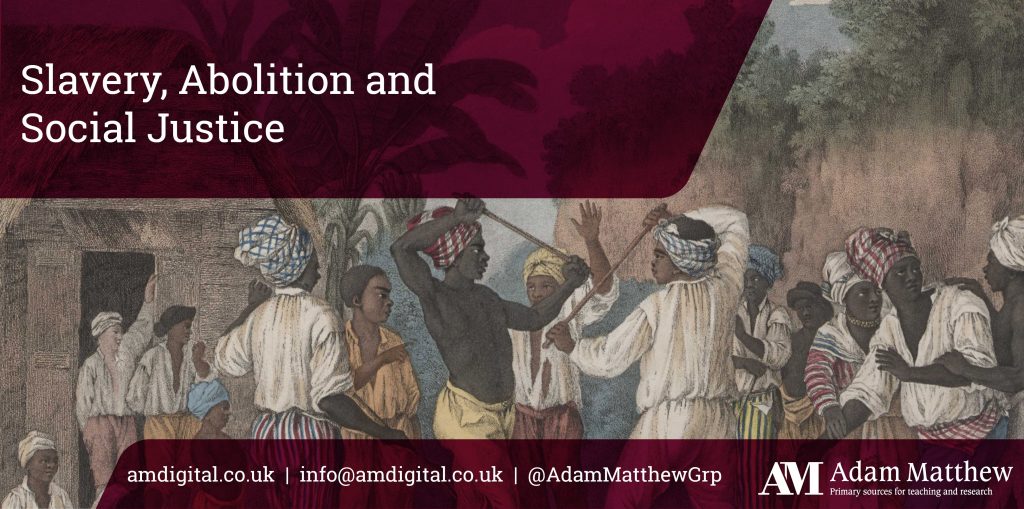
Slavery, Abolition and Social Justice brings together a huge range of primary source materials relating to slavery and abolition studies from across the world, covering the time period between 1490 and 2007.
Primary source content
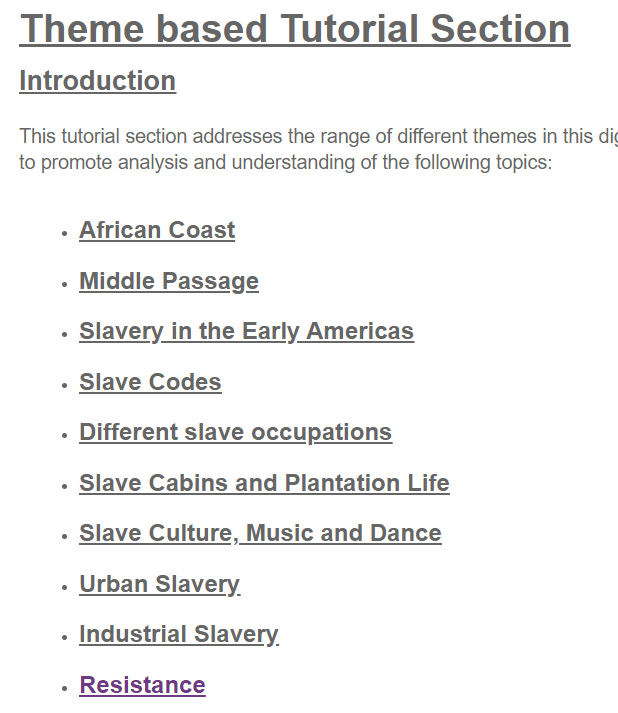
The content includes thousands of digitised sources, including images, maps, manuscripts, registers, ships’ logs and court records. It is arranged into sixteen broad themes, including Slavery in the Early Americas; Resistance and Revolt; Slave Testimony, and Urban and Domestic Slavery. Contemporary sources include materials from Anti-Slavery International, and submissions to the UNCHR.
Getting started
If you’re using Slavery, Abolition and Social Justice for the first time, we’d strongly encourage you to click on Introduction and take a little time to read about the content and themes, so you can get the best out of it: it is an extensive resource.
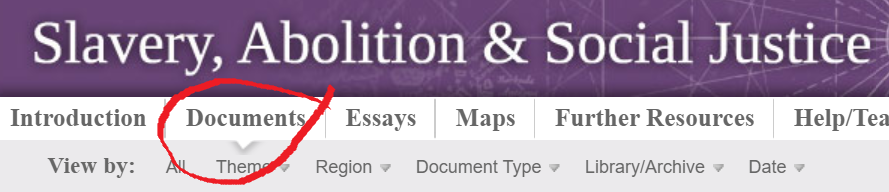
You can browse or search the content in various ways: we’d recommend choosing Documents from the top menu, as you can then browse by theme, geographic region, document type, date or more.
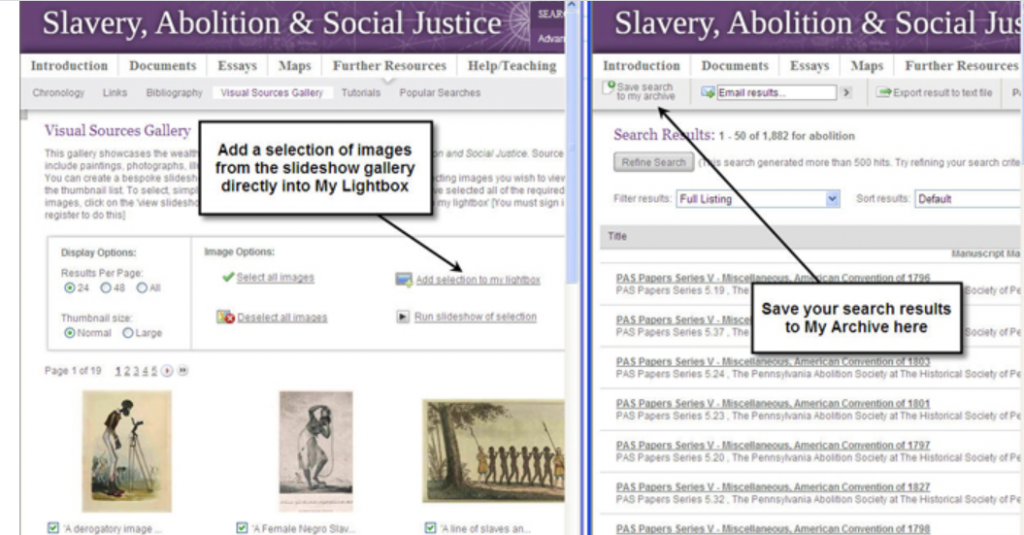
You may also find it useful to click REGISTER, so you can personalise your searching experience, including saving searches, documents and creating your own image slideshows.
Help and context
The primary sources are complemented by essays, tutorials and timelines to help you interpret the content: click on Further Resources from the top menu.
Westlaw is one of our much-valued legal databases and can be accessed via our Law Subject Guide and Library Search, logging in with your Newcastle University Campus ID & password. One of the lesser-used aspects of Westlaw is its Books collection and it’s a resource that should not be overlooked.
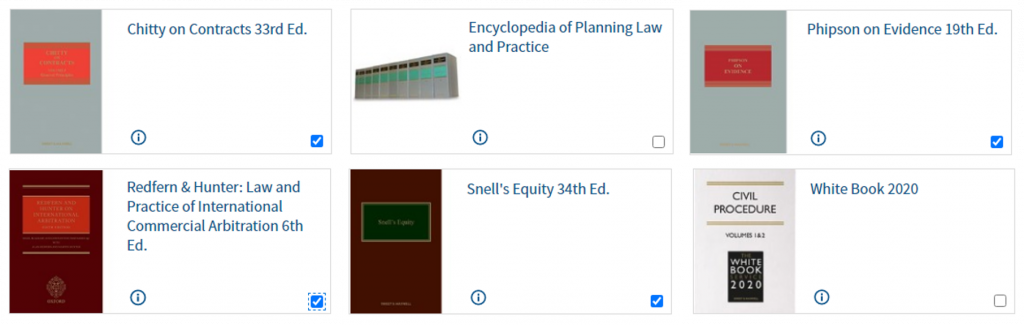
Westlaw Books gives access to invaluable titles such as the White Book and Archbold, alongside comprehensive and authoritative coverage of common law through titles from the Common Law Library series, including Charlesworth & Percy on Negligence, Chitty on Contracts, and Benjamin’s Sale of Goods. While these are titles you will use more regularly in practice, all Newcastle Law School students are encouraged to become familiar with them during your time at University.
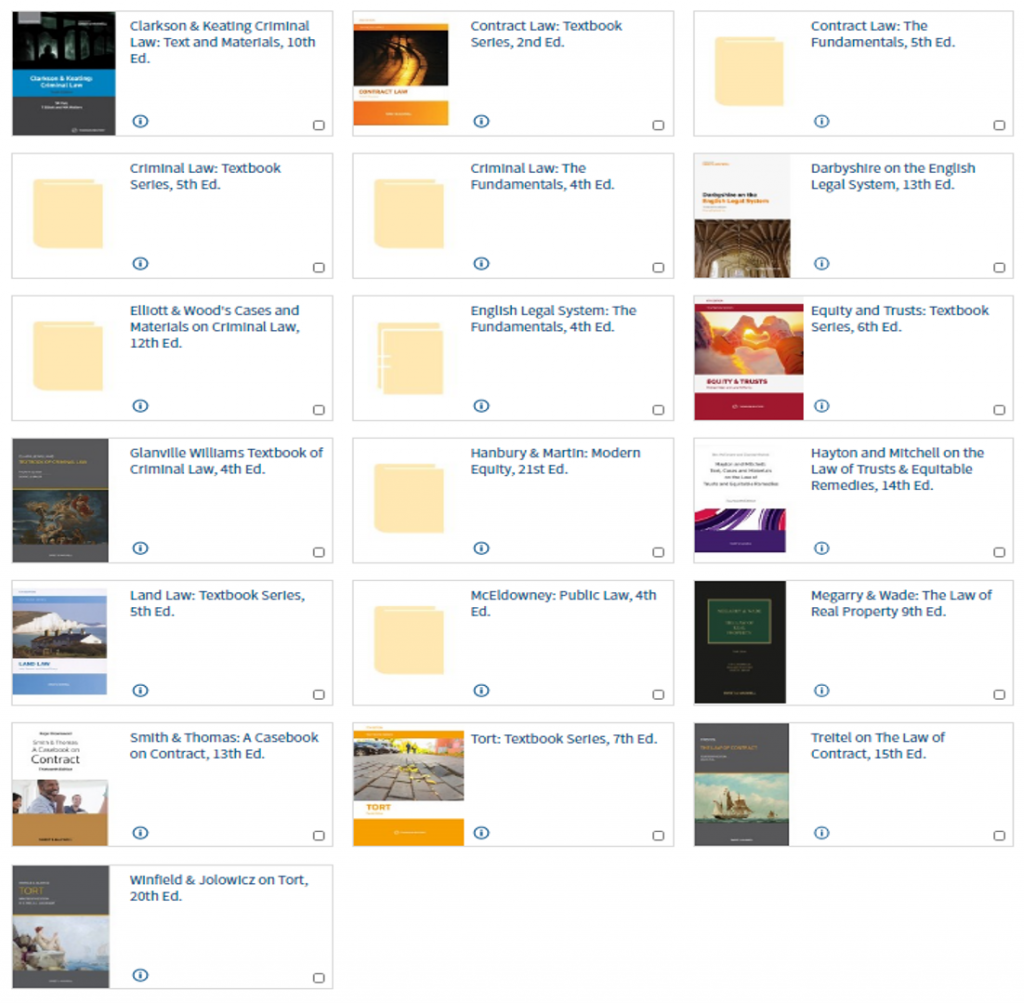
We also have academically-based books available in the Sweet & Maxwell Academic Collection to support your studies. These include Winfield & Jolowicz on Tort, Treitel on the Law of Contract, Megarry & Wade on the Law of Real Property, and Elliott & Wood’s Cases and Materials on Criminal Law (the latter being written and edited by former academics of Newcastle Law School).
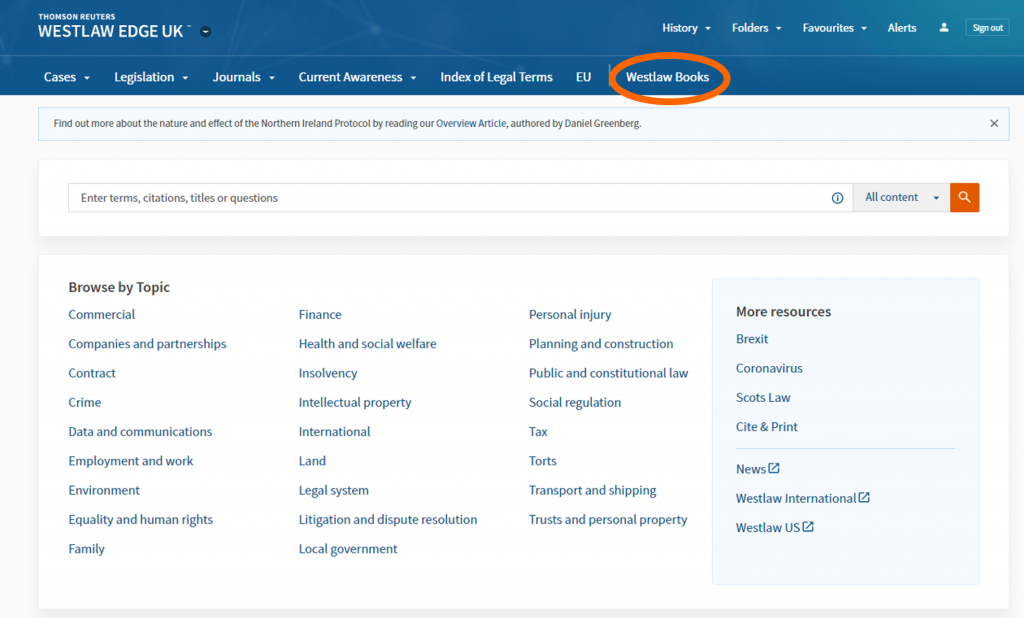
To access this content, log into Westlaw and click on Westlaw Books in the menu at the top of the page.
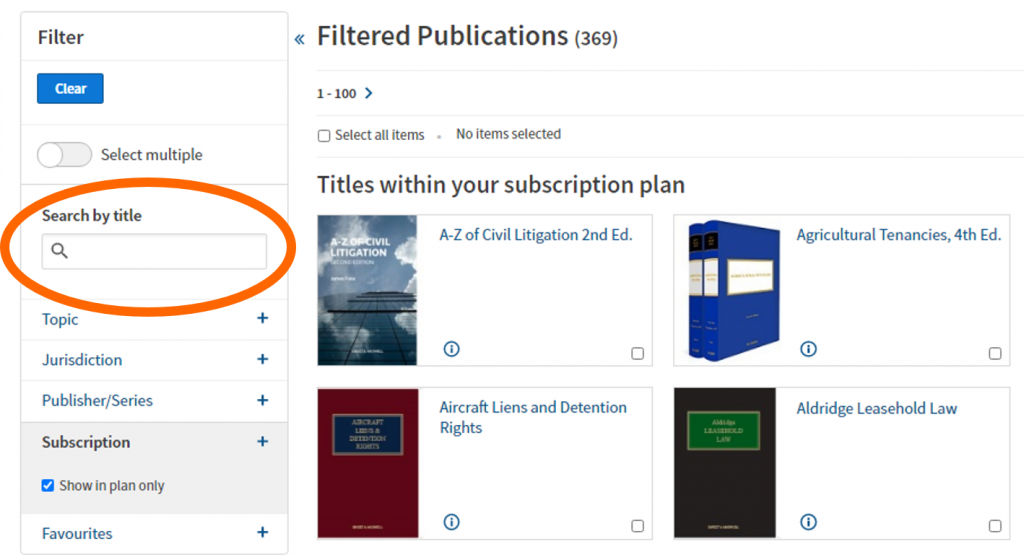
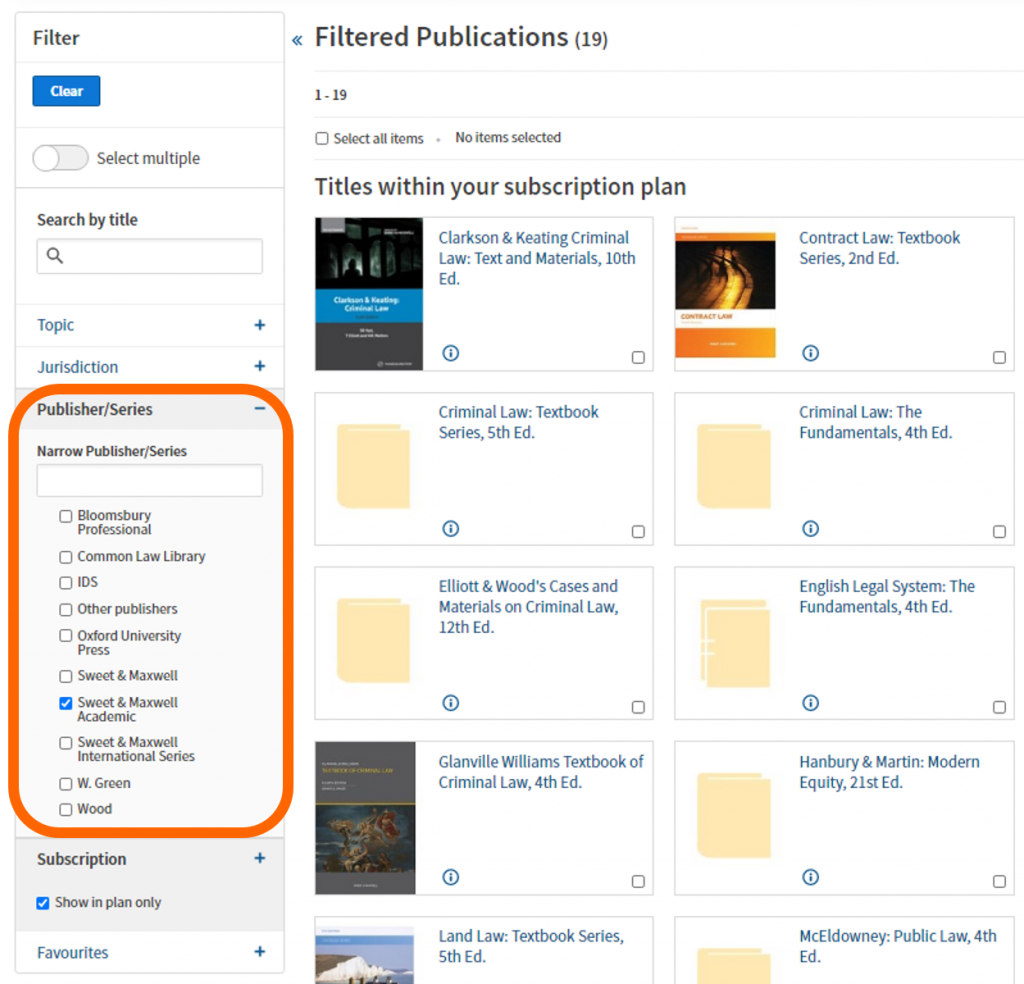
You can browse through the 350+ titles included in the Library’s subscription plan, but if you know the book you are looking for, search by a title keyword, e.g. criminal.
If you want to browse those student-focused books, use the filters on the left-hand side of the screen. Scroll down and select ‘Sweet & Maxwell Academic’ in the Publisher/Series filter section.
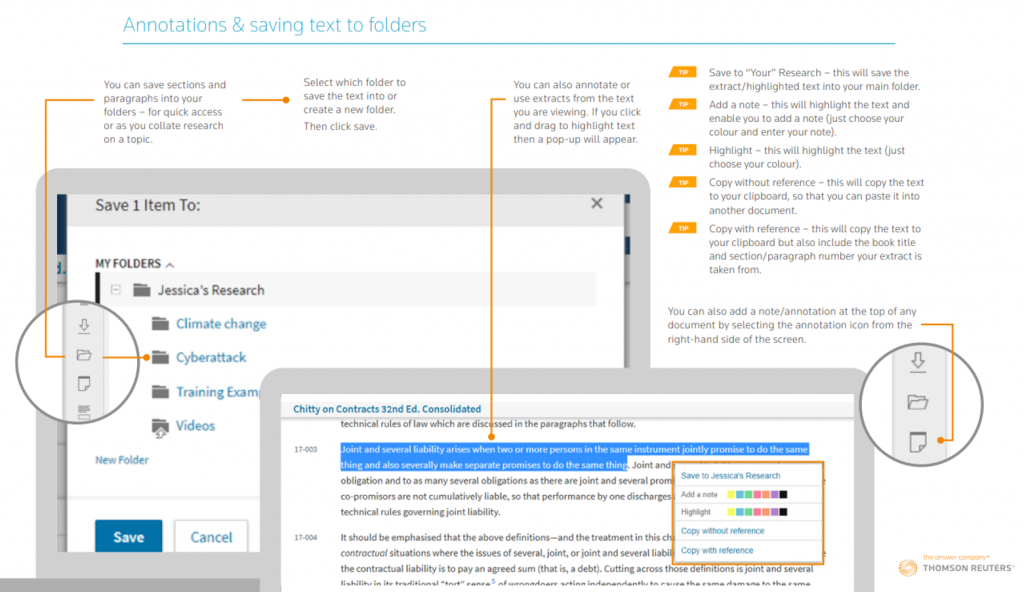
This short Thomson Reuters video (1:56 mins) gives tips on using Westlaw Books effectively in locating bibliographic information (essential for referencing these titles in your work), searching the materials using keywords, saving your favourite titles for repeated use, and how to email, print, download, save into a Westlaw folder or simply view the material on the screen (in reading-mode too).
If you’re not a fan of videos and want a handy guide to download or print, then this Westlaw Books PDF will help.
If you have any comments or questions about Westlaw Books, or any other library resource, please contact libraryhelp@ncl.ac.uk or leave your comments here.
Containing over 520 volumes of Latin and Greek poetry, drama, oratory, history, philosophy and more, the Loeb Classical Library is a key resource for those studying the ancient Greek and Roman world. The side-by-side layout of the ancient text and English translation makes the literature accessible to readers and can be especially helpful to those new to the study of ancient Greek or Latin.
The online Library presents tools that allow readers to explore the texts at various levels, via browsing, searching, annotating, and sharing content. The online works include the same content, page, and volume numbers as their print counterparts so you can easily switch between the two or share ideas related to certain passages or pages.
Loeb volumes
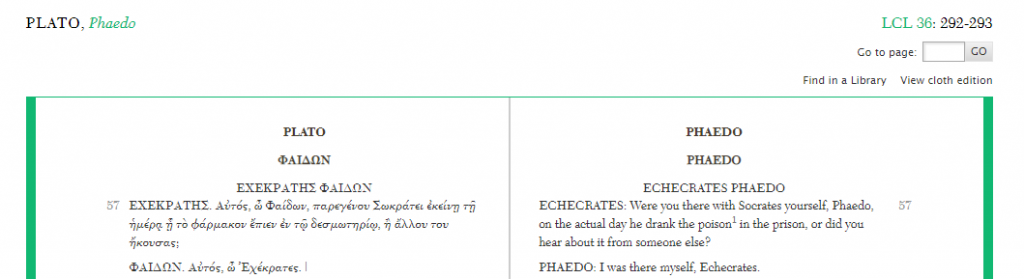
For each volume in the Library, you’ll find an introductory page containing useful information on the author, some details of the Loeb edition, a bibliographic reference for the text as well as a table of contents that you can use to navigate through the online work. You can access this page at any time by clicking on the LCL number located above the right hand page.
In the text itself, the left (verso) page contains the original Greek/Latin language, while the right (recto) presents the English translation. Tools along the bottom of the page allow you to hide either the left or right pages as needed. The tool bar also includes options for searching within the work or printing sections of the text. Further options to bookmark pages, highlight and annotate text, and organise or share your annotations with others, are also available in the toolbar but require you to create a free My Loeb account.
Browsing the Library
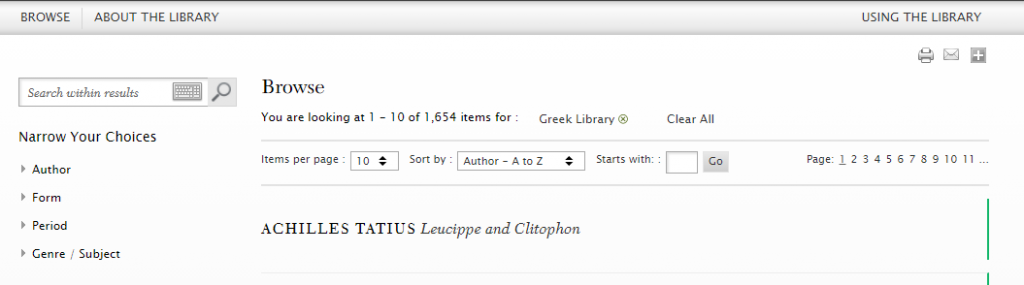
The browse option allows you to scan the Loeb Library by author name, Greek or Latin works, and Loeb volume number.
When browsing Greek or Latin works, you’re given further filter options so you can narrow your search by author, form (poetry or prose), time period, and genre/subject. These options can be particularly useful if you are interested in certain themes presented in the ancient world across specific time periods.
Searching the Library
The search box at the top right of the page allows you to do a quick search for titles, authors, keywords or phrases.
Alternatively, advanced search allows you to be more specific, searching for terms within introductions, bibliographies, or indexes. You can also limit your search to verso or recto to focus on the Greek/Latin text or the English translations. All search boxes provide you with a Greek keyboard to simplify searching for keywords in the original language.
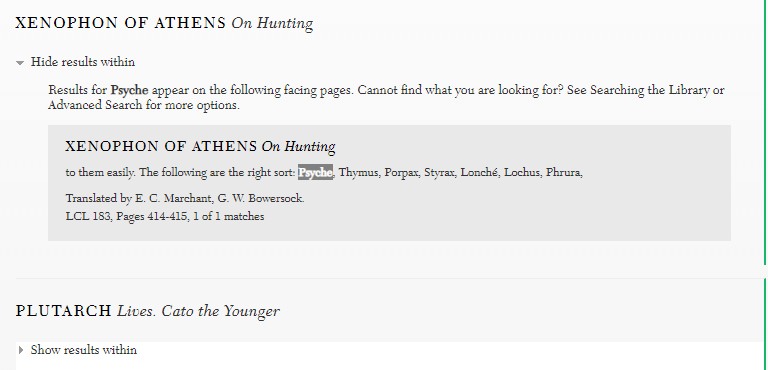
As within browse, the search results allow you to filter records further by language, author, period, or genre. If you’ve searched for a specific keyword, clicking on ‘Show results within’ allows you to browse instances of the word appearing within a text from the results page.
Find out more
For more help, visit the Using the Library link at the top right of the Loeb Library page. Here you’ll find further advice on using tools within My Loeb, how to search and how to cite volumes from the Library.
You can find out more about key features and take a quick visual tour of the digital Library via the Loeb Classical Library website.
The Bibliography of British and Irish History (BBIH) is a database of over 600,000 records about British and Irish history from 55BC to the present day. It indexes publications from the early 1900s to the present, including journal articles, books, book chapters and theses, making it an indispensable resource for finding secondary literature. It’s updated three times a year, and is curated by historians, so it’s a very high quality, well-organised database.
Searching
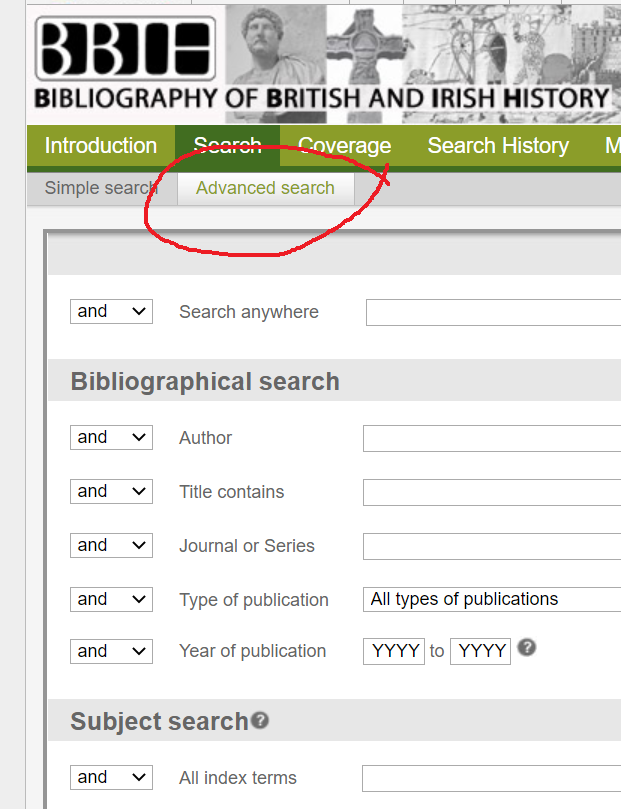
You can search it in various ways, including by subject, author, place and date. Choose Advanced search to get the full range of options, including browsing a subject ‘tree’ (or index) to help you select appropriate search terms, and broaden or narrow your search.
Finding the full text
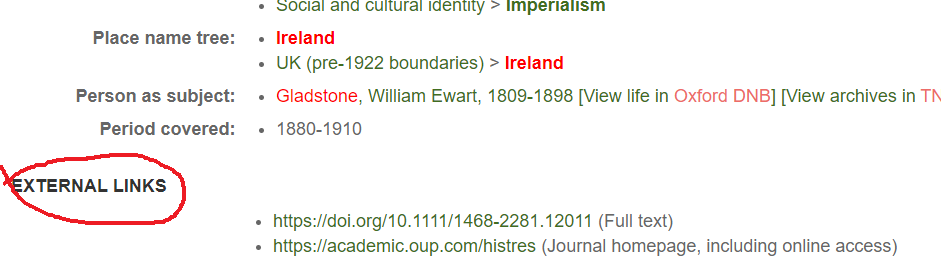
Your records will link to the full text article at Newcastle University Library if we have access to it. Just click to display the details of a record, and the full text links will be at the bottom of the record in an external links section.
If we don’t have access to the full text of an article, there won’t be an external links section. Please note that if the item you want is a book or book chapter, BBIH won’t link to it automatically, so you’ll need to search for the book separately in Library Search.
You can export records in various ways to create your own bibliography: just click on Export at the top of the screen to see the options.
Need more help?
BBIH has recently released a really helpful set of short videos and guides, aimed at first and second year students; students doing a dissertation or thesis, and lecturers.
Get the latest news about BBIH, including content updates and features, via its blog.