Harvard at Newcastle is the most frequently used
referencing style and if your school does not have a preferred style, it is the
one that we would recommend. This is because there is the most comprehensive
guidance available for Harvard and it is a style that can manage referencing
all types of information. Whether you are referencing a book, news
article, Instagram or market research, the Harvard at Newcastle style has got
you covered.
There are many
variations of Harvard but the one used at Newcastle can be found in Cite Them Right. Harvard uses an in-text citation (Millican, 2018, p.12)
inserted in the text, coupled with a reference list at the end of the document,
which provides the key. Cite Them Right is available as a published book to borrow from the
library and Cite Them Right Online provides the same comprehensive
guidance in a searchable interface that can be accessed anywhere online. It
includes guidance about how to reference just about every type of information
you can think of, including the more tricky online sources such as social
media.
You will find the Harvard at Newcastle style in EndNote on campus PCs and through the RAS, and are able to download the style from our EndNote guide if you are using it locally on your own device. We’ve also included some useful tips and advice about getting to grips with Harvard on the Academic Skills Kit.
There are lots of different referencing styles, but which one is right for you?
Once you start creating
citations and references, you need to consider referencing styles. There are hundreds of them out there
and each has a slightly different set of rules about how citations and
reference lists should appear in your text.
Most Newcastle University students use the Cite them Right Harvard style, but there is also Vancouver, IEEE, OSCOLA, Chicago, and many more. Your lecturers will expect you to use one specific style and all of your citations and references should conform to that style accurately and consistently; same punctuation, same capitalisation, same everything.
We have lots of help about using some of the popular referencing styles Academic Skills Kit. The Cite Them Right website is also a valuable online resource that will show you how to hit all of the right steps on your way to mastering an individual referencing style.
When walking in the snow we need the right footwear, and to keep warm, a scarf, hat, and gloves are also of great help. By doing so, we are adapting to the environment and using the right tools at the right time for the job at hand.
The same is true when adapting to academic writing where referencing is a key tool.
When you are writing a piece of work and you use someone else’s thoughts, words or ideas, you must reference them. But why do we talk about referencing so much at University, and why is it so important? Why should you bother spending time on ensuring that your references are consistent, accurate and correct?
It all comes down to why we reference in the first place:
To make your contribution clear by showing which words and ideas are yours, and which have come from your reading.
To acknowledge the work of others and to demonstrate how you have built on the knowledge that you’ve gained from your reading.
To ensure that the reader can follow up on your references for themselves.
To avoid being wrongly accused of plagiarism.
Watch our short video to find out a little more about why we should bother with referencing.
A strong research project such as an essay, dissertation or thesis will always be supported by good quality information from a wide range of sources. There are a huge variety of resources available to you and being able to make appropriate choices when selecting materials to include in your project and explain why you have chosen them, is an important academic skill that demonstrates a good awareness of your subject and an ability to think critically about ideas and research.
Of course, not all information resources will be relevant to your particular research. You will have to think about the type of information you need then identify the type of resource that will provide that kind information.
For example:
Books will offer an in-depth overview of popular ideas, theories, and opinions in your subject area and are likely to be broader in scope than a journal article or conference paper.
While a conference paper will often discuss ‘work-in-progress’, and therefore can be an ideal way of finding out about up to date research and ideas.
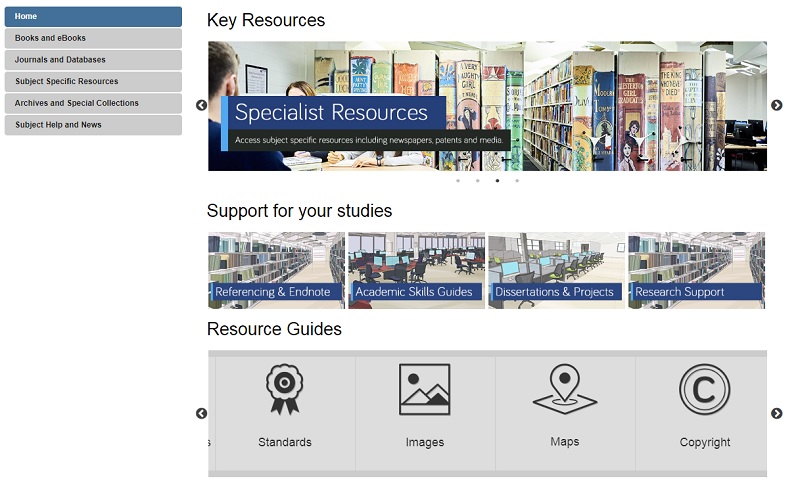
For more information on different resource types, including standards, patents, maps, newspapers and more, take a look at our range of Resource guides.
Your Subject Guide can also help you identify useful sources of information for your research as it contains a carefully curated list of resources that are tailored to your subject area. Here you’ll find useful lists of online reference books, eBook collections and recommended databases for finding relevant journal articles and conference papers. Also, under the Subject Specific Resources tab, you’ll discover a further host of specialised materials relevant to your subject such as audiovisual media, data-sets or professional organisation’s websites.
Depending on your research topic, you might also want to explore the Special Collections tab to see materials held in our Library archives that are relevant to your subject area specifically.
Librarians have been warning people about ‘Fake News’ for many, many, many, many years – how to find and select reliable, authoritative, quality resources is at the heart of any good library teaching session. In a way we librarians have to thank Mr Trump for making Fake News a popular term; he has made everyone aware that there are fake stories out there and that there has been for centuries (see our historical time-line of Fake News).
2019 is NU Library’s third year of promoting awareness of Fake News, and by looking at the large number of visits to our Fake News Guide over these three years (4,672 visits in total), and again thanks to Mr Trump, it’s not something that’s going away anytime soon. So we Librarians will continue our quest of highlighting all information that is fake for the greater good.
Until I went to Librarian’s Fake News conference last year, I hadn’t heard of the terms ‘Filter Bubble’ and ‘Echo Chambers’ in relation to Fake News. However, once explained hopefully it will make you more aware of what information/news stories you read via the likes of Google, Facebook and Twitter, and how they could potentially be fake. So here is the low-down on what these terms mean and how you can avoid falling into their traps; we’ve also offered the alternative view that they’re a load of old nonsense so you can decide for yourselves…
What is a ‘Filter Bubble’?
A Filter Bubble is when you are in a virtual bubble on social media – you only encounter information and opinions that agree with or reinforce your own beliefs. Your ‘personalised’ online experience is the result of algorithms that work away in the background and dictate what you see/read online. Google, Facebook, Pinterest, Netflix, YouTube and many more all do this.
These Filter Bubbles in turn create Echo Chambers…
What are ‘Echo Chambers’?
When information within a closed system online is only giving you (‘echoing’) back your opinion and beliefs and establishing confirmation bias (only accepting information that confirm your own opinion and beliefs).
What are the dangers?
As much as I enjoy Facebook fuelling my love of funny dog videos by suggesting similar videos and articles, being aware of why and how Facebook is doing this helps when it comes to more serious topics such as the news, social issues and politics.
Regarding Fake News, confirmation bias is particularly worrying as you will start believing fake news stories that confirms your opinions and beliefs. I know I have done this, which is really scary to realise.
Watch this short TedTalks video from Eli Pariser on the dangers of Filter Bubbles:
You could argue that this type of ‘personalisation’ is editing the web – only showing you one half of the story. So what can you do to pop the bubble?
What can you do to stop the bubbles and echoes?
There are a few simple things you can do to stop this and open yourselves up to a wider web:
Read news sites, websites and blogs that offer a wide range of perspectives, such as the BBC.
Use Incognito browsing, delete search histories and try and resist the temptation of logging into your accounts every time you go online.
Deleting or blocking browser cookies – these cookies hold the algorithms that determine what we see.
Turn off your curated feed in Facebook.
Click ‘Like’ on everything! – This will tell the AI that you are into everything – all politics, all news etc.
Don’t clink on links, especially politics and social issues – will stop fuelling the algorithms.
Tell everyone else to turn off their curated feed!
Is it all a myth?
Below are a few articles that claim Filter Bubbles and Echo Chambers are myths and that it’s not the technology at fault, but rather the user. I’ll let you decide:
Or maybe you like being in your own little bubble? The safety and comfort in knowing what information you are going to be presented with – nothing that offends or upsets your online world. I know I will carry on being fed humorous dog videos.
There are some interesting thoughts and opinions on the Social Network Bubble – the pros and cons – on this Radio 4 programme:
Farnam Street (2017) How filter bubbles distort reality: everything you need to know. Available at: https://fs.blog/2017/07/filter-bubbles/. (Accessed: 27 March 2019).
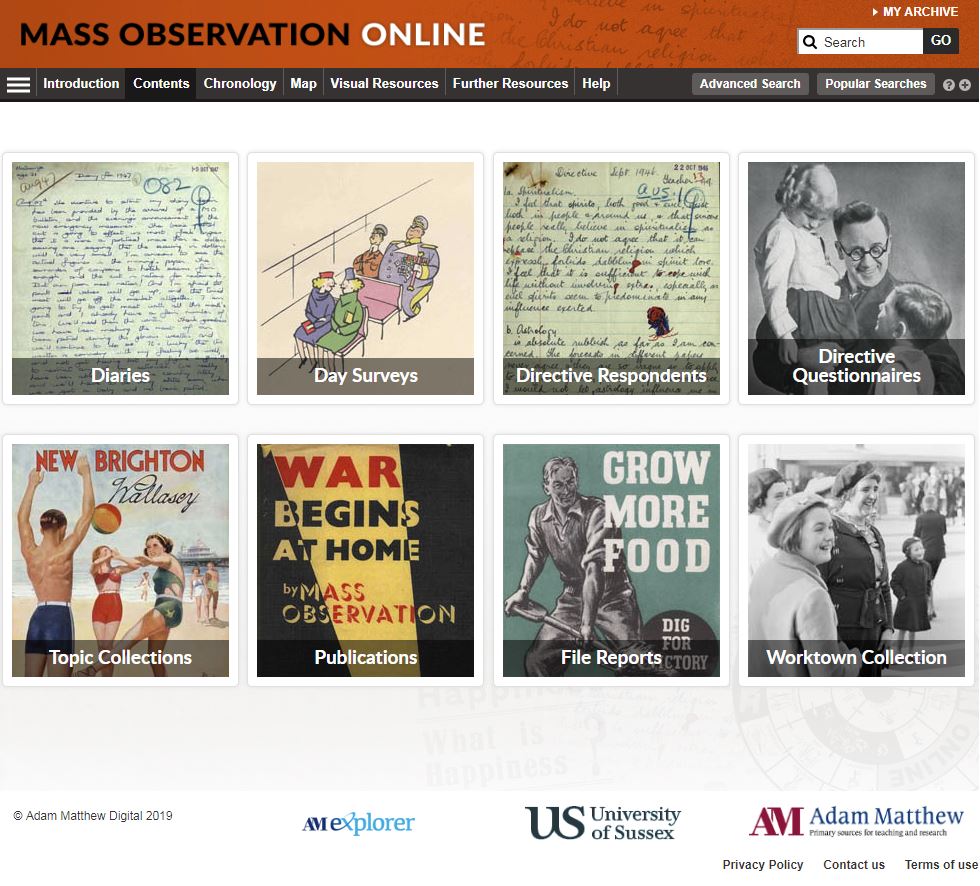
Mass Observation. Wow, sounds intriguing, doesn’t it? It should!
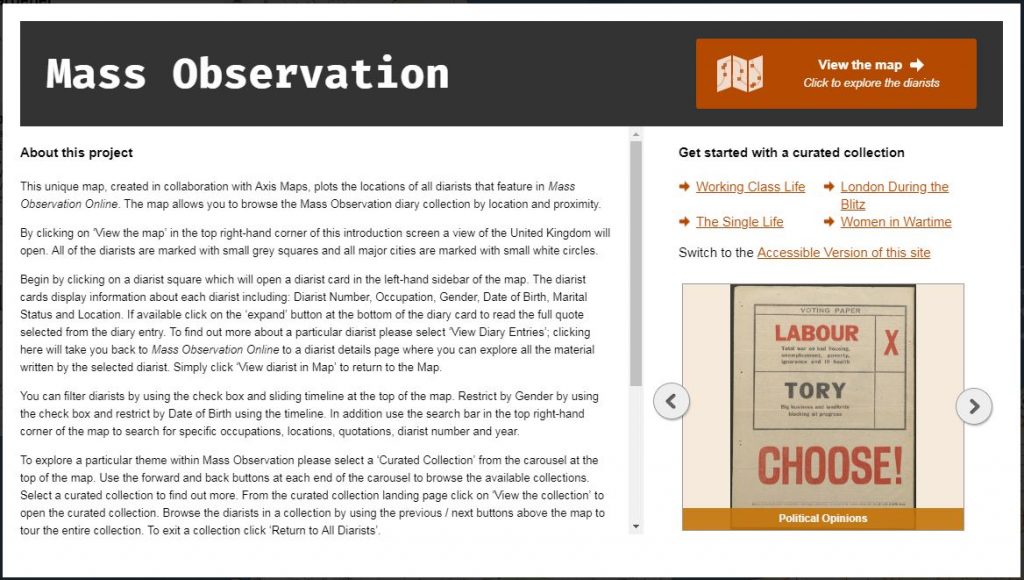
This resource offers revolutionary access to one of the most important archives for the study of Social History in the modern era. You can log in using your Newcastle University Campus ID and password to explore original manuscript and typescript papers created and collected by the Mass Observation organisation, as well as printed publications, diaries, photographs and interactive features dating from 1937 to 1972.
If you’re interested in learning more about the topics currently influencing our lives, it would do no harm to research the social history topics available within Mass Observation such as anti-Semitism, the economy, austerity, education, women at work, religion, mining, news, the Government, smoking, drinking, sexual behaviour, propaganda, unemployment and writing (to name just a few!).
If you want to know more about Mass Observation and to see some samples from the collection, then you could take a look at the Mass Observation Twitter feed, or there is a recorded webinar available for you to watch via YouTube in order to get the best out of the resource.
You already know that referencing is important – it not only gives credit to the original creator of a work you have used but also helps to highlight your skills as a researcher; showing that you have read around your topic, found relevant information, applied it to your arguments and used it to develop your own ideas.
However, when it comes to referencing, all of those punctuation rules, different styles and the vast array of document formats can seem overwhelming. Happily, we’ve got a great resource to help you work out your references in three easy steps!
Cite Them Right:
‘Cite Them Right’ is a fantastic referencing guide that provides clear instructions and examples for how to reference a wide range of documents including books, journals, websites and audio-visual materials. Available as both a physical textbook and an online tool, ‘Cite Them Right’ helps you to format your references correctly using Harvard, American Psychological Association (APA), Modern Humanities Research Association (MHRA), Modern Languages Association (MLA), Oxford Standard for the Citation of Legal Authorities (OSCOLA), Vancouver or Chicago referencing styles.
(Remember to always use the referencing style recommended by your school.)
Three steps to an accurate reference:
Search for the type of document you want to reference on Cite Them Right online using the search box at the top right of the screen or by browsing the drop down menus at the top of the page.
Select the referencing style you need from the drop down menu at the top of the page. This defaults to Harvard (author-date).
Follow the example references given, copying the format to create your own reference in the ‘You Try’ box.
Why not have a go and create a reference for this blog post!
If you need some more advice on how to reference, take a look at our video:
“What would you guess is the most common job?” Michael Lai, Outreach Lead at KGI, asked an audience of students at his Columbia Heights TEDTalk back in 2016. His audience members offer a few suggestions. “Engineer?” “Fast food workers?” After several failed attempts, Michael puts them out of their misery,
“3.5 billion truck drivers in the United’s States” he tells them. “Experts predict that in the next 12-15 years, most of the cars on America’s highways will be self-driving… so what’s going to happen to the most common job?”
The future of the job market – and it’s inherent uncertainty – has been receiving a lot of attention in the international press in recent years, with Universities UK analysis predicting “65% of children entering primary schools today will work in jobs and functions that don’t currently exist.” In previous generations, new graduates could expect to work with the same company for several years, steadily climbing the corporate ladder in a predictable, but reassuring linear way. In the 21st century however, the face of the job market is changing, and once you graduate, you may find yourself looking at a “portfolio career” over traditional career progression – something Facebook COO Sheryl Sandberg described as more akin to a career “jungle gym” than a career ladder.
But what does all this talk of truck-driving and emergent markets mean for you, the UK Graduate? Well, if the gig economy becomes the norm in the next 10 years, one of the key challenges for new graduates will be the perpetual need to upskill yourself, and market your own skill base to different employers. This puts the spotlight on what have traditionally been referred to as “soft” transferable skills that are required across many different roles and sectors – skills such as resilience, team-working and critical thinking. Here at the Library, we’d argue that information and digital literacy falls under this bracket (well of course we would, we’re librarians!). The ability to find and use information and make considered use of digital tools is an important capability in any graduate job. Don’t just take our word for it – we spoke to several students returning from placement who told us their information skills had helped them get ahead.
The good news though is that your degree programme offers you the chance to work on and demonstrate all of these skills. Employers will know that you may not have extensive work experience as a new graduate, but make sure you cherry-pick prime examples from your University work, part –time jobs and any voluntary experience to exemplify the skills employers are looking for (and remember, the Careers service can help you with interview preparation.) Make the most of the workshops and sessions open to during your time at University so you are in a great position to articulate these important skills. For more information on how the Library can help, check out our Employability Guide
References
TEDx Talks (2016) Four Key Skills to Lead the Future. Available at: https://www.youtube.com/watch?v=djHTcES2ATg
Universities UK (2018) Solving future skills challenges. 6th August 2018. Available at: https://www.universitiesuk.ac.uk/policy-and-analysis/reports/Documents/2018/solving-future-skills-challenges.pdf
Depending upon your source, “black literature” can be defined as books and peer-reviewed published journals. This is the familiar material you will source and use through your University Library and its catalogue.
Grey literature is something else entirely. Grey literature is research or material that is not produced by commercial publishers. It may be wholly unpublished or published in a non-commercial form. Think along the lines of industry-related materials, academic publications, government publications and think tank papers.
GreyNet, the Grey Literature Network Service has more detailed information on this vital research resource.
Grey Literature can be unique and an important source of information. There is a range of grey literature you may need to consult to ensure your research is complete. Examples of these materials include:
Working papers
Conference proceedings
Theses and dissertations
Government and official publications, including Green and White Papers, Select Committee papers, legislation
Policy statements
Research reports
Newsletters
Fact sheets
Blogs
Transcripts
Pre-prints and post-prints of articles
Technical reports
Professional guidelines
Patents
Standards
Market research
Data, e.g. Census, economic data, statistics
Most databases, available via your Subject Guide, will allow you to limit your search by document type, including grey literature, which does improve accessibility to this type of material.
Operated by Bielefeld University Library this search engine indexes open access academic literature. The Advanced Search option allows you to search for specific types of grey literature.
Box of Broadcasts provides access to over two million programmes from over 65 TV and radio channels, including most of the UK’s freeview network, all BBC TV and radio content from 2007, and several foreign language channels. You can view archived programmes, record new ones, create clips and playlists and see transcripts. (This resource is not available outside the UK.)
The Institute of Education Digital Education (University of London) Resource Archive (DERA) is a digital archive of all documents published electronically by government and related bodies in the area of education.
Provides access to all 3,530 globally-acclaimed instructional videos produced in 2008 by the United Kingdom’s Department of Education to train and develop teachers’ skills through demonstrations and commentary by teachers, administrators, and other educational experts.
Newcastle University theses are available in the eTheses Repository. Other UK theses may be available via EThOS. There is not one single source for locating non-UK theses. The Guide will give you some starting points.
UK Legislation is freely available online but be aware there may be delays of up to 2 weeks before any updates appear. Use your subscribed databases available via the Law Subject Guide.
The list can go on…
Once you have located your grey literature, do question it using the CRAAP test – currency, relevance, authority, accuracy, purpose. Consider what is publicly available versus a subscribed (or paid for) resource. It may be biased and you should include that assessment in your work.
And finally, don’t forget, not everything is available online!
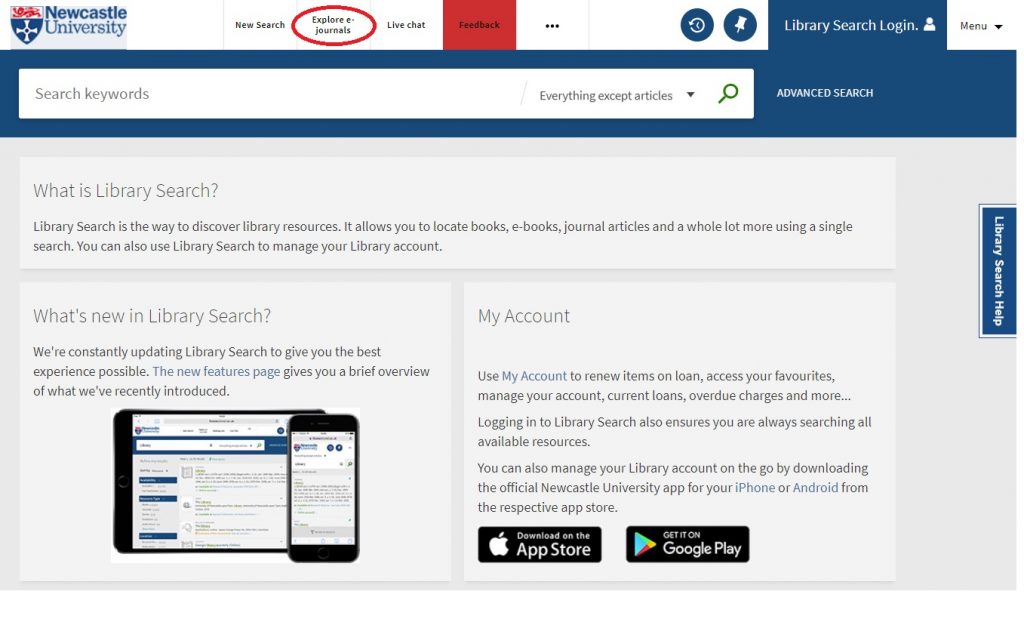
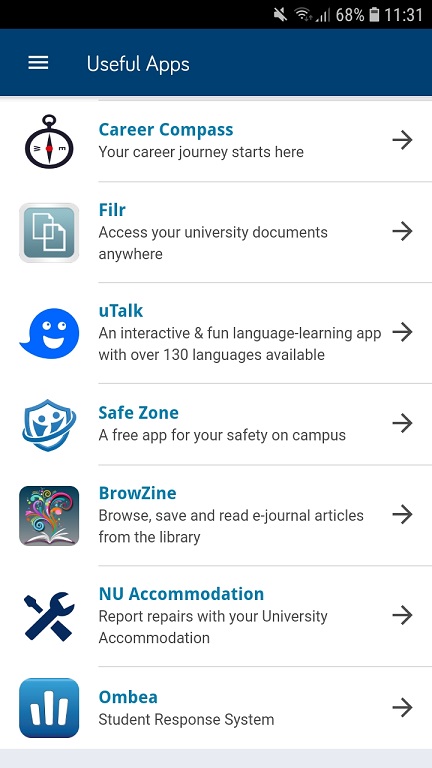
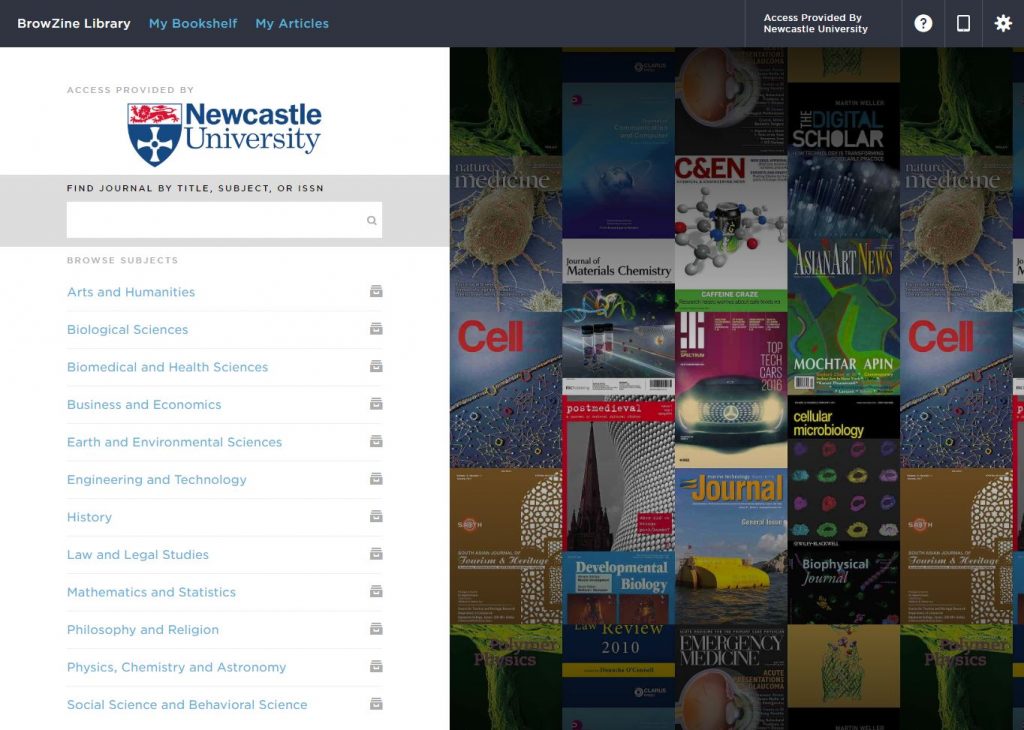
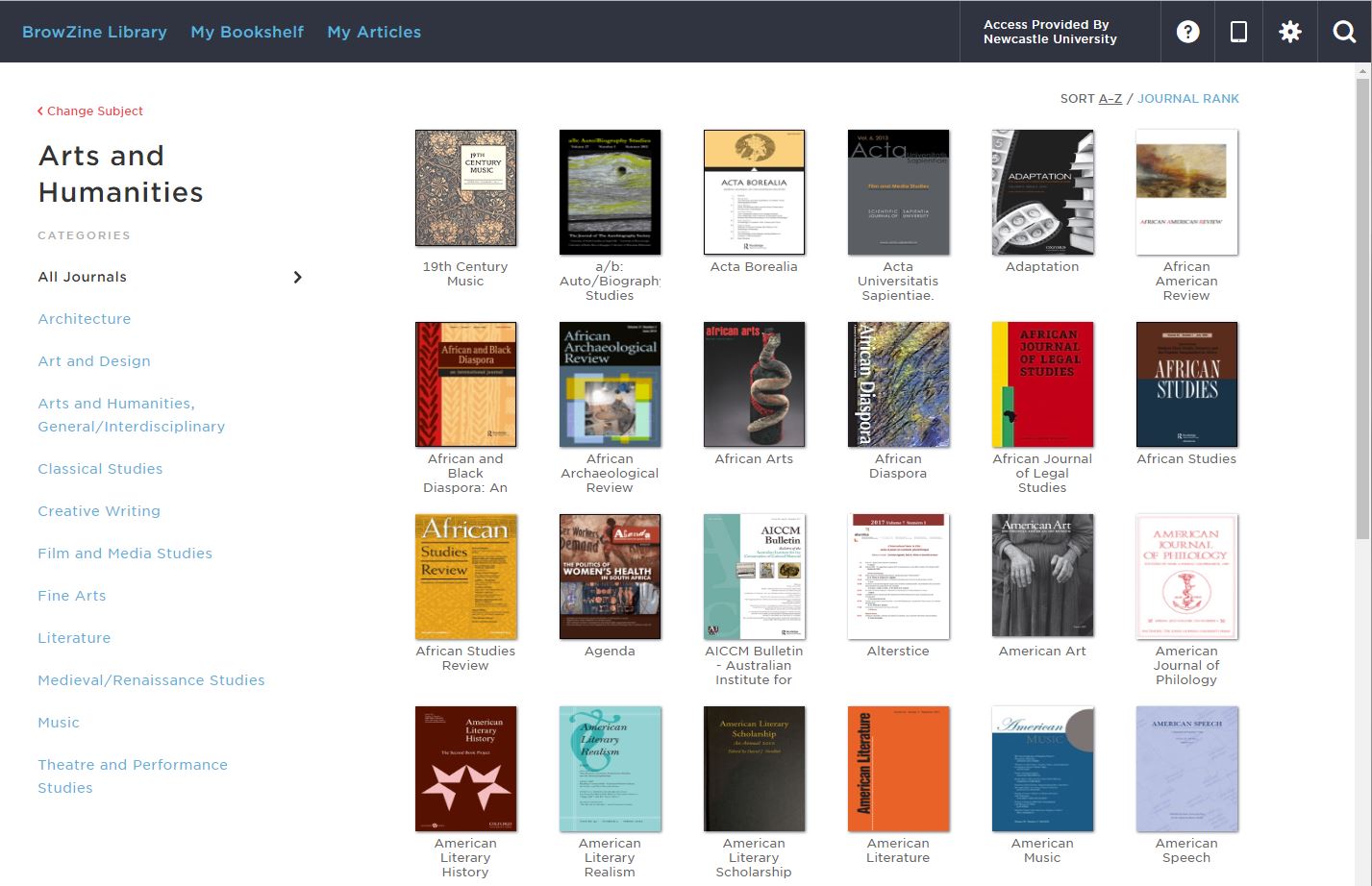
Not sure which journal article you’re looking for? Do it the ‘old school’ way and browse through your favourite journals using BrowZine without having to trek to the library or newsagents to flick through the magazines.
BrowZine is a publisher-neutral reading and discovery platform for eJournals. You can browse complete issues, set up a personal bookshelf of your favourite titles and receive notifications when new issues are released.
Set up your personal account using your University email address and BrowZine will always recognise you as a member of Newcastle University and give you access to the full-text articles it contains.