What is EndNote?
The official blurb on EndNote is that it is “…the industry standard software tool for publishing and managing bibliographies, citations and references.”
Have you drifted off yet? Don’t – read on!
EndNote takes a little getting used to and we recommend you familiarise yourself with it at the start of your research process. But as Library Staff, we wouldn’t spend a significant amount of time demonstrating and training our academic staff and students on what EndNote is, and how to use it, if we didn’t think it was valuable. It will save you a huge amount of time in terms of writing up your assignments.
Essentially, you can use EndNote to create and organise a personal library of resources relevant to your research. You can import references from Library Search, and a huge range of databases such as Scopus, Web of Science, IEEE Xplore and Business Source Complete. You can ask EndNote to locate the full-text PDFs of the resources you are going to use in your research, and you can annotate them as you wish too. Did you know you can instruct Google Scholar to import references into EndNote? No? Try it. Finally, if you already have materials stored in your home folder (H:\) then you can attach them to a manually-created reference within EndNote, bringing all your research together in one place.
In addition to organising your references (and this is the clever bit) you can then get EndNote to ‘talk’ to your word processing software, e.g. Microsoft Word, and insert the citations into your work for you in your chosen referencing style, e.g. Harvard at Newcastle, Vancouver, APA or MLA. If you don’t want to do that, then EndNote will also allow you to create an independent bibliography of your references, saving you an awful lot of typing.
Using EndNote
Intrigued? You should be. Take a look at our EndNote Guide. It contains all the introductory information you need, step-by-step workbooks to train yourself on the use of EndNote (the Desktop and Online versions), videos, useful FAQs, and contacts for help, should you need it.
Finally, Newcastle University provides support for EndNote but it is not compulsory to use. You may prefer Mendeley, Zotero, RefWorks or another piece of bibliographic management software. That’s fine, whatever makes your referencing lives easier. Go on, give them a try.

 Laura-Jayne Beattie, a final year Law School student, takes a look at Box of Broadcasts, and reviews a film she watched using it (a Law Library favourite!).
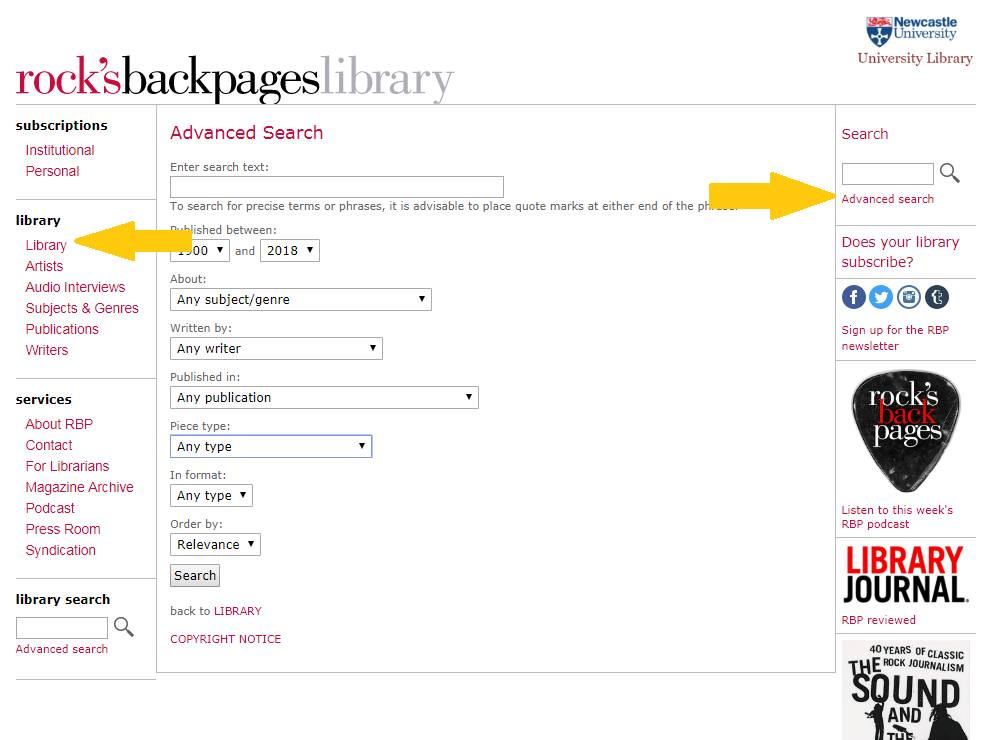
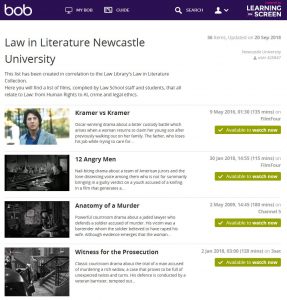 After a few minutes of exploring the website, I decided to choose a film from the ‘Law in Literature Newcastle University’ playlist. To find this, I clicked on the ‘Search’ icon (on the tab across the top) and selected ‘Public Playlists’. I then typed the playlist’s name into the search box. I was surprised at how many titles were available within this collection (all related to Law). I chose to watch ‘Legally Blonde’, a personal favourite of mine but one that I haven’t watched for years.
 Are you preparing a dissertation or project, or will be doing so soon?