Tips for creating your study space

If you’re away from Newcastle over the Winter break you may be studying in unfamiliar or unusual spaces, which can make it more challenging to concentrate or find your motivation. Procrastination may be a struggle and creating a space, both physical and online, in which to be your most productive is something that many of us find challenging. It may not always be possible, but creating a managed space to study in will help. So what are our tips for creating the perfect study space at home?

1. Select your space

If possible, designate a space as your study environment. It may be your room in a shared house, the kitchen table, office, dining room or a spot in the hallway. Wherever you choose, claim it and make it yours in order to reduce distractions from those you live with and to create a studying mindset.

It can be invaluable to have a ‘work space’ which is separate from the rest of your life and spaces in which you relax. Even if this is simply a cheap desk in your bedroom, having a ‘study spot’ which is dedicated to your academic work will help you create structure and routine, and feel in the studying zone. It also makes for less embarrassment when you turn your camera on in Zoom or Teams.

2. Make it comfortable

While it may be tempting to study from your bed (which we’ve all done!), sitting upright will help you stay alert. Not to mention the benefits for your shoulders, back and neck. Start with a desk or table if you can, as it will allow you to make an organised space and leave your hands free to take notes.

It’s also worth thinking about how you can make the space more comfortable by opening a window for fresh air every so often, and the level of natural light you can introduce. Perhaps think about studying earlier in the day so that the natural brightness helps you stay alert and boosts your mood.

3. Tidy space, tidy mind

A cluttered study space can make it more difficult to focus and introduce unwanted distractions. By filing away your notes and de-cluttering your space at the end of a day, you will be able to start the next day fresh and find the learning materials you need.

This goes for your online spaces too. Think about how and where you keep your assignments, notes and any materials you download from Canvas, to ensure you are able to access the materials as you prepare assignments or revise for exams. Set up folders in One Drive that relate to each module or project you are working on and be sure to keep track of any collaborative work, such as projects in Teams. Managing the information you collect as you study and keeping it organised in some way is an essential study skill. Visit the Managing Information Guide for more tips.

4. Gather some stationery

It’s a simple tip, but keep a pen and paper nearby so that you can make quick notes. This might be jotting down an idea or something to remind yourself about at a later date. Many of you will take your notes digitally and may have a tablet you use within your programme, but having a notebook and pen to hand is a valuable backup. If you prefer handwritten notes, make sure you have a good organisational system so that you are able to retrieve the information you need.

You’ll find lots of useful tips around notetaking on the ASK website.

5. Listen to some music

Some of you may find studying in silence works best for you, while others may need a little background noise to block out distractions. Select a soundtrack for your study that helps you concentrate, with a mixture of mood boosting tracks and songs that are a little more mellow and calming. You’ll find lots of readymade study playlists on streaming services, or you could start with our Library Spotify playlists.

6. Switch off your devices

Many of us will recognise our mobile phone as a significant source of distraction and cause of many unproductive minutes. Switch off your mobile phone, log out of social media accounts on your study device and turn off the TV. This will help you create designated study time as well as space. It will also be a step towards introducing breaks in your study routine.

7. Take breaks

Taking regular breaks and walking away from your study space will help you return feeling refreshed. Why not download the iNCLude App? It has been designed to help you take small steps to improve and maintain your wellbeing, by creating positive habits and helping you focus on more than just your academic studies.

One valuable bonus tip from the WDC about taking breaks:

When you break, take a moment to leave a ‘note to future self’ about where you got to or what you were intending to do next.

Student studying with laptop and notebook.

8. Be organised

Learning remotely is challenging when you have to manage your own time and motivation. Being organised and creating your own plan or timetable can help.

When you begin your study session make sure you have everything you need to hand so that you don’t interrupt your flow. You might want to leave your laptop charger nearby!

Visit the Academic Skills Kit for more study and academic skills advice
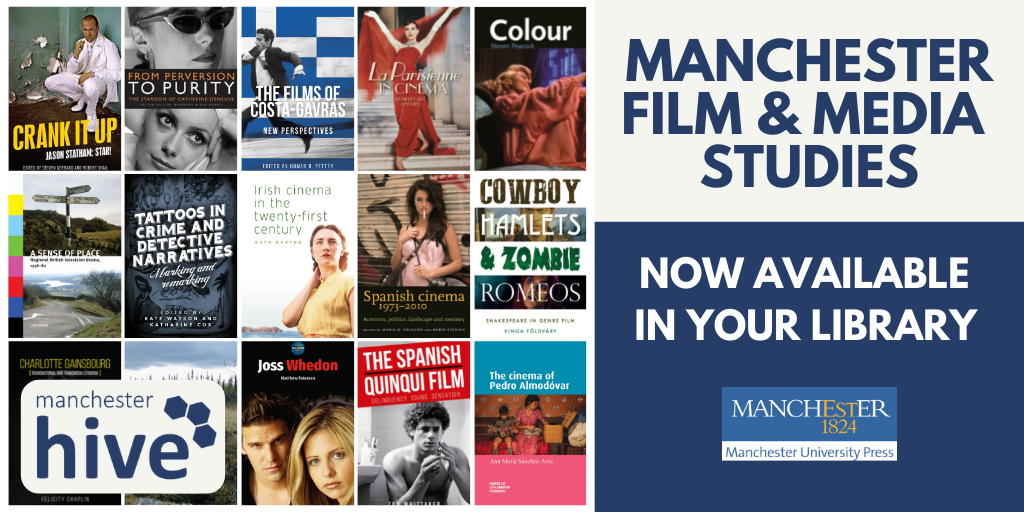
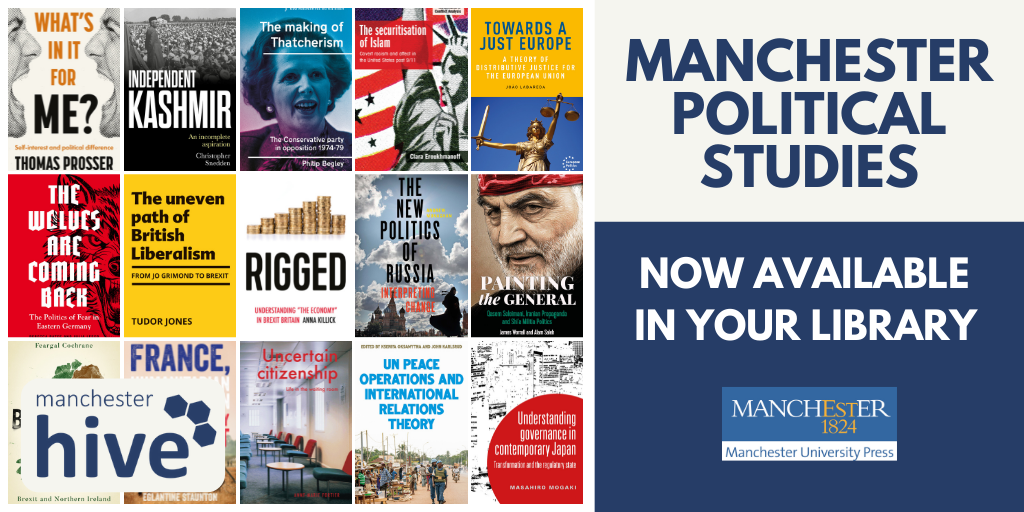
New e-book collections: Bloomsbury and Manchester University Press

We have bought several new e-book collections from Bloomsbury and Manchester University Press, complementing and updating our existing collections from these two publishers.

From Bloomsbury, we have bought new collections in:

architecture

arts and visual culture

classical studies and archaeology

education

history

linguistics

music and sound

politics and international relations

These new modules give us just under 500 new titles in total.


From Manchester University Press, we have bought the latest collections in:

political studies

history of medicine

film and media studies

These give us 136 new titles in total.

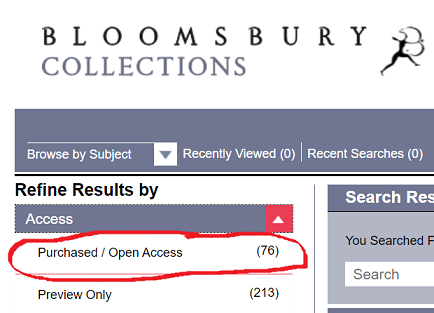
All the titles are individually catalogued on Library Search, or if you prefer, you can browse them from the publishers’ platforms via the links above. NB If you are browsing any of the Bloomsbury subject collections, under Access, tick Purchased/Open Access.

Find UK and international news with Nexis Uni

If you’re looking for UK or international news from the last thirty years or so to today, then make sure you explore Nexis. The Nexis database has recently moved to a new platform (Nexis Uni): we think you’ll find it is easier to search than the old version, and it has some really useful features.

If you’re used to ‘old’ Nexis, don’t worry: the content on Nexis Uni is exactly the same, and you can still use the ‘expert’ search features if you want to.

What does it cover?

Nexis Uni enables you to search over 17,000 news, business and legal sources. This includes most UK national and regional newspapers, together with international sources, including newspapers, newswires and news magazines in multiple languages. Coverage of news titles often dates back to the 1990s and includes today’s news. Coverage is text only, and doesn’t include images, layout, adverts etc.

Nexis Uni also gives access to specialist business information, including dossiers on major UK and international companies, together with specialist legal information.

How to search news on Nexis Uni?

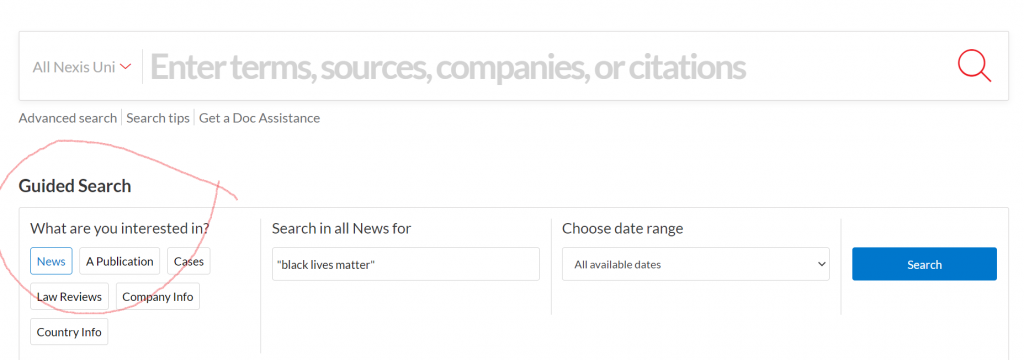
There are various ways to limit your search to newspapers/news sources, but the simplest is to select the News button from the Guided Search section:

Guided Search

Type in your search term (use ” ” if searching for a phrase), select your date range, and click Search.

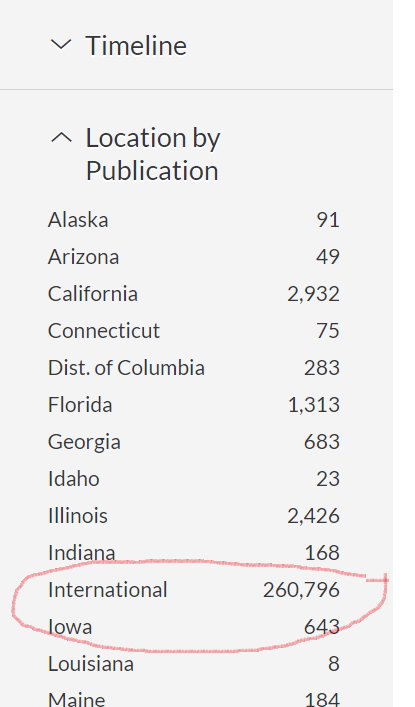
Limit by location of publication

Once your results are displayed, you can then further limit your search by date, publication type, location, language and more.

If you want to search news from a particular country, such as the UK, select Location by Publication >International> and then choose your continent and country.

If you would like to try more complex searching (e.g. searching in a particular section of the newspaper, or combining terms together in various ways), then click on Advanced search from the home page.

There is more detailed guidance about searching in the Nexis help centre.

Searching/browsing a particular newspaper

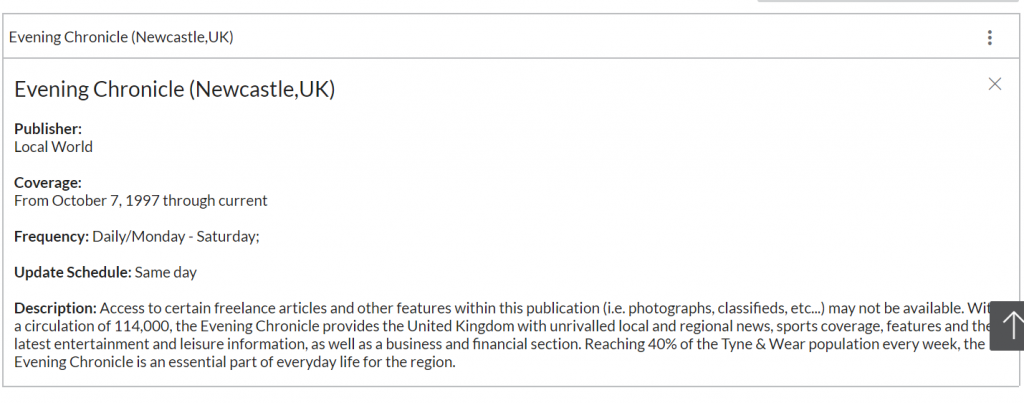
If you want to find a particular newspaper, choose Menu>All Sources, and then type the newspaper’s name in the Search within sources box. Click the three dot menu to get more information about coverage of the newspaper in Nexis Uni (NB ignore the phrase which says Archived source: no longer updated).

You can also use this route to add one or more newspapers as search filters, if you just want to search across certain titles only: to do this, type the newspaper title in the top search box entitled All Nexis Uni.

Personalisation features

If you’re using Nexis Uni regularly, we’d recommend you create a Nexis account, which enables you to set up alerts (click the bell icon at the top of your results listing), save searches, annotate and bookmark items, and share these with others. You can read more about alerts here.

Alert button

Please note: if you had previously set up alerts or saved searches on ‘old’ Nexis, they won’t migrate to Nexis Uni, so you’ll need to set them up again.

Where can I get more help?

Click the large question mark icon at the bottom right of the screen to get to the Nexis Help Centre >Support Resources, which includes videos and short guides.

Should I use Lexis or Nexis for UK news searching?

The ‘news’ section on the Lexis legal database enables you to search UK national and regional (but not international) newspapers. Nexis Uni is produced by the same company, and should have the same UK news coverage as Lexis, though Nexis Uni also includes a wider range of news sources such as broadcast news and news wires. We also think you’ll find the Nexis search and personalisation options are better, and easier to use, so we’d recommend Nexis. However, you might prefer to stick with Lexis if you use it regularly for legal information.

New resource now available: Mass Observation 1980s and 1990s

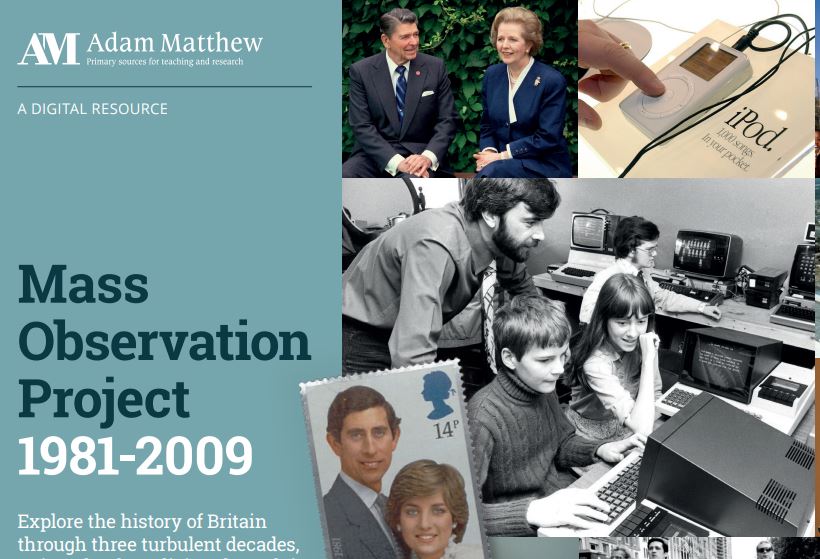
We’re delighted to announce that the Library has now bought the latest instalment of the Mass Observation Online collection, covering the 1980s and 1990s.

About Mass Observation

Mass Observation is a pioneering project which documents the social history of Britain by recruiting volunteers (‘observers’) to write about their lives, experiences and opinions. Still growing, it is one of the most important sources available for qualitative social data in the UK. This latest instalment is a great resource for anyone researching aspects of late twentieth century Britain. It complements our existing access to the original Mass Observation project archive, which covers 1937-1967.

1981-1999 collection

The 1980s and 1990s modules include hundreds of directive (survey) responses from observers on a wide range of issues, covering major political and social themes of the period from Thatcher to Blair, as well as everyday life. There are also photographs, leaflets, and other ephemeral materials, as well as contextual essays and timelines to help you interpret the collection.

Searching and browsing

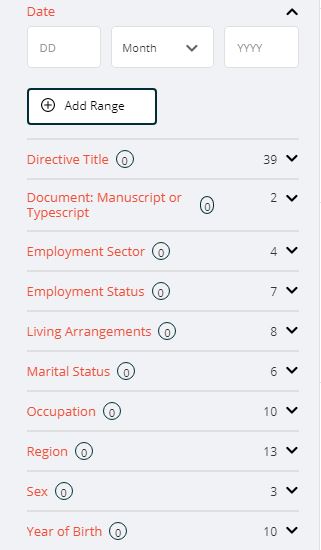
Filtering options

You can browse or search Mass Observation in various ways.

Browse by directive: browse the different directives (surveys), which are arranged chronologically and by topic.

Browse all documents: browse all the individual documents, and then further filter your search as required.

You can also use the Advanced search box at the top of the screen to search for specific topics.

Help

Research tools

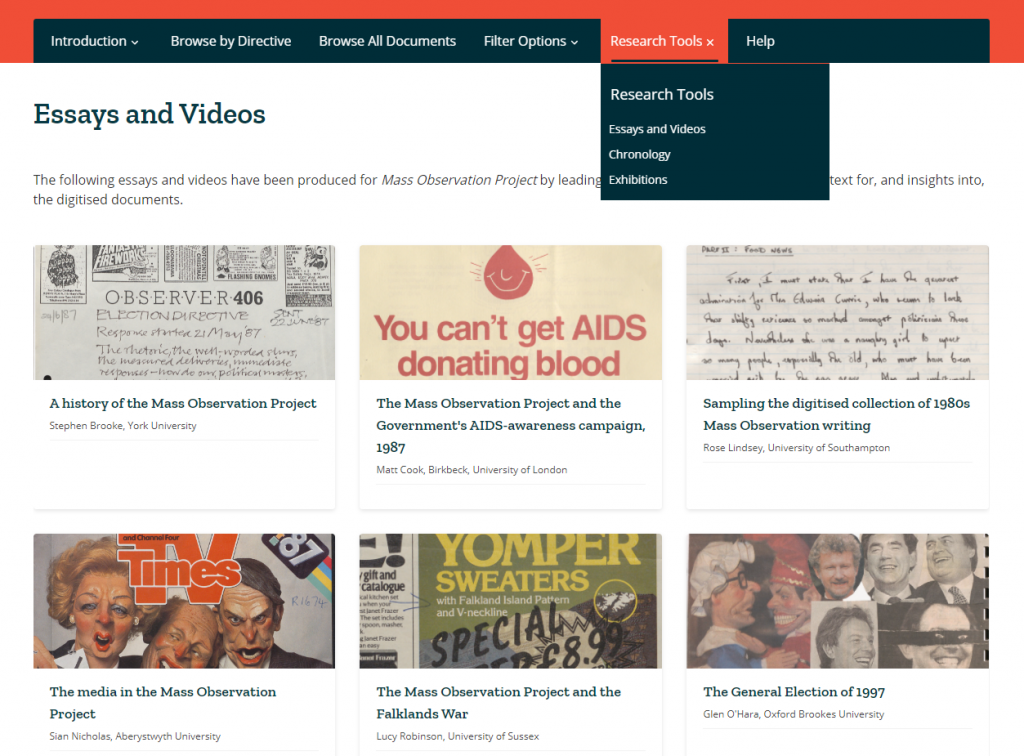
We’d recommend you start by reading through the Introduction (top menu) which explains more about the project and the different document types. If you’re looking for ideas about how to make use of it, take a look at the Research Tools, which includes essays, videos, exhibitions and chronological timelines.

Note that as over half the materials in these collections are handwritten, the database enables Handwritten Text Recognition (HTR) to help you search. We would recommend you read about how HTR works, to help you get the best out of the database, in the Introduction section.

New e-book collection: Oxford World’s Classics

OWC logo

We’re pleased to announce that the Library has bought the new Oxford World’s Classics e-book collection, following a well-received trial earlier this year.

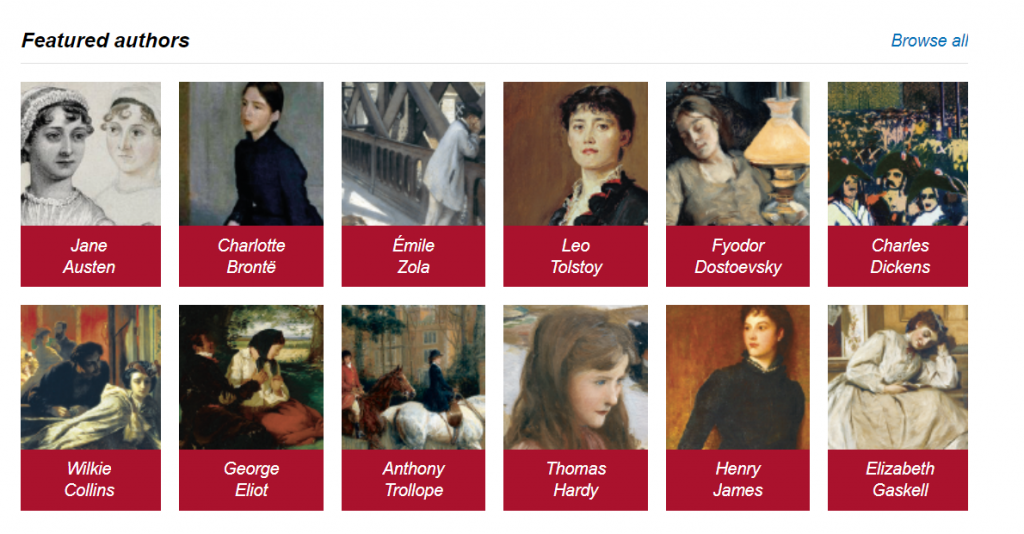
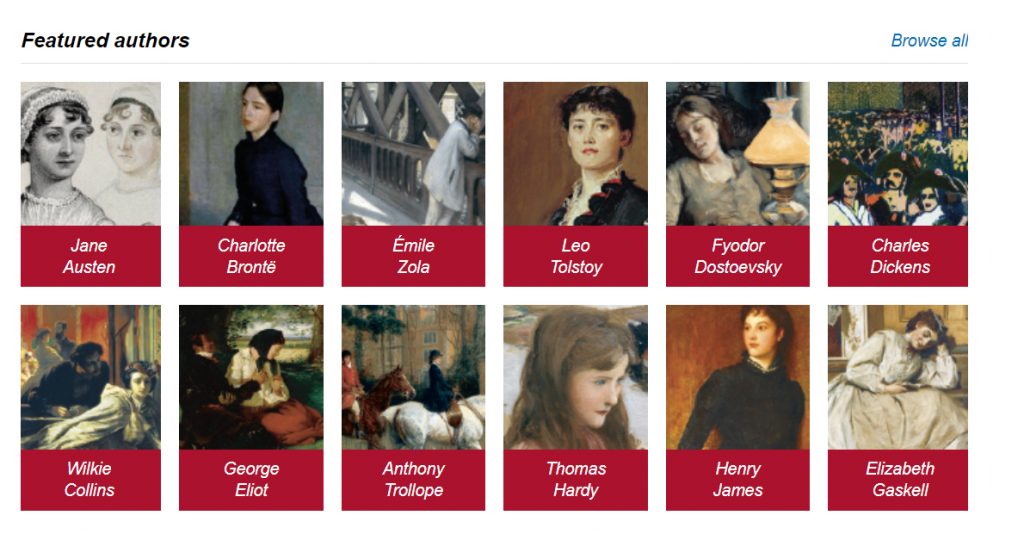
This provides access to 301 novels and other works from the 18th and 19th centuries from around the world, including novels by writers such as Jane Austen, Charles Dickens, Emile Zola and Fyodor Dostoevsky, as well as works such as Charles Darwin’s On The Origin of Species and John Stuart Mill’s On Liberty.

OWC authors

Each work is accompanied by extensive hyperlinked notes, introductions, bibliographies and commentaries. You can browse or search the entire collection in various ways (for example: by author, subject, keyword or time period). Every book in the collection is also individually catalogued on Library Search (here is an example).

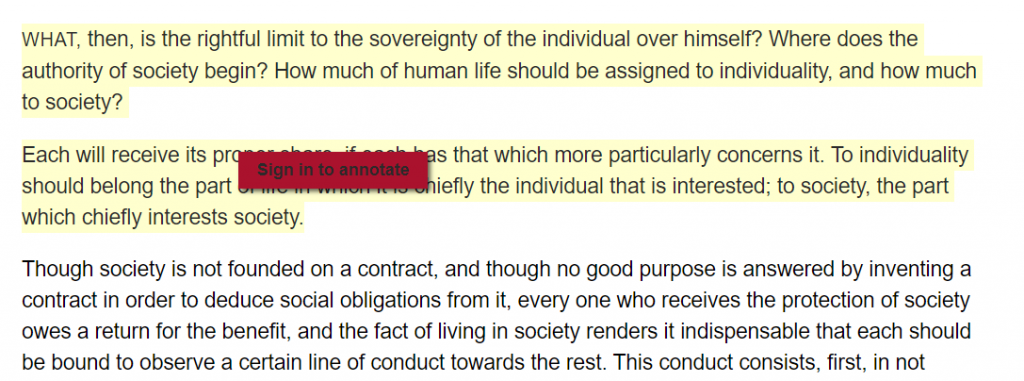
When reading a book, you can highlight text and make and save annotations (you’ll need to create a Personal Profile first).

Text highlight and annotation

Get the latest news and features on this platform from Twitter or via the Oxford World’s Classics blog.

Resource in Focus: The Listener Archive

The Library has access to The Listener Historical Archive for its entire run from 1929-1991.

The Listener was a weekly magazine established by the BBC in 1929 under its director-general, Lord Reith. It was initially developed as the medium for reproducing broadcast talks on the radio, but in later years, television as well, and was the intellectual counterpart to the BBC listings magazine, Radio Times. It is one of the few records and means of accessing the content of many early broadcasts, and also regularly reviewed new books.

The Listener developed a reputation for outstanding writing, with contributions from the major writers, artists, commentators and thinkers of the twentieth century, including E.M. Forster, George Orwell and Virginia Woolf. It’s an invaluable resource for those researching the critical reception of culture in the twentieth century, and the response of the public.

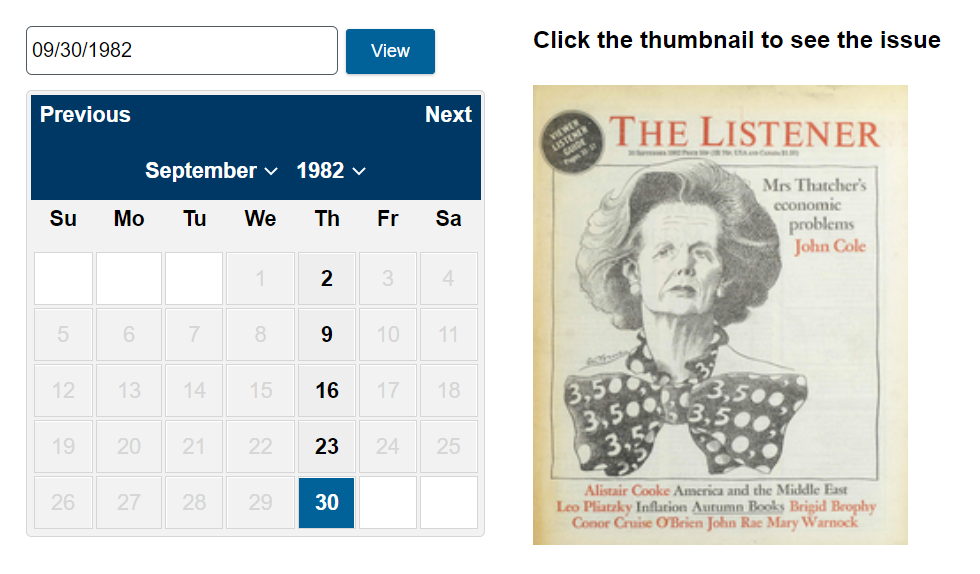
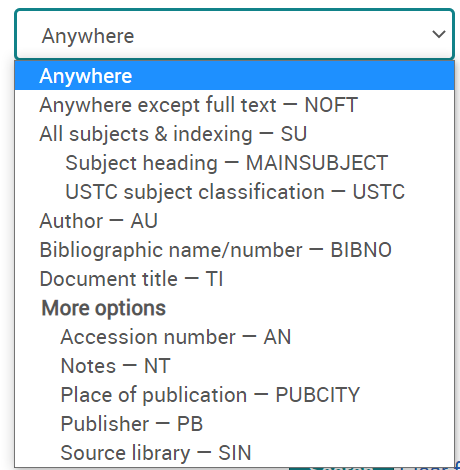
You can browse The Listener by date to find a specific issue, or search in various ways (choose Advanced Search to see all options, including searching by section of the magazine, author or date.)

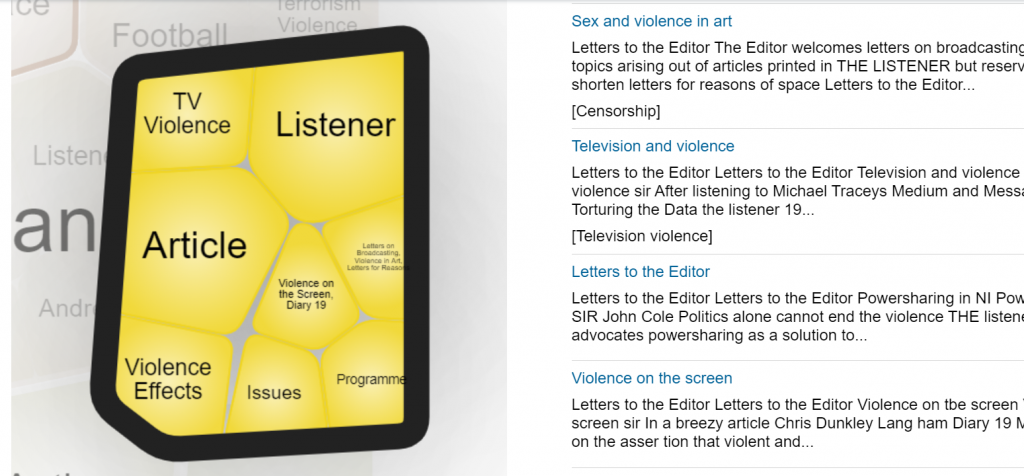
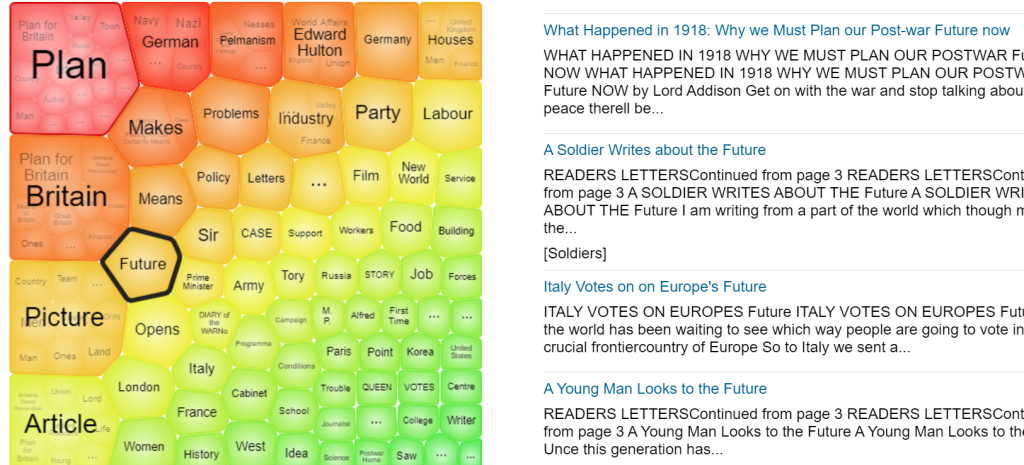
Additional search features on the home page include Term Frequency, to trace how often a word, phrase or person has featured in The Listener over the years, and Topic Finder, to explore and visualise connections between topics.

As the Listener archive is published by the company Gale, you can cross-search it with any of the other Gale archives to which we have access, via Gale Primary Sources.

Resource in Focus: Punch Historical Archive, 1841-1992

The Library has access to the entire digitised archive of Punch from 1841-1992.

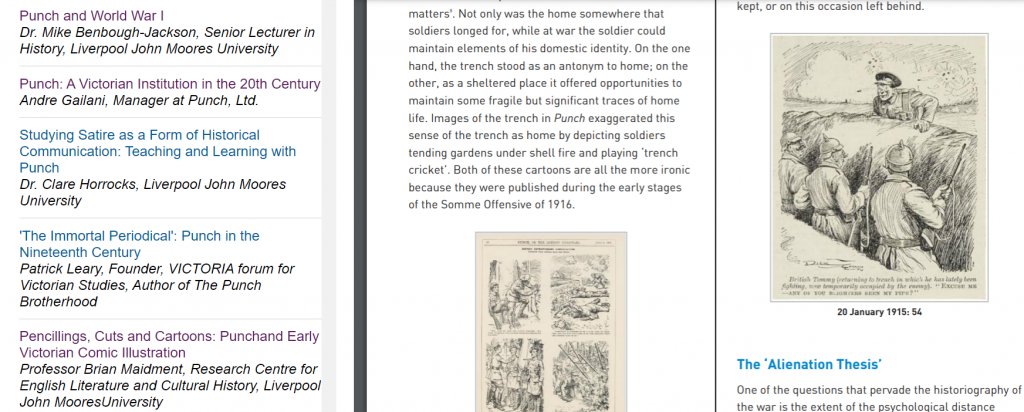
Punch was a famous satirical magazine which played a central role in the formation of British identity, and how the rest of the world saw Britain. This archive covers all volumes of Punch between 1841-1992, including special numbers, prefaces, epilogues, indexes, images and other specially produced material from the bound volumes. It’s an excellent resource for researching nineteenth and twentieth century political and social history, through provocative and entertaining satirical commentary.

To find out more about Punch, click Research Tools to read a selection of essays about different periods of its history.

Menu screenshot

You can browse Punch by date to find a specific issue, or search in various ways (choose Advanced Search to see all options, including searching by section of the magazine, illustration type or date.)

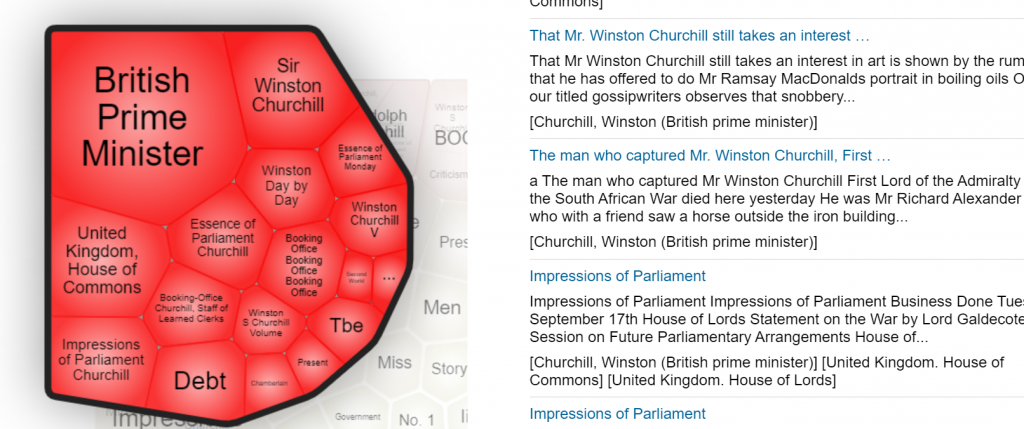
Additional search features on the home page include Term Frequency, to trace how often a word, phrase or person has featured in Punch over the years, and Topic Finder, to explore and visualise connections between topics.

As the Punch archive is published by the company Gale, you can cross-search it with any of the other Gale archives to which we have access, via Gale Primary Sources.

Resource in Focus: Picture Post Historical Archive 1938-1957

We have access to the complete digitised archive of Picture Post from 1938-1957. Picture Post was a British magazine (seen as the British equivalent of Life magazine) which was renowned for its use of photojournalism, in an era before television. It covered social and political issues, as well as providing a visual record of everyday life in Britain during and after World War Two.

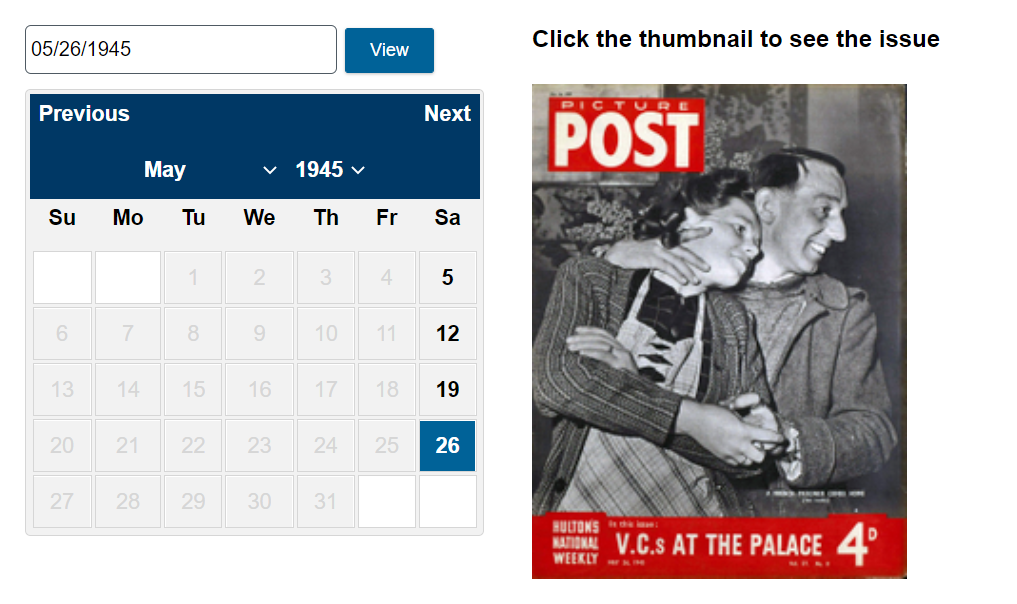
You can browse the full colour archive by date to find a specific issue, or search in various ways (choose Advanced Search to see all options, including searching by section of the magazine, illustration type, or by date.)

Additional search features on the home page include Term Frequency, to trace how often a word, phrase or person featured in Picture Post over the years, and Topic Finder, to explore and visualise connections between topics.

As the Picture Post archive is published by the company Gale, you can cross-search it with any of the other Gale archives to which we have access, via Gale Primary Sources.

How to make an action plan for your studies and achieve your goals

Everyone has goals, be that for lifestyle, health, work or study. These goals give you focus, generate new habits and keep you moving forward in life. However, life is tough, particularly at the moment, so the thought of setting goals can sometimes feel overwhelming. This post will take you through how creating an action plan will help you clarify your goal journey; exploring what your goal is and why you’re setting it, what it will take to achieve, and how you will motivate yourself to reach your destination.

The examples we will focus on will be for study goals, however you can apply this method of goal setting to any aspect of your life.

1. Start with reflection

Before embarking on your shiny new goals, take some time to reflect on your previous goals. Which goals have you successfully achieved? Why were they a success? Is there anything you would do differently this time? Is there a common theme in the goals that you didn’t achieve, such as a lack of purpose?

Ask yourself ‘why’ you are setting this new goal, doing so will help you stay focused and give you meaning and purpose for this potentially challenging journey that you are embarking on.

2. Make them SMART

Your goals need to be SMART:

  • Specific – a specific and focused goal to allow for effective planning
  • Measurable – how will you measure the success of your goal? 
  • Achievable  – a goal that you will realistically accomplish within a time frame
  • Relevant  – a goal that is important and benefits you
  • Time bound – a goal that has a realistic deadline

What is your goal and how can you make it SMART?

EXAMPLE: Your goal is to hand in your dissertation early this summer. This goal, as it is, may feel daunting and unachievable, so how can we make it SMART?

  • Specific – You want to hand in your dissertation two weeks early because you are going on holiday.
  • Measurable – You will set measurable targets daily/weekly, such as X amount of words written by X.
  • Achievable – You have 10 weeks to complete your goal, so you feel it is very attainable if you plan your time carefully (if you only had 2 weeks, you might want to reconsider your goal).
  • Relevant – This goal is very relevant as you need to do well in your dissertation so you can pass your degree, but you also need to complete it early so you can go on your booked holiday.
  • Time bound – You have a clear ideal deadline of two weeks before hand-in.

Use our Goal Setting Template to get you started on your SMART goal:

3. Put your goal into action

An action plan is a flexible checklist or document for the steps or tasks that you need to complete in order to successfully achieve the goal(s) you have set yourself.

This could be written in a notebook, diary or using the Action Plan Template we have created that you can print off and use. It’s important that you get out your pen and actually write your goals down on paper. Research has shown that this will engage the left-hand, logical, side of the brain – basically telling your brain that you mean business!

Use our Action Plan Template to put your SMART goal(s) into action:

4. Plan for obstacles

There are always going to be challenges and events that may disrupt your goal, but instead of letting that obstacle derail you, plan for it.

Look at your study goal and identify what the obstacle(s) will be.

EXAMPLE: You want to submit your dissertation in early, but there’s a big family birthday coming up and a Uni field trip planned. So, get your action plan out and make sure these events are accounted for and plan your studies around them.

5. Check it off

There is nothing more satisfying in life (well apart from popping bubble wrap) than crossing or checking items off a to-do list – it’s that sense of accomplishment, feeling like you are finally getting there, which in turn reduces stress. So remember to break down your goal into small attainable actions and checklists, and for big projects, such as a dissertation or research project, you might have multiple checklists on the go. Just think of the satisfaction you will feel when it’s all done!

6. Reward yourself

This a very personal aspect of goal setting, but an important one.

To boost your motivation we recommend that you choose a reward for all your successful hard work, but select something that’s in relation to the size of the goal – maybe a piece of cake for getting a First Class degree is a bit out of proportion! Add this reward to your action plan and remind yourself of your incentive on a regular basis. It will keep you motivated when you feel like giving up.

EXAMPLE: If you hand-in your dissertation early you will treat yourself to a night out with your friends before you go on holiday.

7. A bit more reflection

You made this goal for a reason – it’s something that you really, REALLY want to achieve, so if your plan isn’t working, change it! Take some time to reflect on what’s working or not working in your action plan, be that daily, weekly, or monthly. Consider – How are you progressing? What changes can you make to bring you closer to your goals? It hard to keep on track when you feel like you aren’t getting anywhere, so are there any quick wins to give you a sense of accomplishment?

EXAMPLE: It’s late at night, you’re tired and struggling to write your dissertation conclusion. Your self-given deadline is in a days time and you are starting to doubt that your goal is achievable – maybe you need to postpone the holiday?

What you need to do is pivot your method – this isn’t working, so what can you change to still achieve your goal? Maybe leave the conclusion for the morning when you feel more awake, but spend the next hour focusing on your reference list so you can tick that off your action plan instead.

Final thoughts

Your SMART goals can be about anything and should be quite simple to plan. There’s lots of help online on using SMART goals, but working your way through the acronym for your particular goal is an excellent start. Don’t forget to use our Goal Setting Template and our Action Plan Template to help keep your goals manageable and reduce that feeling of overwhelm with your studies.

P.S. I had to set myself a SMART goal for writing this blog post and my reward was a very tasty lunch ❤

Finding and using historic books online

Image by Pexels from Pixabay

The Library has access to thousands of contemporary books online, but did you know we also have online access to almost every work published in the English language from the invention of printing in the fifteenth century to the start of the nineteenth century?

Read on to find out about five of our major historic book collections online, and how to get the best out of them.

1. Early English Books Online (EEBO)

EEBO gives access to the full text of almost every book published in the British Isles and British North America between 1470-1700. It contains over 146,000 titles, including literary works, royal and parliamentary documents, ballads, tracts, and sermons, giving a unique insight into the cultural and political life of that period. You can read works by major figures such as Shakespeare, Newton and Galileo, as well as many lesser-known works. EEBO displays digital facsimile images of every page of content, and full text transcription is available for many of the texts.

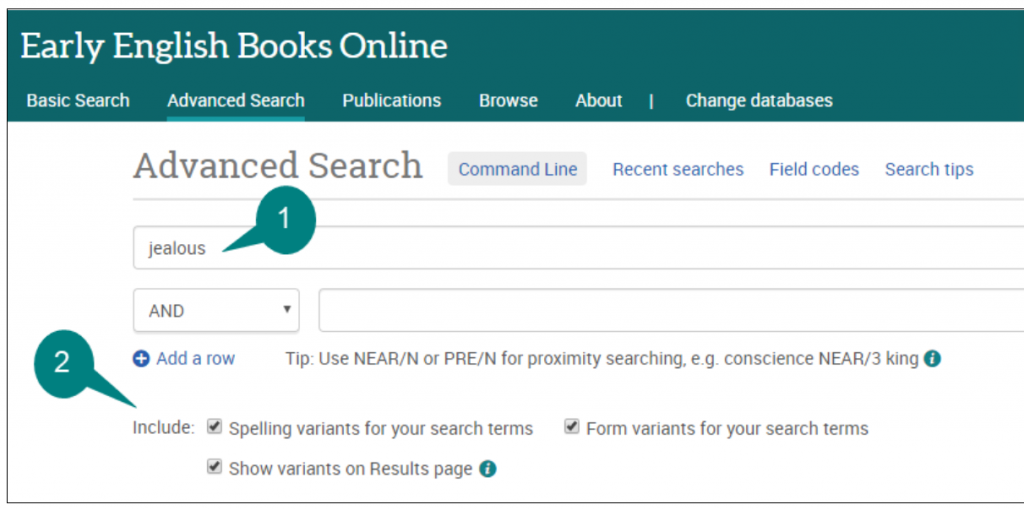
You can search, browse and export from EEBO in various ways, and all the individual works are individually catalogued on Library Search as well. If you are likely to be making frequent use of EEBO, we’d strongly recommend you spend some time exploring this EEBO guide, as it gives tips on key aspects such as searching for spelling variants.

2. Eighteenth Century Collections Online (ECCO)

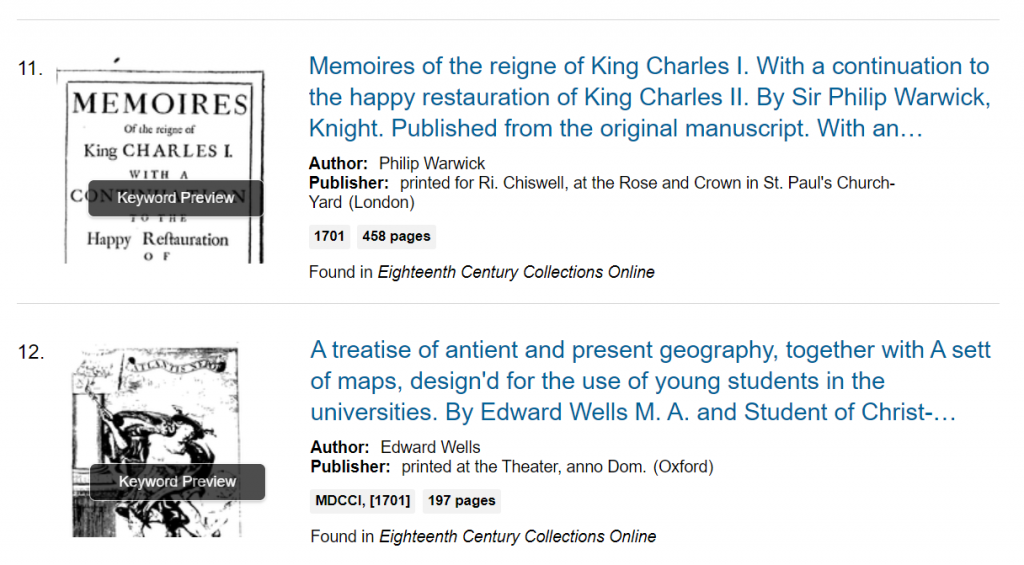
ECCO gives access to the full text of every book printed in the United Kingdom, and territories under British colonial rule, in the eighteenth century. It contains over 180,000 titles, including literary works, royal and government proclamations, schoolbooks and petitions.

As with ECCO, digital facsimile images of every page are provided, and optical character recognition enables full text searching. All items are individually catalogued on Library Search, but we’d recommend searching directly from the ECCO interface to benefit from advanced search options, and special features such as term frequency and topic finder. As ECCO is part of the Gale Primary Sources platform, you can cross-search it along with other Gale resources, such as historic newspapers.

3. Early European Books

The Early European Books collection complements EEBO, and aims to encompass European printed material from circa 1450-1700.

Content comes from major European libraries, and is being added to regularly (we currently have access to over 25,000 titles). Facsimile images scanned directly from the original printed sources are provided, and detailed catalogue records help you search (we recommend choosing Advanced Search to see the full range of options).

These books aren’t individually catalogued on Library Search, so you’ll need to search directly from the Early European Books interface.

4. Oxford Scholarly Editions Online (OSEO)

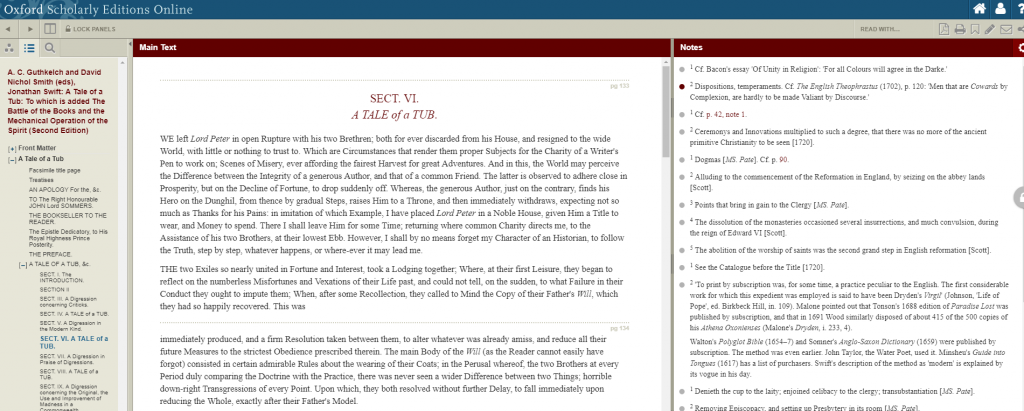
OSEO enables you to explore old works in new ways. It brings together authoritative editions of major works, so you can explore variations between editions, annotations and extensive notes side-by-side with the texts, or you can just read the texts on their own.

We have access to 272 Oxford editions, containing 344 works, including poetry, prose, drama, essays and correspondence, in the following categories: Romantics Prose; Romantics Poetry; 18th Century Drama; 18th Century Prose.

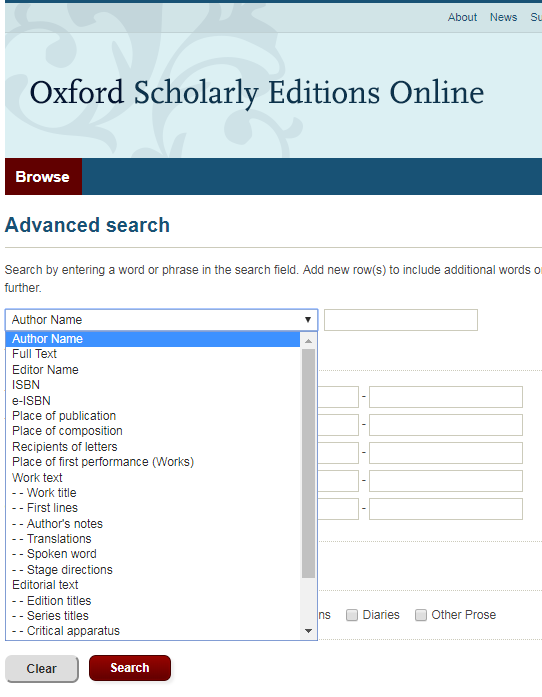
You can browse by work, edition or author, or search in highly specific ways (e.g. just search within notes or stage directions) to pinpoint exactly what you want.

The editions are individually catalogued on Library Search, but we’d recommend searching for works and editions via the OSEO interface itself. If you haven’t used OSEO before, we’d strongly recommend watching this introductory video, so you can understand its potential and how to get the best out of it.

5. Oxford World’s Classics

Stop press! We’ve just bought access to this new online collection of over 300 works from the 18th and 19th centuries. Read our separate blog post to find out all about it.