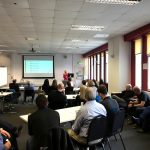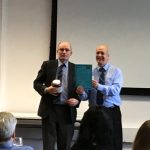
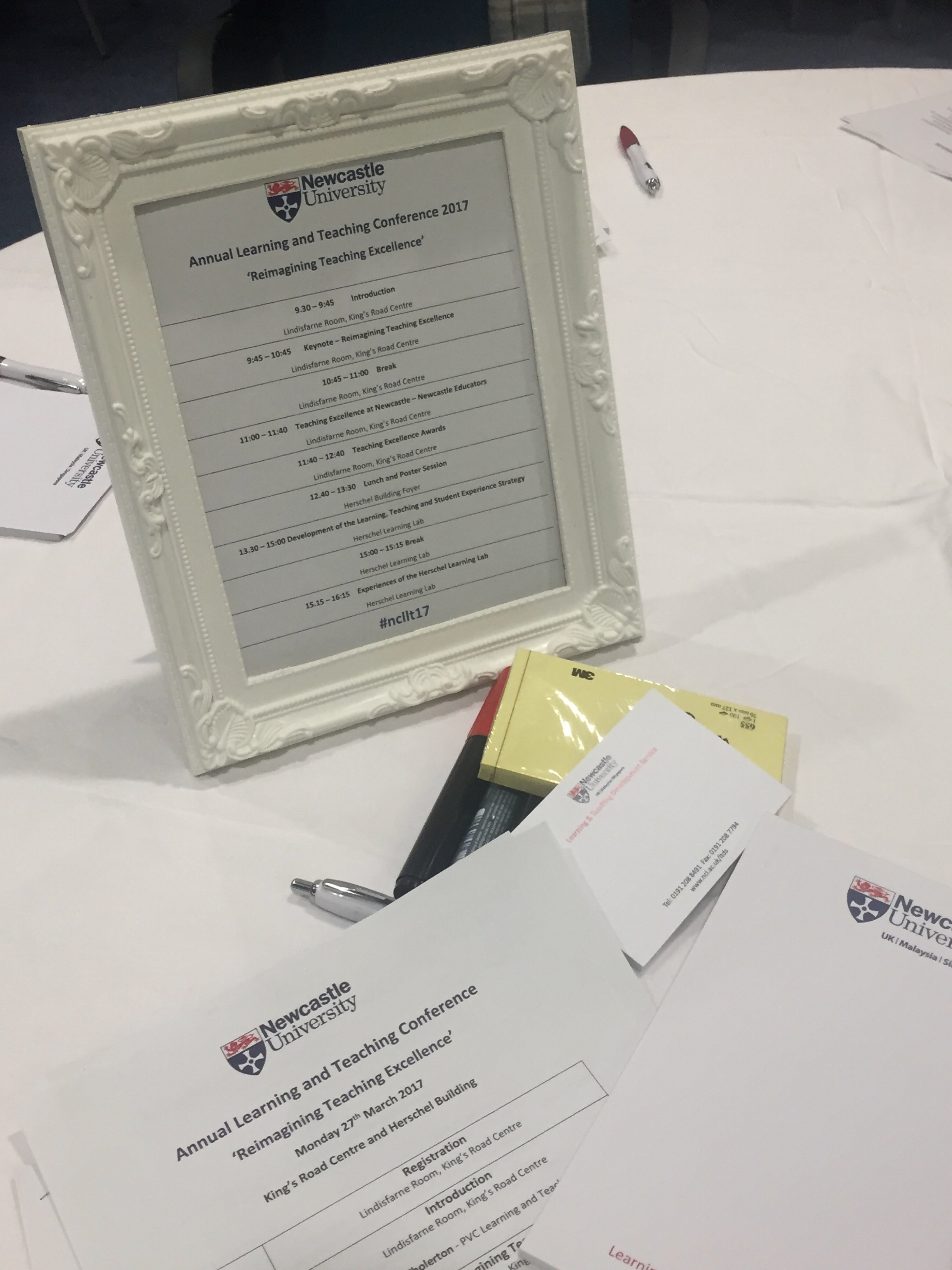
 The annual Learning & Teaching Conference for staff at Newcastle University took place on Monday 27 March 2017. Celebrating learning and teaching at Newcastle University, it was organised by ourselves on behalf of the Pro Vice Chancellor for Learning and Teaching, Professor Suzanne Cholerton.
This year’s theme was Reimagining Teaching Excellence, and the day was spread over two venues: the Lindisfarne Room in the Kings Road Centre and the Herschel Learning Lab, with lunch and an engaging poster session in the foyer of the Herschel Building.
We started with a short introduction from Suzanne Cholerton who thanked everyone for their contributions to making the student learning experience and Newcastle’s teaching reputation so good, before introducing our keynote speaker, Professor Paul Blackmore from the Policy Institute, Kings College London.
Paul spoke eloquently about making curricular changes in higher education institutions and introduced us to examples from all over the world, including Melbourne Arizona State and Hong Kong Universities, whilst provoking questions about how such decisions are made, the associated risks, and how we know whether these interventions have been effective.
He went on to question Biggs’ ideas on constructive alignment, much quoted in educational development, and suggested these ideas were a good servant but a bad master for developing curricula. Asking what the real links are between research and teaching, he moved on to discuss the recent White Paper and the Teaching Excellence Framework (TEF).
He also covered themes around commodity, interdisciplinarity, globalisation and networks. Professor Blackmore’s keynote was well received and set the scene well for challenging what teaching excellence is, and for taking risks when thinking about changing the curriculum.
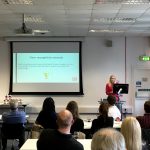
Next, Sara Marsham, JC Penet and Vanessa Armstrong took the stage to talk about teaching excellence and the Newcastle Educators peer educator network. In an interactive session they asked us to share ideas of what teaching excellence is or could be, and made the point that the concept is very culturally bound.
The last session of the morning had everyone scribbling notes furiously as representatives past and present from the Newcastle University Student Union (NUSU) talked about the analysis they had done on the NUSU Teaching Excellence Awards, highlighting some of the report‘s findings. Students at Newcastle value an eclectic mix of learning and teaching approaches including blended learning, flipped classroom, TEL, and collaborative approaches to learning.
Our students see learning as incremental, and appreciate the intellectual generosity of their lecturers, their knowledge and expertise. They like lectures to be a conversation, through use of open discussion and participation in the learning process. This creates an atmosphere where students feel enabled to contribute and speak up, as well as opportunities to talk to staff informally.
The report highlights that what happens before, during and after the lecture are all important. This really highlighted how much students are engaged in thinking about good teaching. They really don’t see academic time as an unlimited, on-demand service.
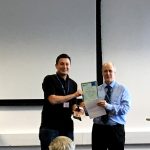
At lunch the poster session took place and the audience was asked to vote for their favourite posters.
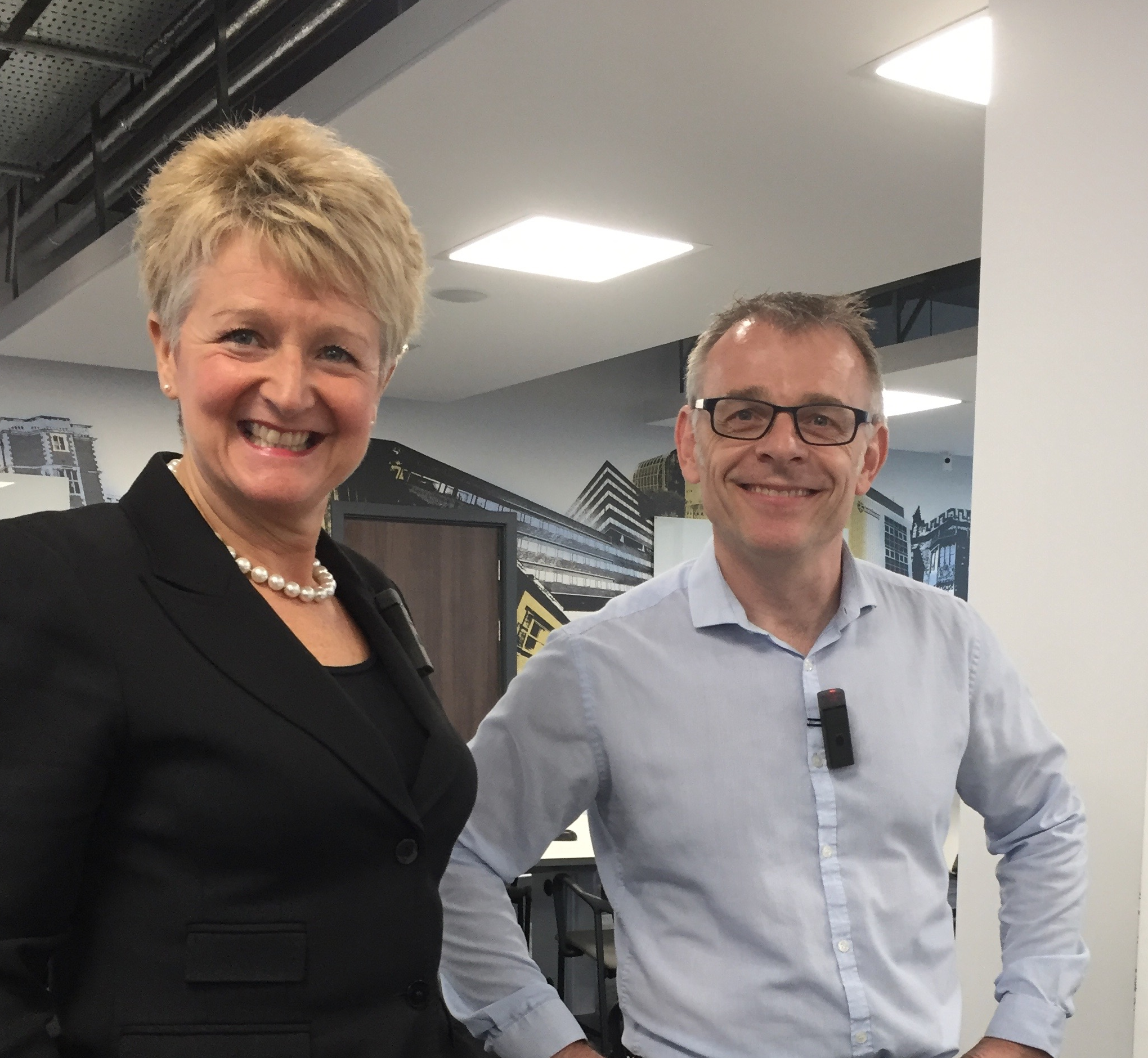
For the afternoon sessions we moved from the Lindisfarne Room to the Herschel Learning Lab. A session using the facilities in the Herschel Learning Lab was facilitated by Craig Smith, who looked at developing the Newcastle University Learning, Teaching and Student Experience Strategy. Attendees contributed their ideas about the key factors that the new strategy should include, collaborating in group and utilising the room’s technology.
 We attempted to use all of the affordances of the Herschel Learning Lab (HLL) in this highly engaging session (not least because of the omnipresence of Tina Turner!). Some colleagues who have successfully used the HLL then showed us how to use it properly.
Ulrike Thomas, Ellen Tullo, TT Arvind, James Stanfield, and Katie Wray were all familiar with the space and outlined how they had successfully used it with some diverse cohorts over very different courses, from all three Faculties. Ulrike reminded us that we can look at learning spaces in the teaching room finder.
TT suggested that planning how you were going to use the technologies in the HLL was essential to success, and by using the affordances of the space, the barriers between teaching and learning could be broken.
Linear and block teaching, group meetings, workshops, society meetings all worked well in the space said Katie Wray, but group work, collaboration using activities, engagement and video all worked particularly well. What worked less well? More than 20 groups, lectern based lectures, and the inflexibility of the space all posed challenges.
The resources from the day are available from the LTDS website. Don’t forget you can find many examples of effective learning and teaching practice on the case studies database.
Please comment on this post, or email ltds@ncl.ac.uk to let us know how we can make next year even better!